How to add number custom field in Trello
Here is how to add number custom field in trello
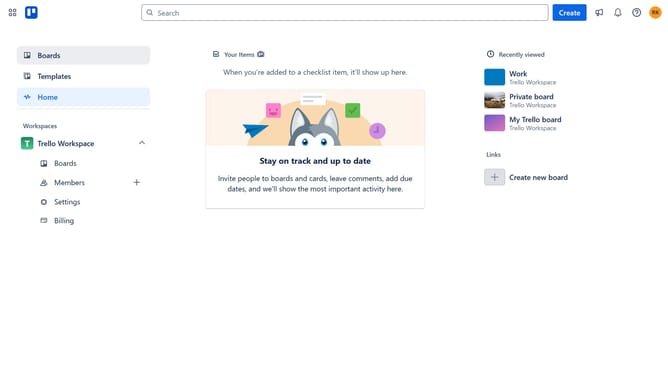
- First click on the "Boards" option in the left sidebar
- Then click on the board tile you want to add the number custom field to from the workspace section
- Click on the "More" menu (three dots) in the top-right corner of the board
- Next click on "Custom Fields" option in the board menu
- Then click on "+ New field" button at the bottom of the Custom Fields panel
- Click on the title input field and enter your desired name for the number custom field
- Click on the "Type" dropdown menu in the New field form
- Select "Number" from the Type dropdown options
- Finally click the "Create" button to create the new custom field
Why should you add number custom field in Trello
Trello is a versatile project management tool designed to enhance teamwork and organization through dynamic boards and lists.
The number custom field feature allows users to add numerical values to cards, offering a clear overview of critical metrics and data.
Using this feature provides clarity and precision in tracking budgets, quantities, or other numerical insights.
It simplifies complex data visualization, facilitating faster decision-making and efficient project management within teams.
Last update