How to add data highlighter power-up in Trello
Here is how to add data highlighter power-up in trello
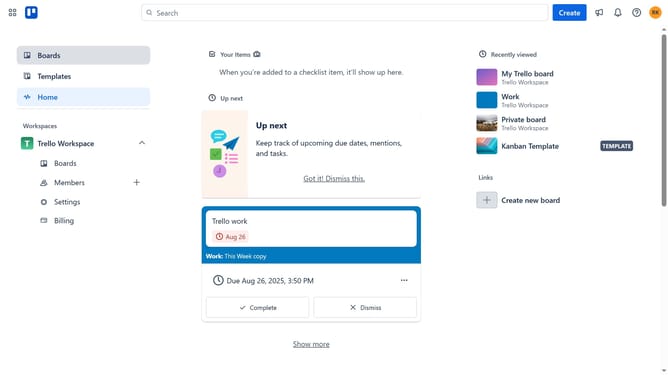
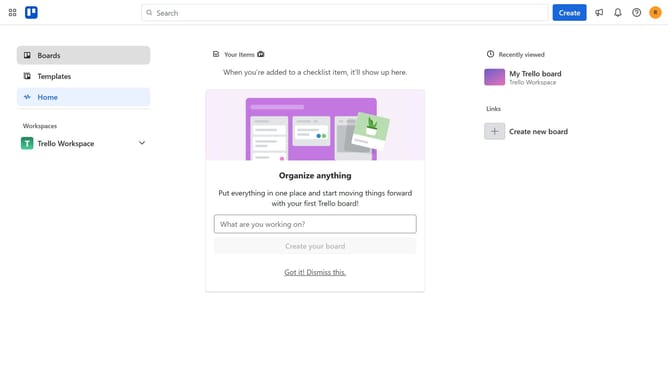
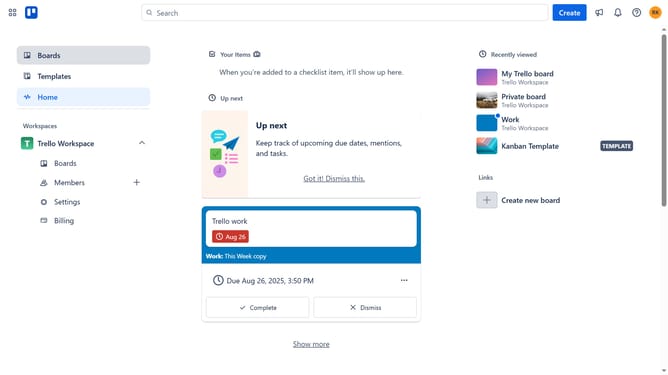
- First click on the "Boards" option in the left sidebar
- Then click a board in the workspace section
- Click on the "more options" menu (three dots) in the top-right corner of the board
- Select "Power-Ups" from the dropdown menu
- Click on "Board utilities" category in the left sidebar of the Power-Ups window
- Click on the "Add" button under the "Data Highlighter" power-up to view its details
- Finally click the "Add" button to install the Data Highlighter power-up
Why should you add data highlighter power-up in Trello
Trello is a versatile project management tool designed to streamline tasks through visual boards and lists.
Adding the data highlighter power-up to Trello introduces an incredible advantage for users seeking enhanced data visibility. This feature allows you to highlight critical data points within your cards, bringing key information to the forefront.
The benefits are clear: better organization, improved task prioritization, and quicker decision-making. By incorporating the data highlighter, teams can effortlessly spot trends, deadlines, or essential notes, ensuring nothing slips through the cracks.
Last update