How to hide card activity log details in Trello
Here is how to hide card activity log details in trello
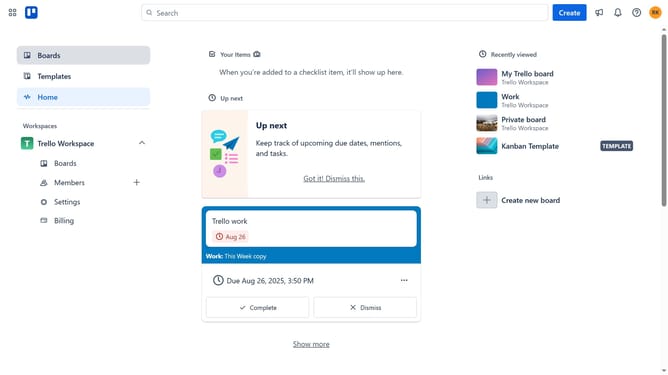
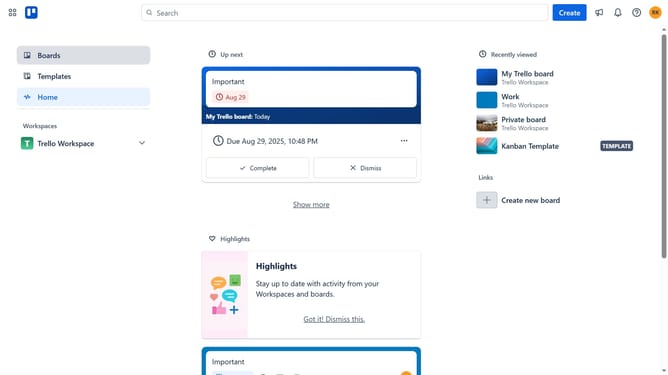
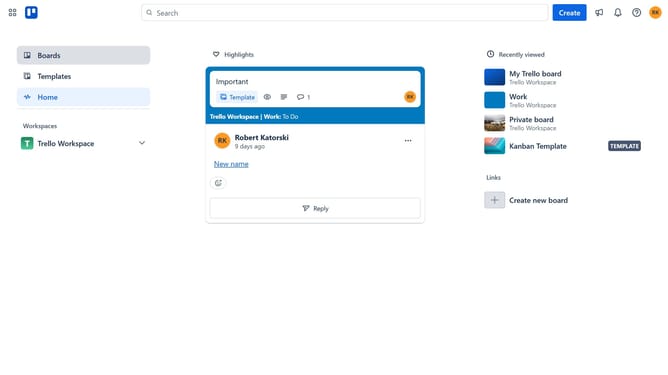
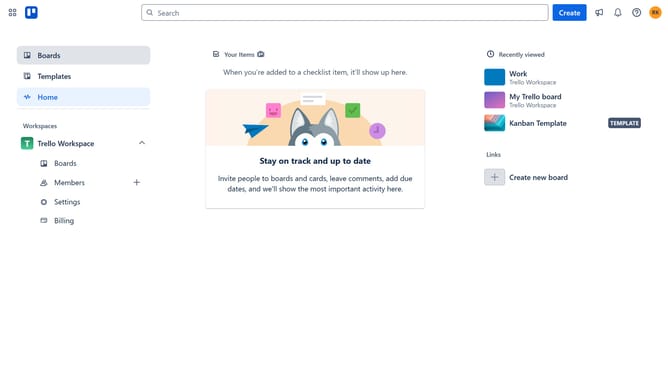
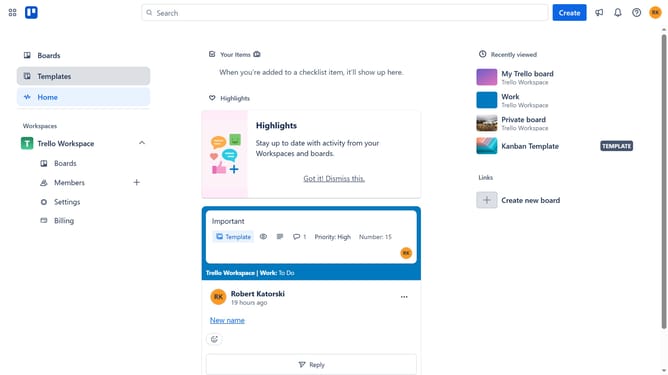
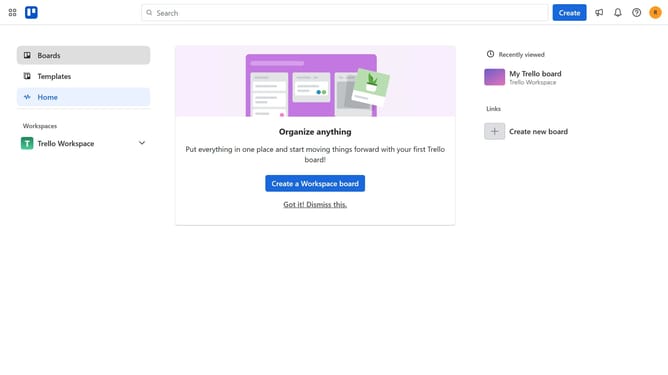
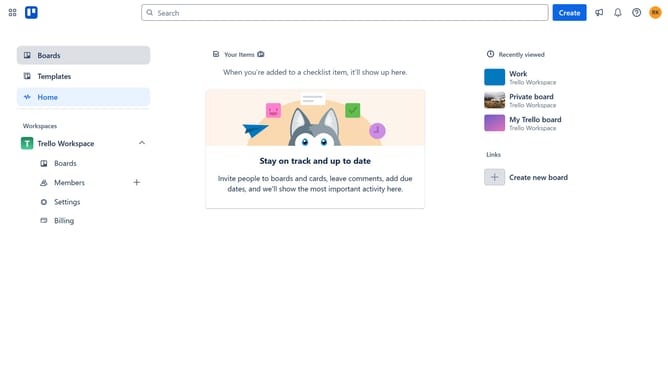
- First click on the "Boards" option in the left sidebar menu
- Then click on the board in the Trello Workspace that contains the card where you want to hide the activity logs
- Next click on the card where you want to hide the activity logs
- Finally click on the "Hide details" button in the card details panel
Why should you hide card activity log details in Trello
Trello is a powerful visual collaboration tool that helps teams organize tasks and workflows efficiently.
One of its valuable features is the ability to hide card activity log details. This feature allows users to streamline their workspaces by focusing only on the most relevant information, reducing clutter and maintaining a tidy view.
Using this feature enhances privacy and keeps sensitive changes discreetly hidden, which is particularly beneficial in team settings where data sensitivity is key. Overall, this feature promotes a harmonious and focused working environment.
Last update