How to sort boards by least recently active in Trello
Here is how to sort boards by least recently active in trello
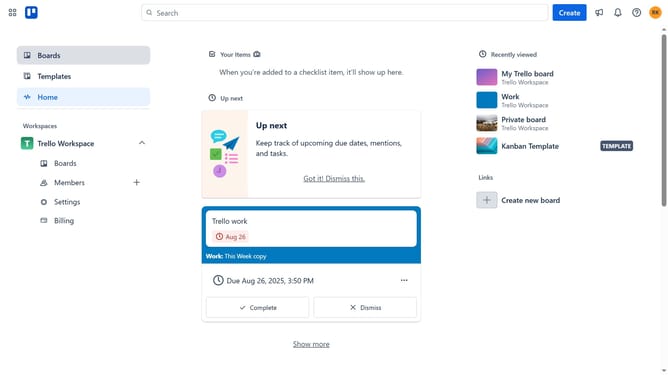
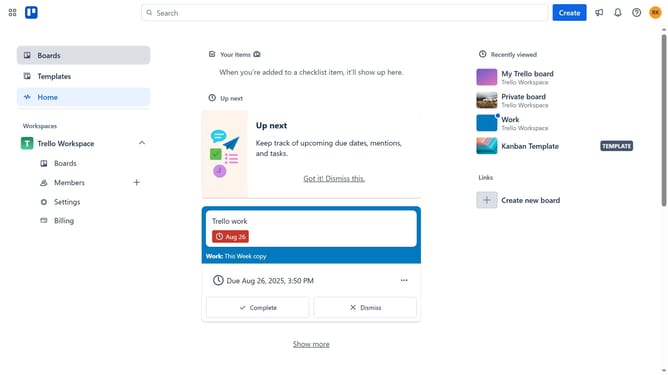
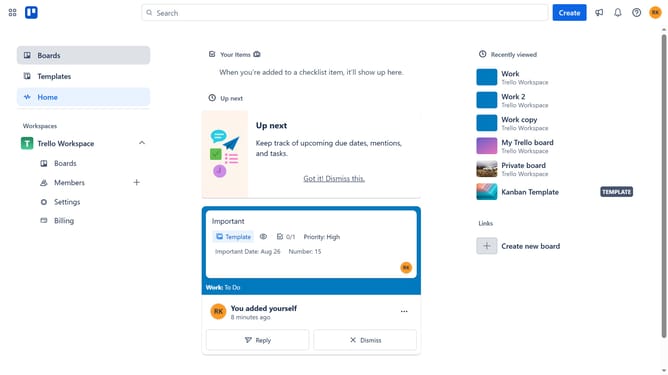
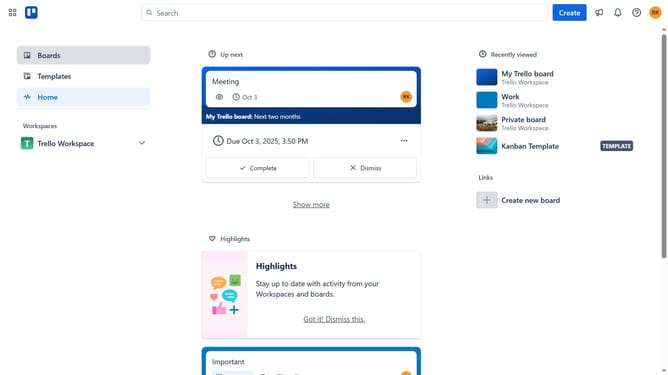
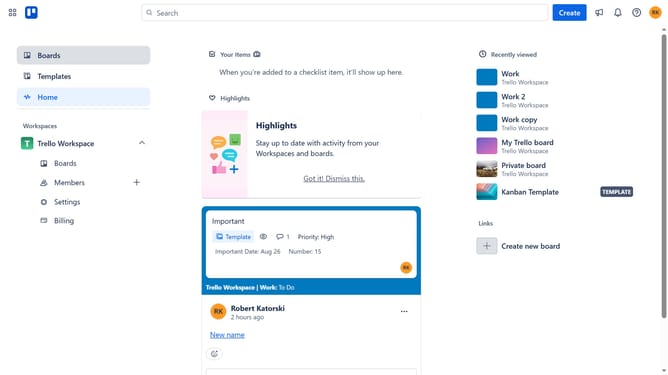
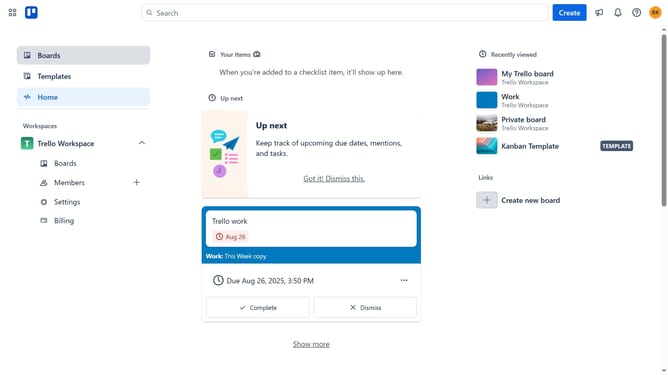
- First click on the "Boards" option in the left sidebar navigation
- Then click on the "Boards" tab in the workspace header
- Next click on the "Sort by" dropdown menu in the main content area
- Finally select "Least recently active" option from the sort dropdown menu
Why should you sort boards by least recently active in Trello
Trello is a dynamic visual tool designed to streamline project management and foster seamless collaboration.
Sorting boards by least recently active in Trello allows users to easily prioritize their attention by spotlighting neglected or inactive boards. This strategic organization aids not only in maintaining focus on what truly needs attention but also in re-evaluating ongoing projects for enhanced productivity.
By adopting this feature, teams can ensure that they allocate resources wisely, address pending tasks effectively, and keep their workflows consistently up-to-date and efficient.
Last update