How to add card description in Trello
Here is how to add card description in trello
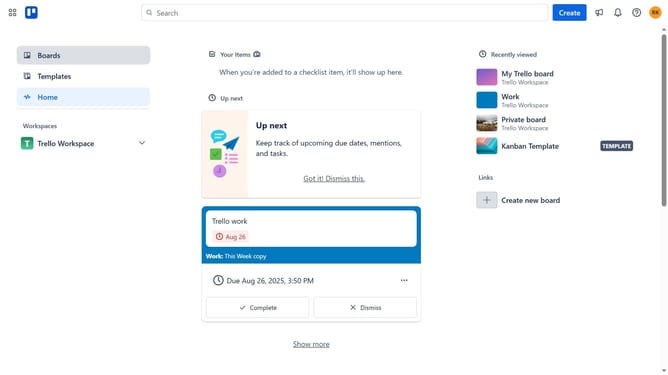
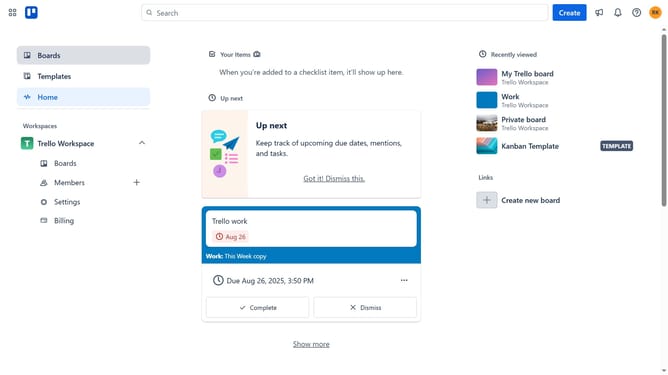
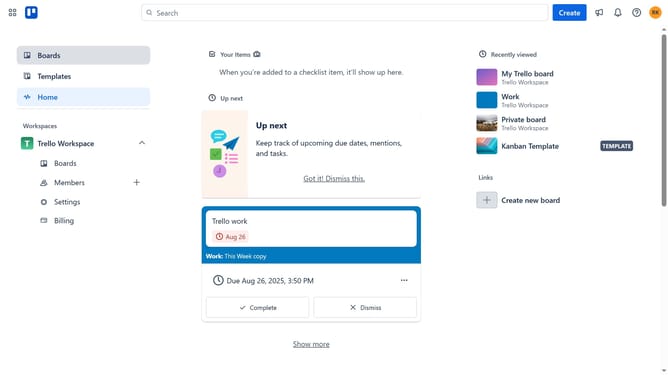
- First click on the "Boards" item in the left sidebar
- Then click on the board that contains the card where you want to add a description in the workspace section
- Next click on the card you want to add description
- Then click on the description field that says "Add a more detailed description..."
- Next type in the description you want to add on the card
- Finally click the "Save" button to save the description
Why should you add card description in Trello
Trello is a versatile project management tool that helps teams organize tasks effortlessly.
One of Trello’s standout features is the ability to add card descriptions, which enhances clarity and detail in task management. By providing context and specific instructions, card descriptions help ensure every team member knows what needs to be done.
Using card descriptions guarantees that relevant information is easily accessible right where it's needed, promoting more efficient communication and collaboration among team members.
Last update