How to add an attachment to a card in Trello
Here is how to add an attachment to a card in trello
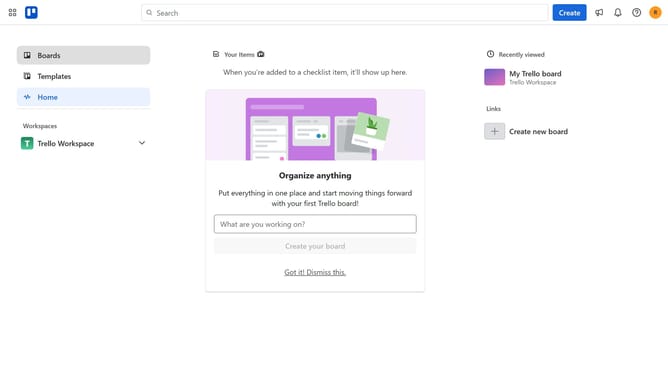
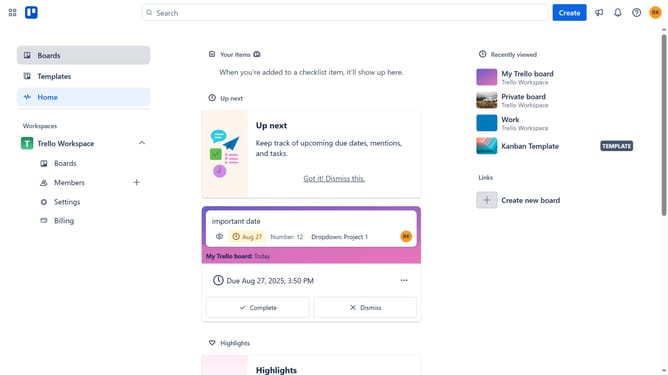
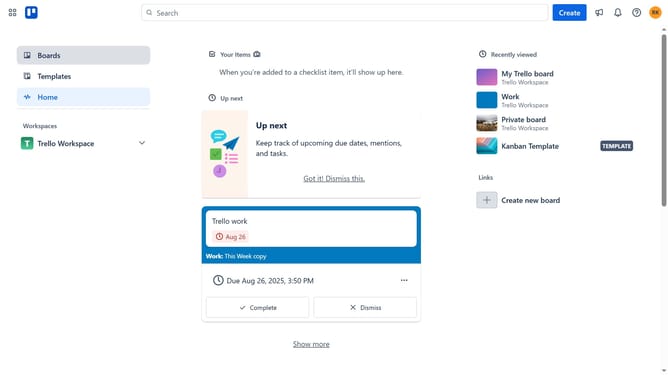
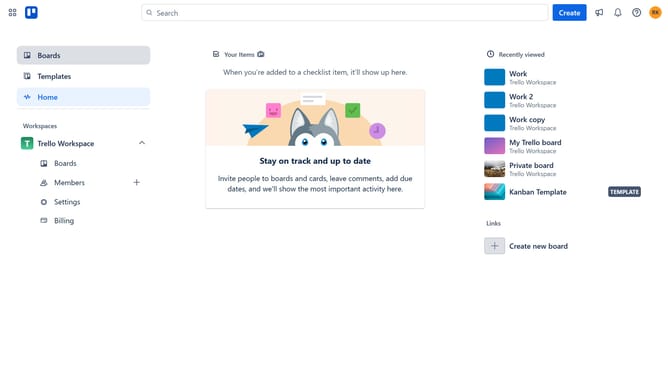
- First click on the "Boards" option in the left sidebar
- Then click on the work board that has a card you want to add attachments in the workspace section
- Next click on the card you want to add attachments
- Then click on the "Add" button in the card details
- Next click on the "Attachment" option in the Add menu
- Finally click on the "Choose a file" button in the attachment dialog and upload the file you want to attach to the card
Why should you add an attachment to a card in Trello
Trello is a dynamic tool designed to streamline project management and collaboration for teams of all sizes.
One of its key features is the ability to add attachments to cards, which enhances every card with essential resources, images, or documents. This feature provides a central hub for information, keeping everything organized and accessible.
Using attachments in Trello cards helps maintain a clear overview of project resources, fostering efficient communication and decision-making among team members.
Last update