How to delete a card cover in Trello
Here is how to delete a card cover in trello
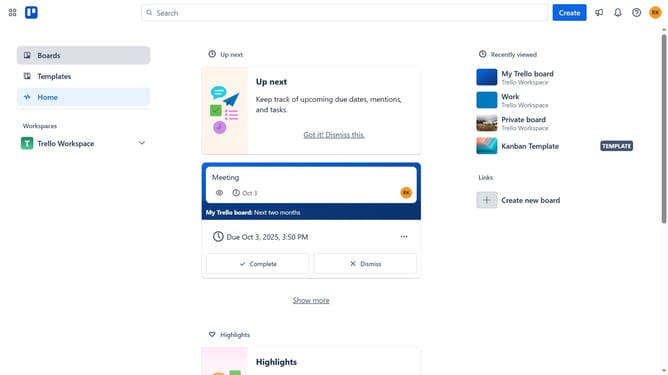
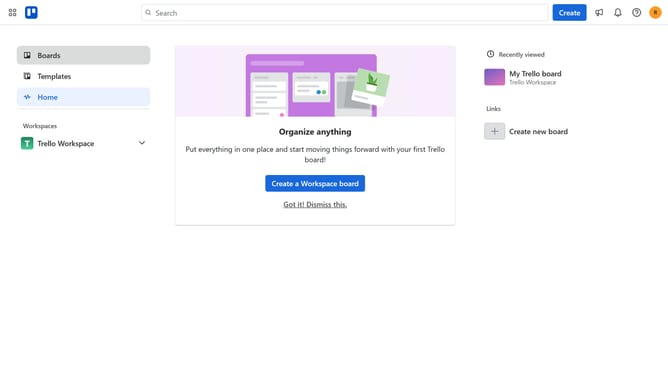
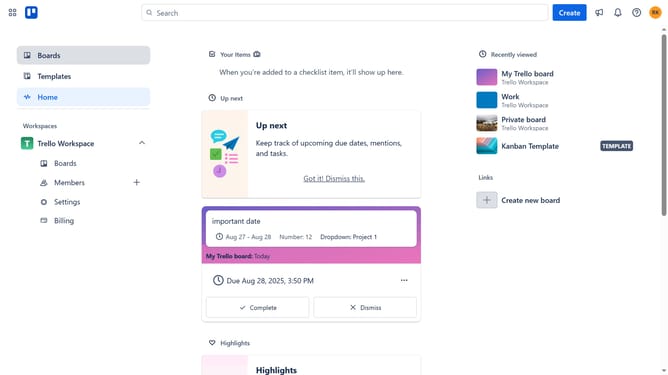
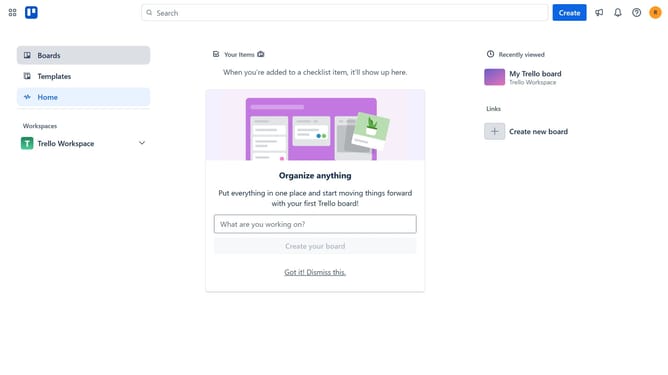
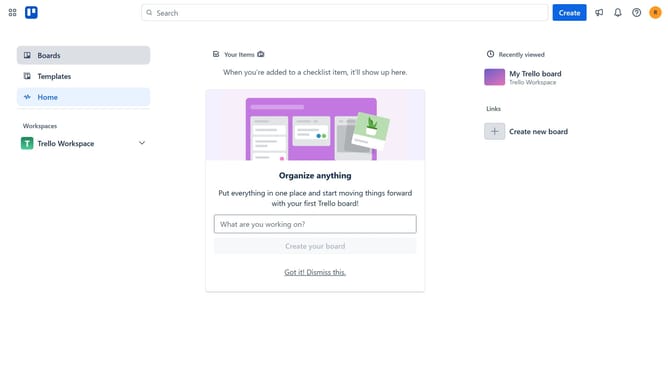
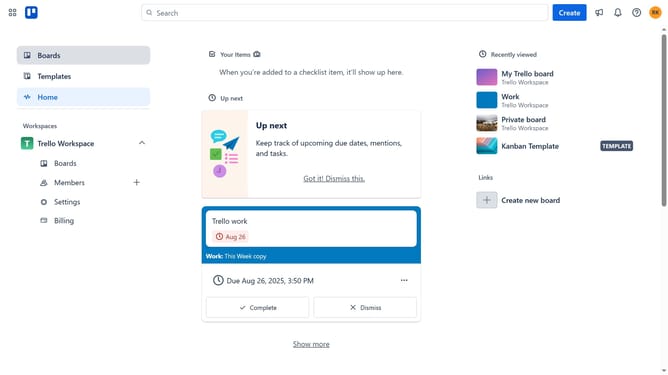
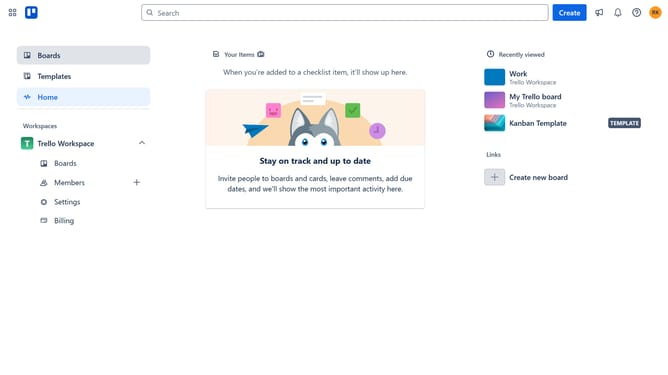
- First click on the "Boards" item in the left sidebar
- Then click on the board that contains the card with the cover you want to remove in the workspace section
- Next click on the card that has the cover
- Then scroll down in the card details panel
- Next click on the "..." menu button next to the attachment
- Finally click on the "Remove cover" option in the dropdown menu
Why should you delete a card cover in Trello
Trello is a versatile project management tool designed to help individuals and teams collaborate effectively through an intuitive card system.
Removing a card cover in Trello offers the benefit of streamlining the visual layout on your boards. It allows for a cleaner, less cluttered display, helping users to focus on the most critical information without extraneous images.
This feature can enhance efficiency by ensuring your board remains visually organized, contributing to a smoother workflow and better team productivity.
Last update