How to add a due date reminder to a card in Trello
Here is how to add a due date reminder to a card in trello
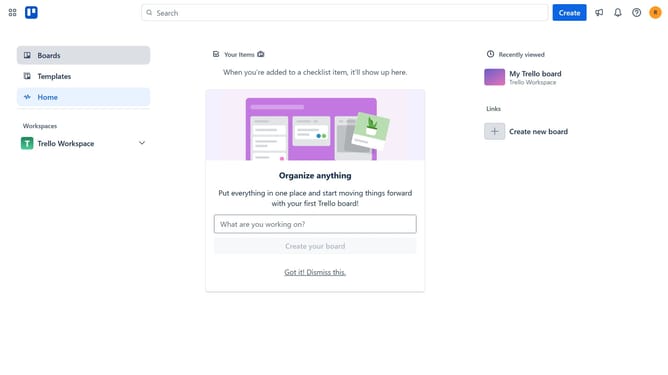
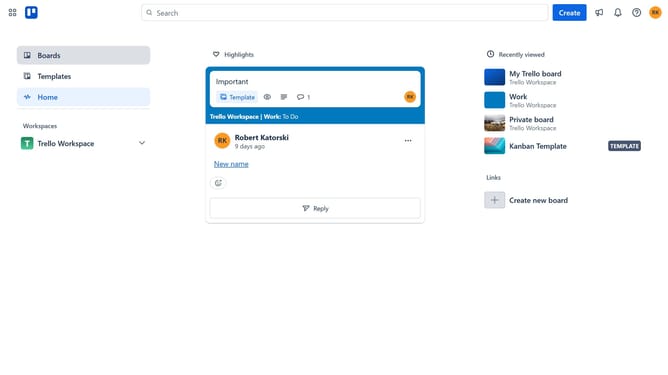
- First click on "Boards" in the left sidebar menu
- Then click on the board that has a card where you want to add a due date reminder in the workspace section
- Next click on the card you want to add a due date reminder
- Click on the date field drowpdown menu to open date settings
- Click on the dropdown under Set due date reminder
- Select your preferred time for the due date reminder from the reminder dropdown menu
- Finally click the "Save" button to apply the due date reminder settings
Why should you add a due date reminder to a card in Trello
Trello is a dynamic project management tool designed to streamline teamwork and enhance productivity.
The feature to add a due date reminder to a card in Trello ensures that crucial tasks are completed on time, allowing teams to maintain consistent workflow and efficiency.
By setting due date reminders, you can effortlessly keep track of deadlines and allocate resources effectively, minimizing stress and preventing last-minute scrambles.
This functionality empowers users to prioritize tasks, fostering improved organization and time management, which are essential for successful project completion.
Last update