How to sort list by card name alphabetically in Trello
Here is how to sort list by card name alphabetically in trello
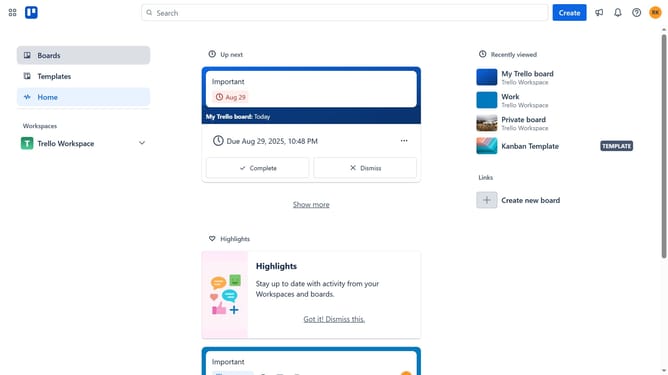
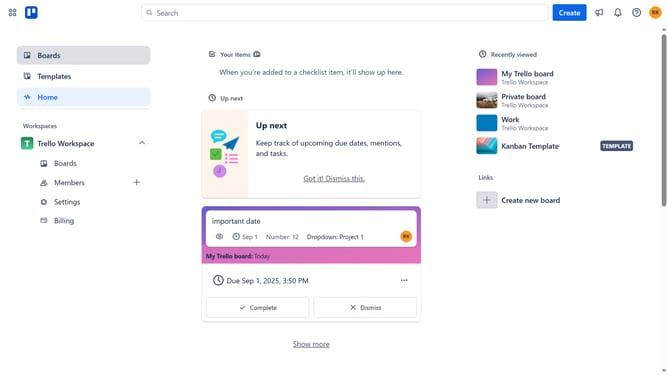
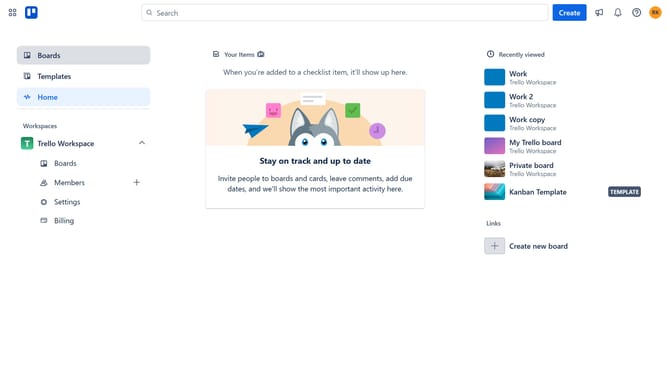
- First click on the "Boards" option in the left sidebar menu
- Then click a board in the Trello Workspace section
- Next click on the "List actions" menu (three dots) next to the list you want to sort
- Then click on "Sort by..." option in the list actions menu
- Finally select "Card name (alphabetically)" from the sorting options
Why should you sort list by card name alphabetically in Trello
Trello is a versatile project management tool designed to streamline collaboration and organize tasks efficiently.
Sorting your Trello list by card name alphabetically can greatly enhance your workflow. This feature allows you to quickly locate specific cards, saving precious time and effort.
Utilizing alphabetical sorting makes your board cleaner and enables a smoother navigation experience. It ensures consistency across your team, making information retrieval straightforward and intuitive.
Last update