How to show card activity log details in Trello
Here is how to show card activity log details in trello
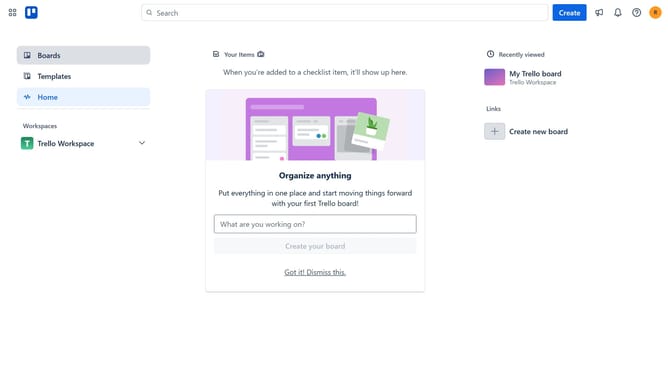
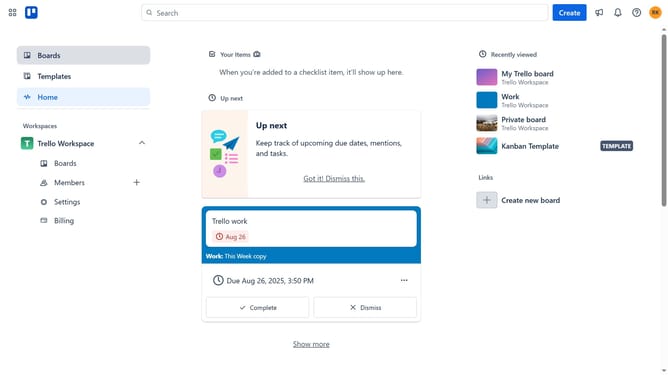
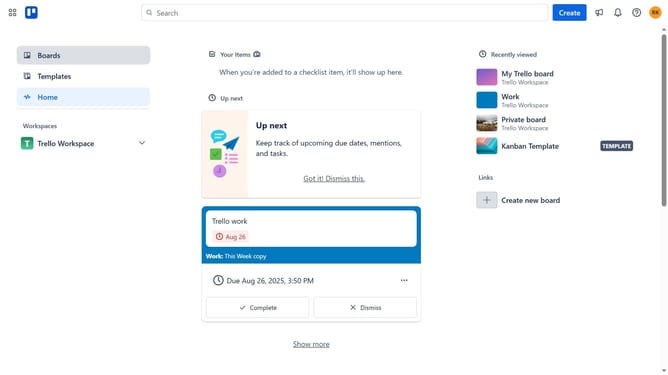
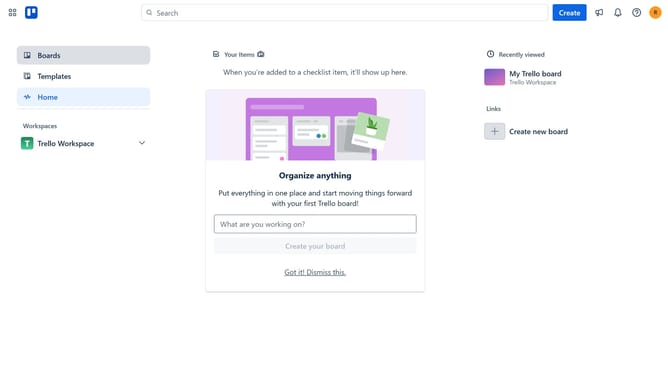
- First click on the "Boards" option in the left sidebar menu
- Then click on the board that contains the card where you want to view the activity logs
- Next click on card you want to view the card activity logs
- Finally click on the "Show details" button in the card details panel
Why should you show card activity log details in Trello
Trello is a versatile project management platform designed to streamline workflow and enhance team collaboration.
The card activity log in Trello unveils a detailed timeline of every change, providing invaluable insights into task progression. By accessing these details, users can effortlessly track who made updates, when they were made, and what exactly changed.
This feature fosters transparency and accountability, ensuring that everyone on the team stays informed and aligned. Ultimately, harnessing the card activity log helps maintain clarity and cohesion in any collaborative project environment.
Last update