How to export a board in Trello
Here is how to export a board in trello
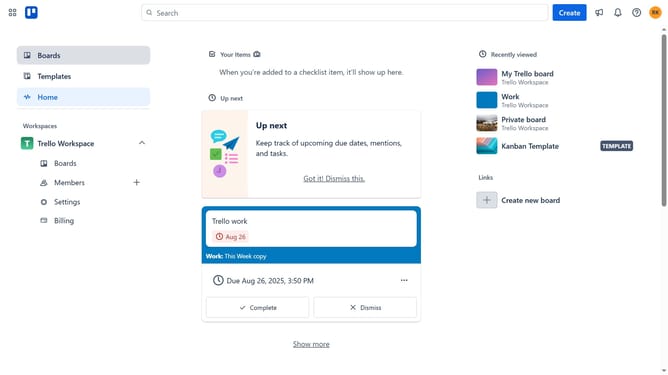
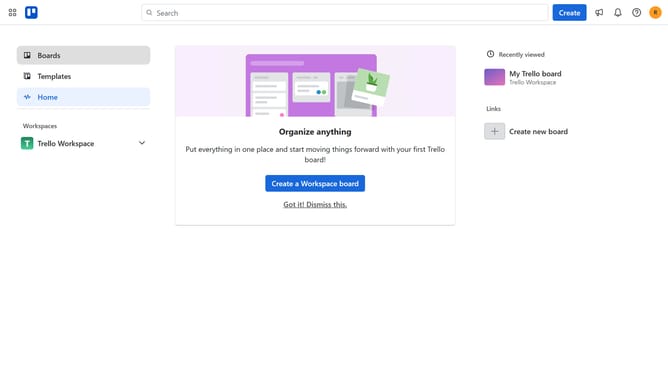
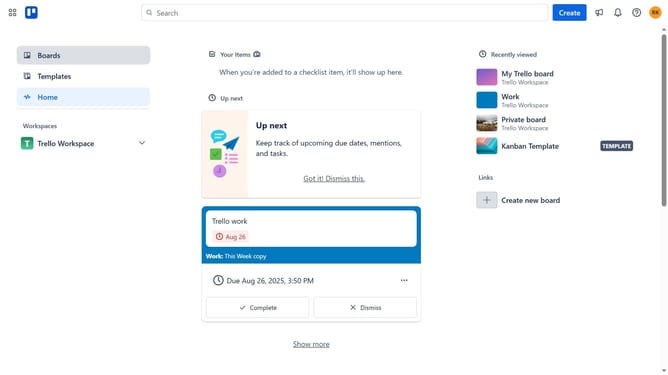
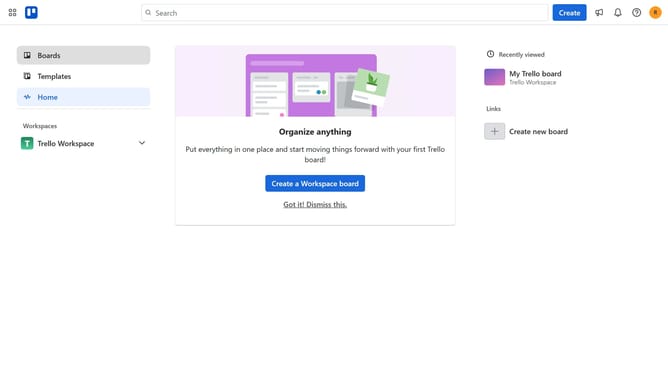
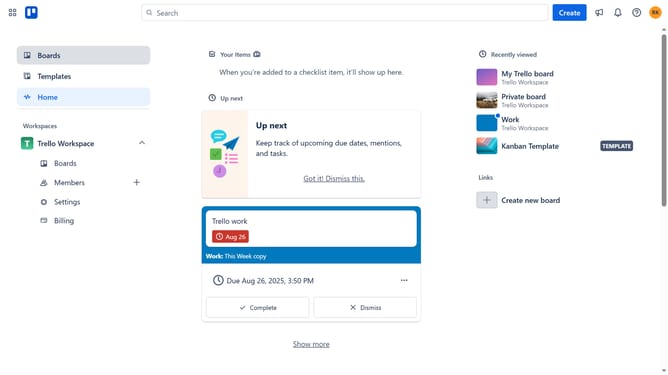
- First click on the "Boards" option in the left sidebar
- Then click on the board you want to export in the workspace section
- Next click on the "..." (more options) menu button in the top-right corner of the board
- Then click on "Print, export, and share" option from the dropdown menu
- Finally click on "Export as CSV" option in the export submenu
Why should you export a board in Trello
Trello is a versatile project management tool designed to streamline collaboration and organization.
Exporting a board in Trello is a valuable feature that allows users to capture and preserve essential project data effortlessly. By exporting, you can create an external backup that is easily shared with team members or stakeholders who may not have access to Trello, enhancing communication and planning.
This feature is indispensable for project documentation, enabling easy tracking of progress and decisions over time. With a simple export, you can ensure vital information is stored securely and can be accessed whenever needed.
Last update