How to remove the location from a card in Trello
Here is how to remove the location from a card in trello
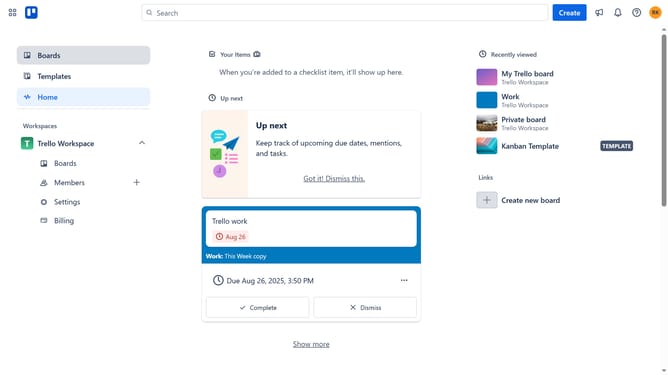
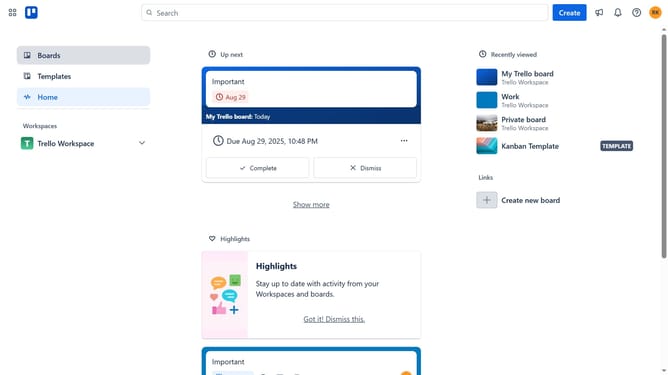
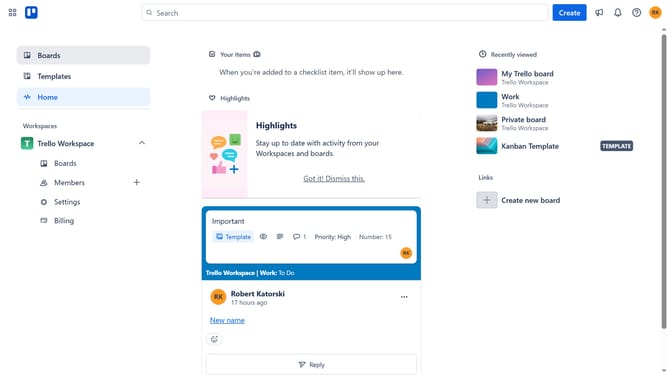
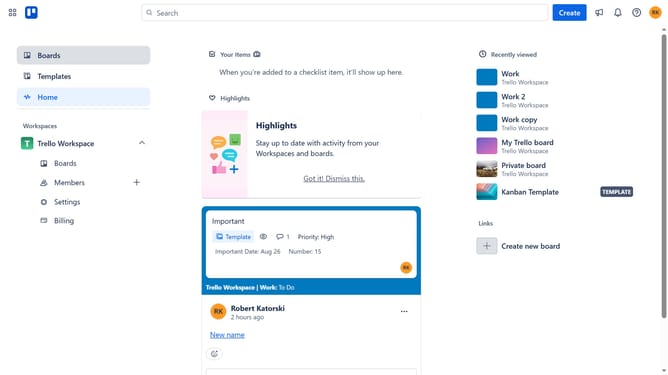
- First click on the "Boards" item in the left sidebar
- Then click on the board that has a card with a location you want to remove in the workspace section
- Next click on the card that has the location you want to remove
- Then scroll down in the card details panel
- Next click on the menu button (...) next to the location map
- Then click on the "Remove" option in the location menu
- Finally click on the "Remove" button in the confirmation dialog
Why should you remove the location from a card in Trello
Trello is a dynamic project management tool designed to streamline collaboration and enhance productivity.
One effective feature in Trello is the ability to remove the location from a card. This allows for a cleaner workspace, reducing distractions and focusing solely on task details. By removing unnecessary information like location, users can manage projects more efficiently.
This feature is particularly beneficial for remote teams, ensuring all pertinent information is easily accessible to everyone, regardless of their physical location. Ultimately, it contributes to a more streamlined and focused work environment.
Last update