How to add card age for trello power-up in Trello
Here is how to add card age for trello power-up in trello
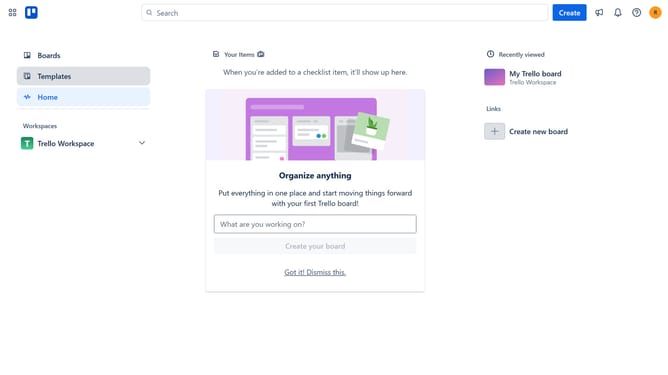
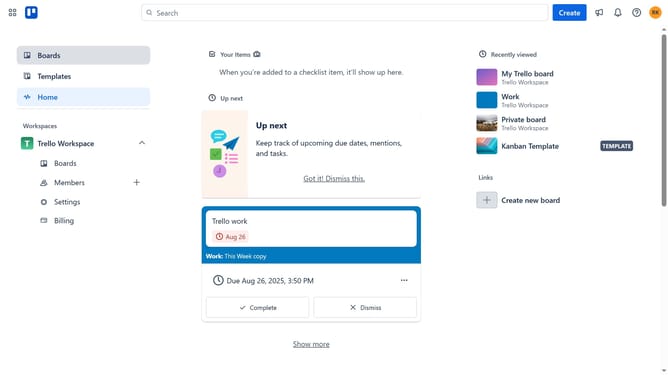
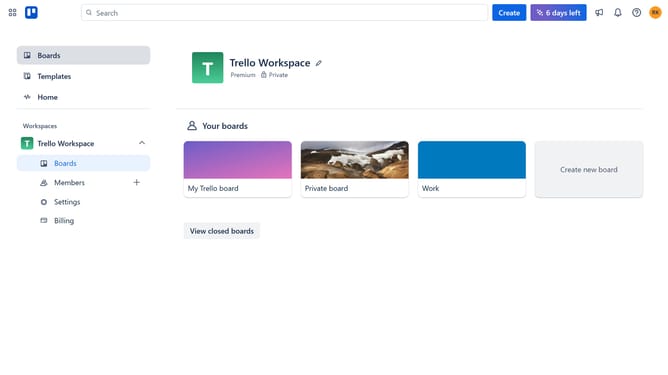
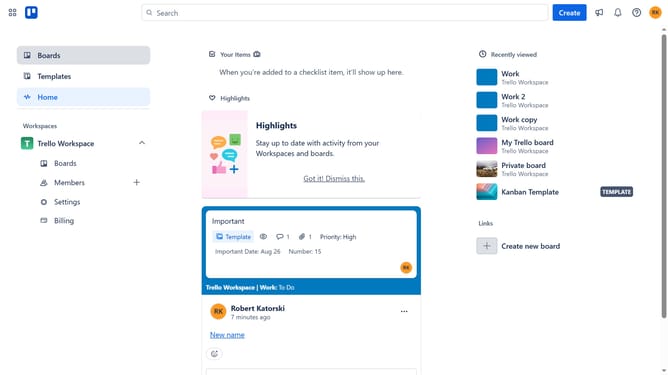
- First click on "Boards" in the left sidebar menu
- Then click a board in the workspace section
- Next click on the "More" menu (three dots) in the top-right corner of the board
- Then select "Power-Ups" option from the dropdown menu
- Next click on "Analytics & reporting" category in the Power-Ups window
- Then click on "Add" button for the "Card Age for Trello" Power-Up
- Finally click on "Add" button in the confirmation dialog to install the Power-Up
Why should you add card age for trello power-up in Trello
Trello is a powerful tool designed to streamline project management by organizing tasks and enhancing team collaboration.
The Card Age power-up in Trello provides invaluable insight into the lifecycle of tasks. It visually displays how long each card has been in progress, offering a clear perspective on productivity and efficiency.
By understanding the age of each card, teams can prioritize tasks more effectively, ensuring deadlines are met and workflow is optimized. This feature ultimately aids in identifying bottlenecks and improving overall project timelines.
Last update