How to remove an attachment on a card in Trello
Here is how to remove an attachment on a card in trello
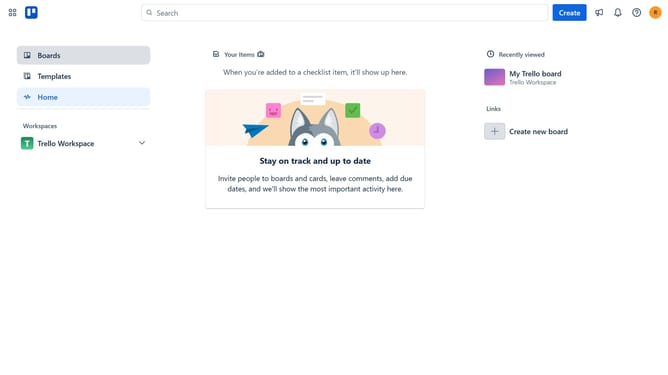
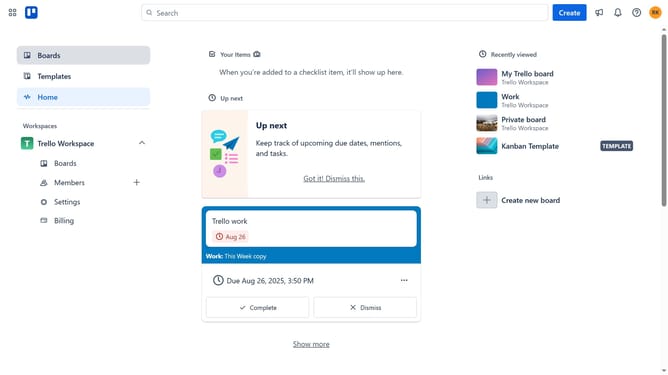
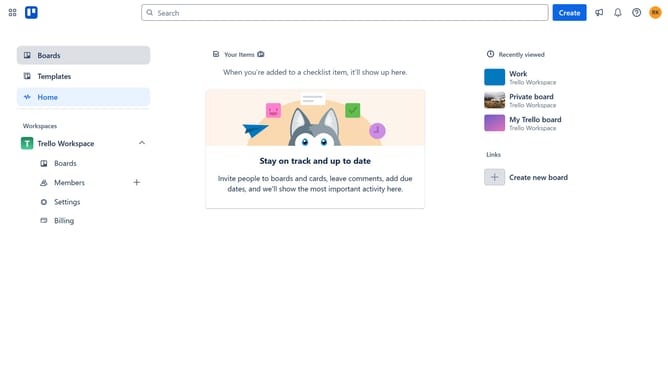
- First click on the "Boards" item in the left sidebar
- Then click on the board that contains a card with an attachment you want to remove in the workspace section
- Next click on the card that has the attachment you want remove
- Scroll down in the cards details panel
- Click on the menu button (...) next to the attachment
- Select "Remove" from the attachment menu options
- Finally click "Remove" button in the confirmation dialog to delete the attachment
Why should you remove an attachment on a card in Trello
Trello is a dynamic tool designed to streamline project management and enhance team collaboration effortlessly.
The ability to remove an attachment from a card in Trello offers a seamless way to maintain organized and relevant information. By clearing out unnecessary files, team members can focus on what truly matters and ensure the board remains uncluttered.
This feature supports a clean workflow, enabling users to avoid distractions, prioritize tasks effectively, and maintain clarity in team communications. Enjoy a tidy, efficient workspace to boost productivity.
Last update