How to add dropdown custom field in Trello
Here is how to add dropdown custom field in trello
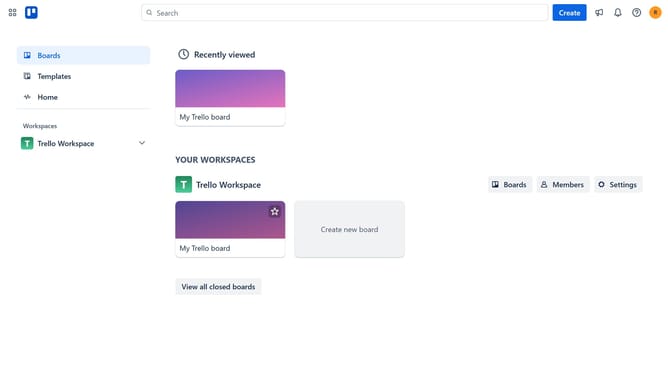
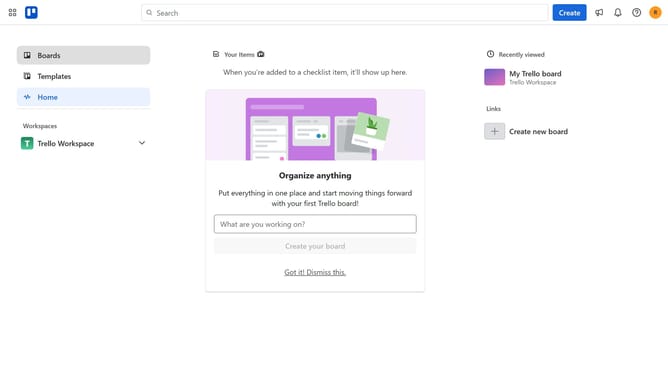
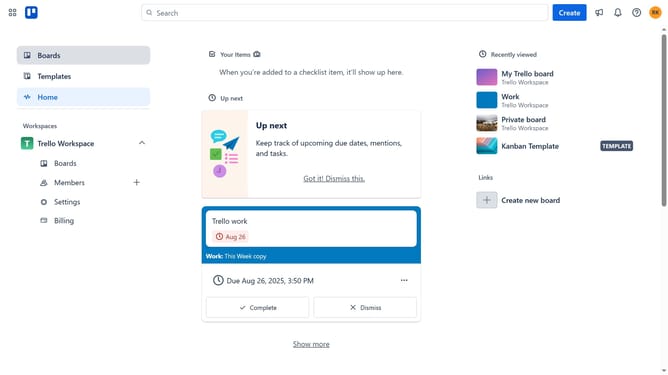
- First click on the "Boards" option in the left sidebar
- Then click on a board tile in the workspace section
- Next click on the menu "..." button in the top-right corner of the board
- Then click on "Custom Fields" option in the dropdown menu
- Click on the "New field" button at the bottom of the Custom Fields panel
- Click on the "Add a title..." text input field and type in your desired title for your dropdown custom field
- Click on the "Type" dropdown field
- Select "Dropdown" from the type options list
- Click on the "Add item..." text input field and type in an option for your dropdown custom field
- Click on the "Add" button after entering the option
- Finally click the "Create" button to add the new dropdown field
Why should you add dropdown custom field in Trello
Trello is a versatile project management tool designed to streamline task organization and enhance team collaboration.
Adding a dropdown custom field in Trello allows users to create a tailored and organized approach to track multiple aspects of a single task. This feature empowers teams to categorize, prioritize, and manage tasks efficiently, boosting productivity.
Using dropdowns simplifies complex projects by standardizing options and removing ambiguity. It ensures that everyone on the team is aligned on project requirements, deadlines, and progress.
Last update