How to add import to trello finance edition in Trello
Here is how to add import to trello finance edition in trello
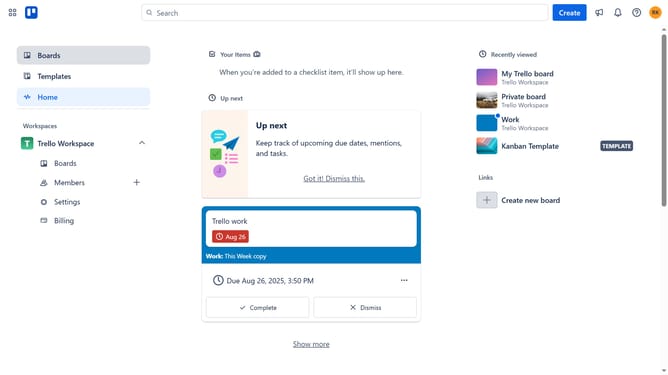
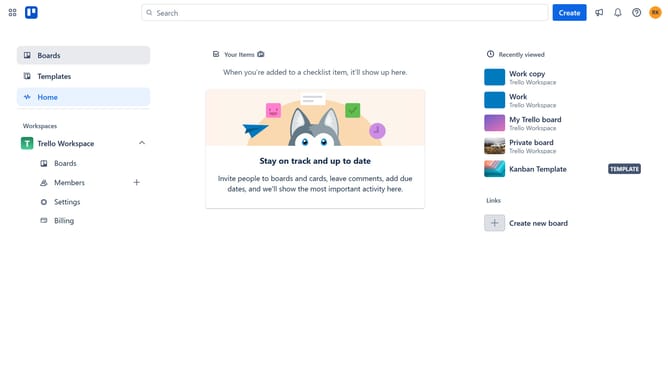
- First click on the "Boards" option in the left sidebar
- Then click a board in the Workspaces section
- Next click on the "more options" button (three dots) in the top right corner of the board
- Then click on "Power-Ups" option in the dropdown menu
- Next click on "Analytics & reporting" category in the Power-Ups menu
- Then scroll through the Analytics & reporting options
- Click on the "Import to Trello (Finance Edition)" Add button
- Finally click on the "Add" button in the confirmation dialog to install it
Why should you add import to trello finance edition in Trello
Trello is a versatile project management tool designed to streamline workflow and organization effortlessly.
The Finance Edition in Trello allows users to elevate their financial tracking by adding import features.
Leveraging imports facilitates seamless integration of external financial data, making it easier to keep track of budgets, expenses, and forecasts.
This intuitive feature ensures all financial information is centralized, enhancing efficiency and saving valuable time.
Last update