How to filter cards active in the last week in Trello
Here is how to filter cards active in the last week in trello
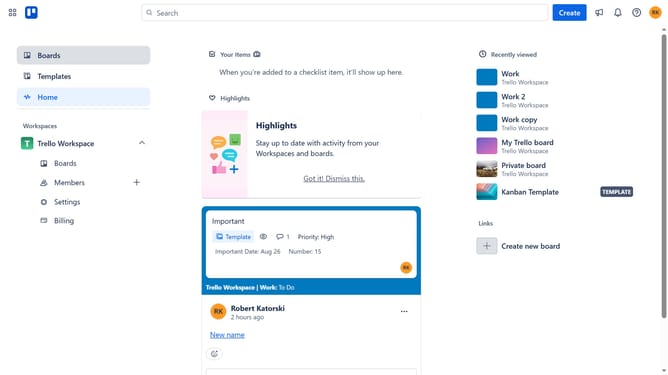
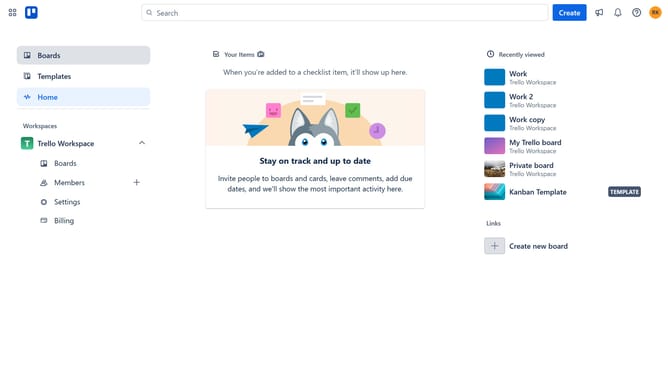
- First click on the "Boards" option in the left sidebar
- Then click a board in the workspace section
- Next click on the "Filter" button in the top-right corner of the board
- Then scroll down in the filter menu
- Finally click on "Active in the last week" checkbox option in the Activity section of the filter panel
Why should you filter cards active in the last week in Trello
Trello is a dynamic project management tool, designed to streamline teamwork and enhance productivity.
Filtering cards active in the last week in Trello allows users to pinpoint recent tasks quickly and efficiently. This feature is particularly useful for keeping track of ongoing projects and ensuring that nothing is missed in recent activity.
By focusing only on cards modified or completed in the last seven days, teams can gain valuable insights into current progress and bottlenecks. This not only aids in managing resources effectively but also empowers team members to prioritize tasks intelligently, fostering a more agile working environment.
Last update