How to add forms by bluecat in Trello
Here is how to add forms by bluecat in trello
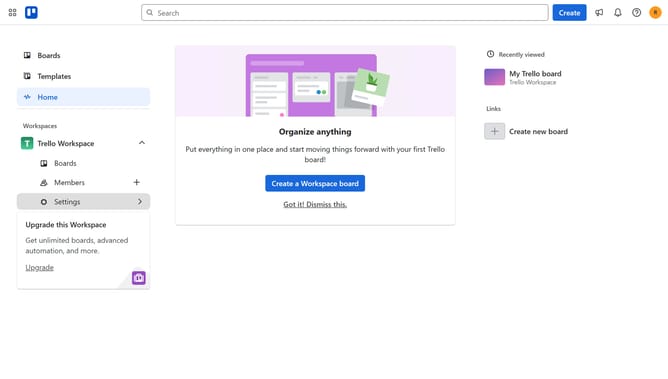
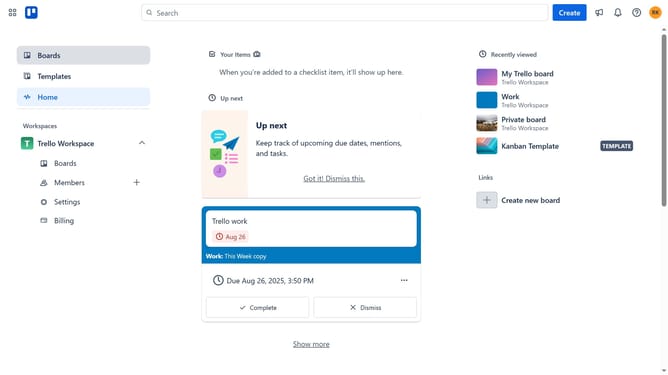
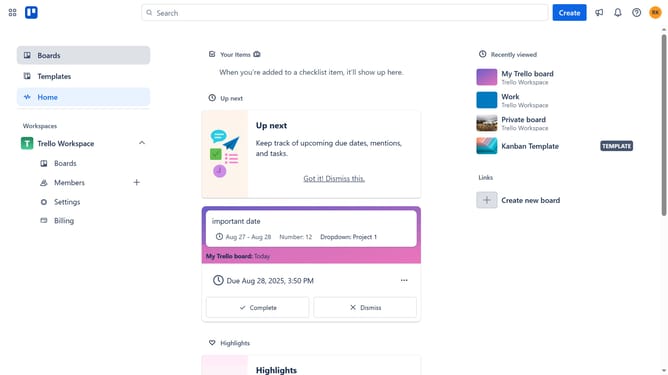
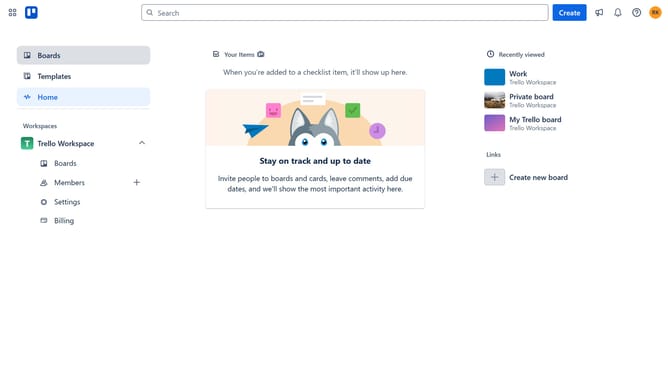
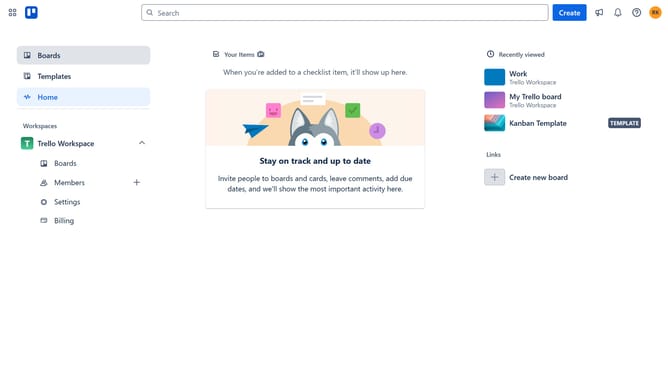
- First click on the "Boards" item in the left sidebar
- Then click a board in the workspace section
- Next click on the "More" menu button (three dots) in the top-right corner
- Then click on "Power-Ups" option in the dropdown menu
- Next click on the "HR & operations" category in the left sidebar of Power-Ups window
- Then click on the "Add" button for Forms by Blue Cat power-up
- Finally click on the "Add" button in the Forms by Blue Cat confirmation dialog
Why should you add forms by bluecat in Trello
Trello is a versatile tool designed to streamline project management with its intuitive board and card system.
Adding forms by Bluecat enhances this functionality by allowing seamless collection of information directly within Trello boards.
Using forms by Bluecat simplifies data gathering, ensuring that team inputs are organized and easily accessible. This feature empowers users to efficiently track and manage task-related data, fostering improved collaboration and productivity.
Last update