How to add status field in Trello
Here is how to add status field in trello
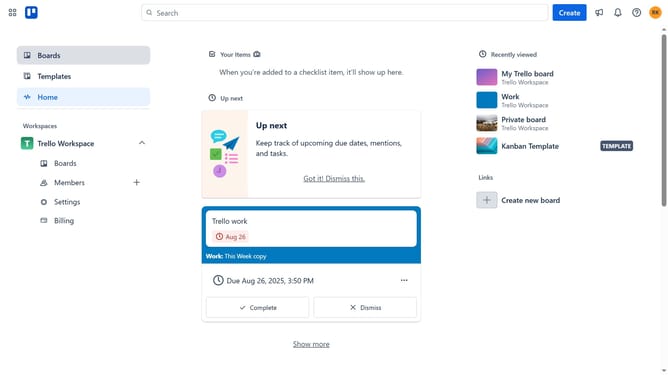
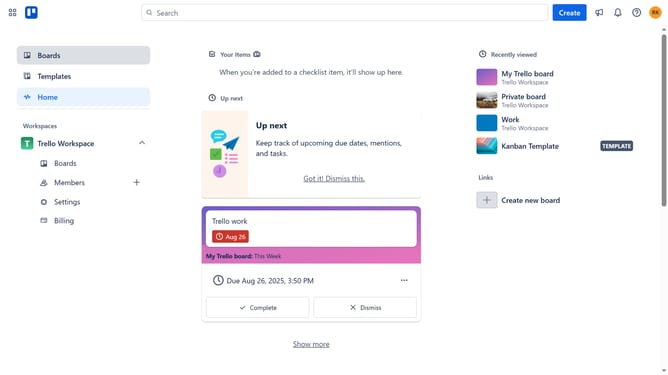
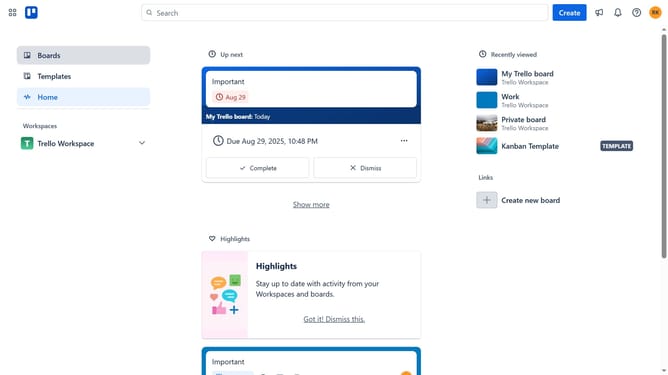
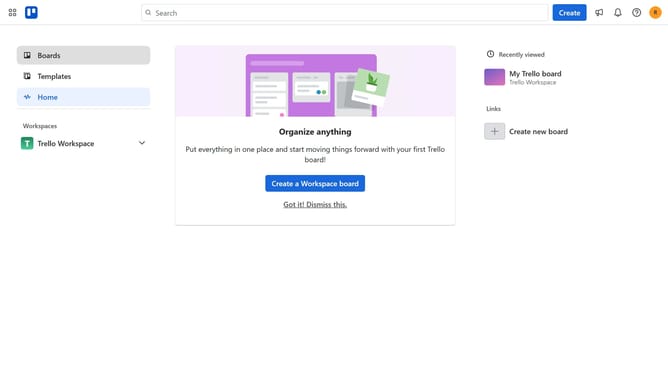
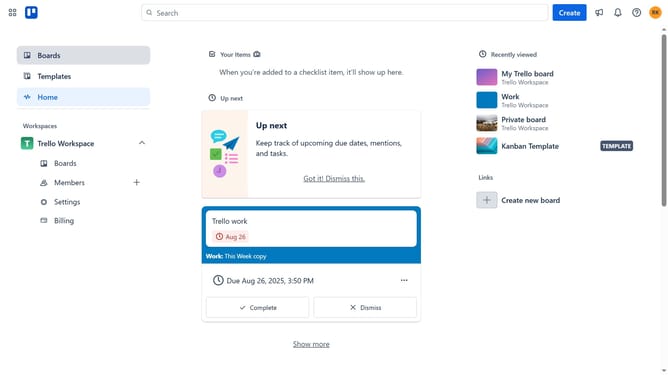
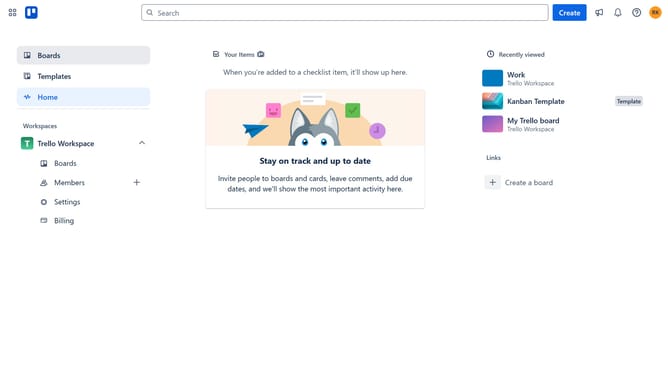
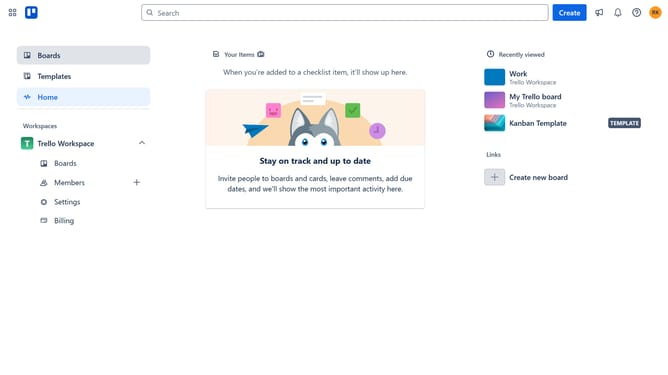
- First click on the "Boards" option in the left sidebar
- Then click on the board where you want to add a status field in the workspace section
- Now click on the "..." (more options) menu button in the top-right corner of the board
- Next click on "Custom Fields" option in the dropdown menu
- Finally click the "Add" button next to the "Status" field in the Custom Fields panel
Why should you add status field in Trello
Trello is a dynamic organizational tool designed to streamline the way teams manage their projects and tasks through visual boards.
One of its efficient features is the ability to add a status field, enhancing the clarity of project progression.
This added element allows team members to quickly understand the current phase or state of a task without delving into the details, making collaboration more efficient.
Employing the status field enhances communication and optimizes workflow by reducing misunderstandings, ultimately leading to better project outcomes.
Last update