How to add burndown charts by corello in Trello
Here is how to add burndown charts by corello in trello
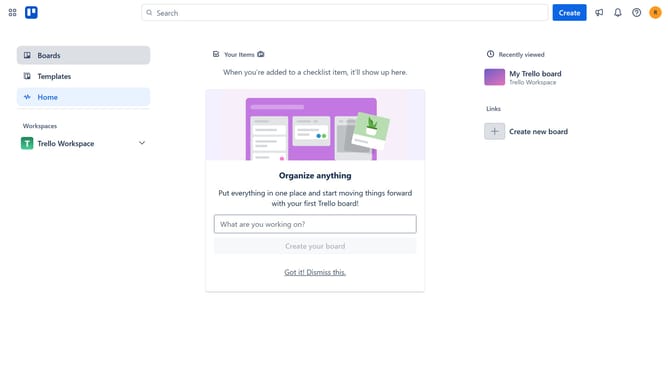
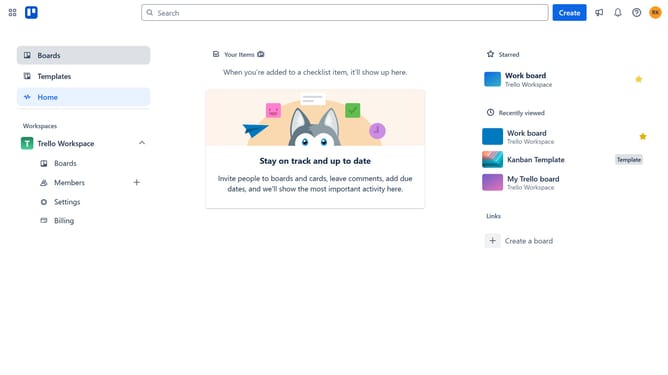
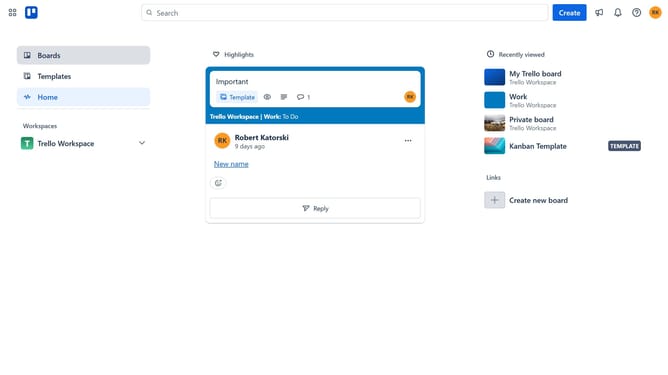
- First click on the "Boards" item in the left sidebar menu
- Then click a board in the workspace section
- Next click on the "More" button (three dots) in the top-right corner of the board
- Then click on "Power-Ups" option in the dropdown menu
- Next click on "Analytics & reporting" category in the Power-Ups menu
- Then click on "Burndown Charts by Corrello" power-up
- Finally click the "Add" button to install the Burndown Charts power-up
Why should you add burndown charts by corello in Trello
Trello is a versatile project management tool designed to streamline task organization and team collaboration.
By integrating Corello, Trello users can effortlessly incorporate burndown charts into their workflow. Burndown charts provide a visual representation of work completed versus the remaining tasks, offering a clear indication of project progress.
This feature allows teams to track their velocity and predict completion timelines with greater accuracy. Utilizing burndown charts fosters improved planning, ensuring projects stay on track and deadlines are met.
Last update