How to add members to a card in Trello
Here is how to add members to a card in trello
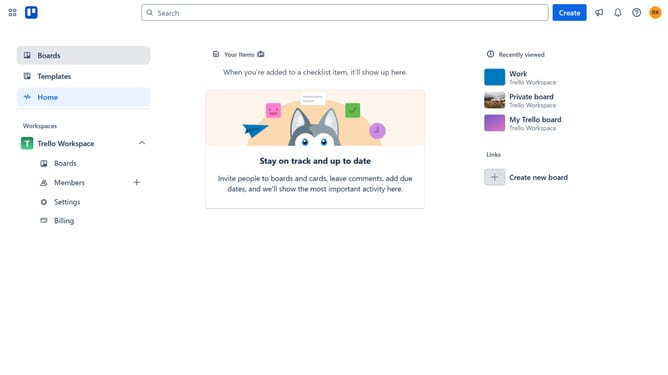
- First click on the "Boards" option in the left sidebar
- Then click on the board you want to add members to a card in the workspace section
- Next click the card you want to add members
- Then click on the "Add" button in the card details
- Next click on the "Members" option in the Add menu
- Then select the member you want to add from the members list
- Finally click on the "X" button to close the members selection dialog Trello automatically save the changes
Why should you add members to a card in Trello
Trello is an intuitive project management tool designed to streamline collaboration and organization.
One powerful feature is the ability to add members to a card, ensuring team tasks aren't just lists; they're dynamic projects engaging the right people.
This feature transforms a basic task into a hub of communication, providing visibility and accountability.
By adding members to a card, you're fostering collaboration, reducing communication gaps and boosting efficiency, ensuring everyone is aligned and productive.
Last update