How to add a location to a card in Trello
Here is how to add a location to a card in trello
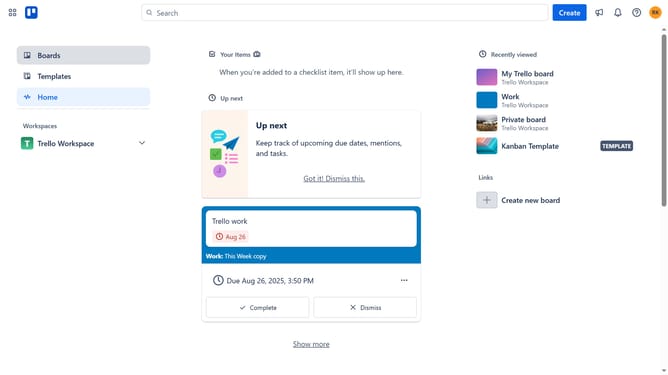
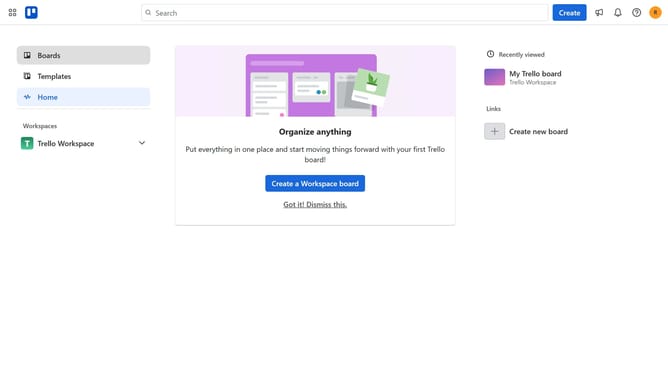
- First click on the "Boards" option in the left sidebar navigation
- Then click on the board that has a card where you want to add a location in the workspace section
- Next click on the card you want to add a location
- Click on the "Add" button in the card details panel
- Select "Location" from the dropdown menu that appears
- Click on the "Search Google Maps" textbox and type in the desired location for the card
- Finally celect the location from the location search results to add the location
Why should you add a location to a card in Trello
Trello, designed for organizing tasks and projects with ease, is your go-to collaboration tool that makes team management a breeze.
Adding a location to a card in Trello enhances team engagement by providing geographical context. This feature is invaluable for teams that operate across multiple regions or manage location-specific projects.
Additionally, it enriches project narratives by giving clear insights into where tasks are based. Ultimately, this fosters a more connected and informed team environment, crucial for efficient project execution.
Last update