How to sort boards by most recently active in Trello
Here is how to sort boards by most recently active in trello
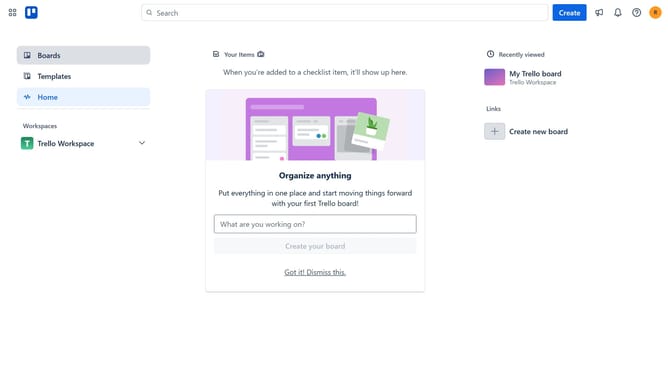
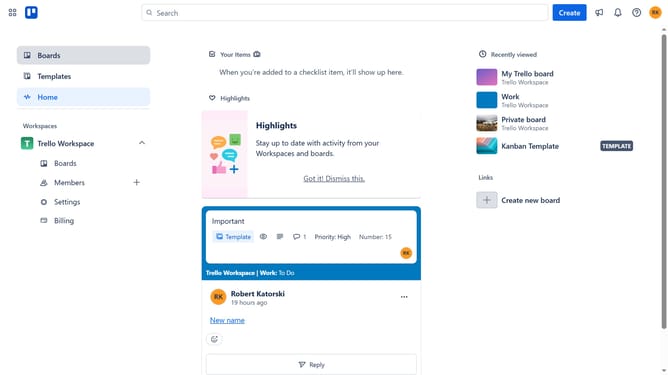
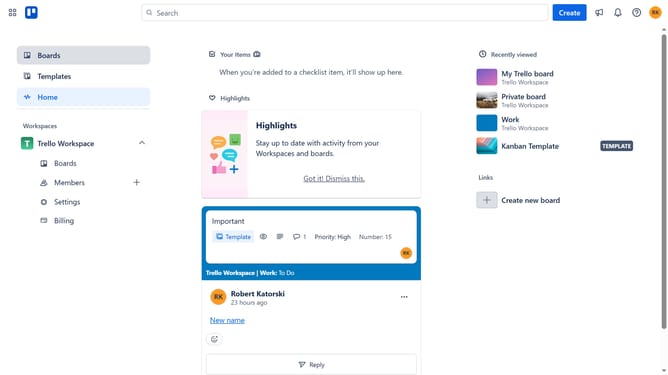
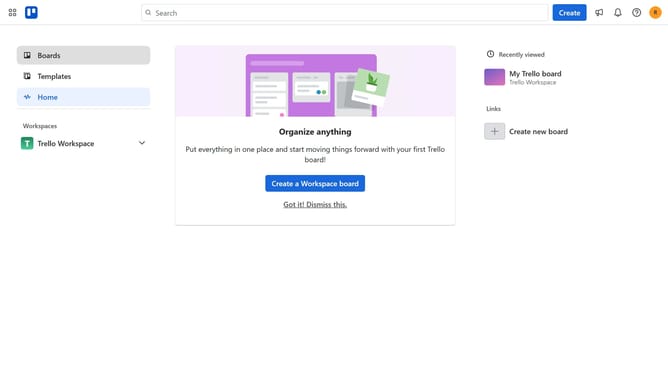
- First click on the "Boards" option in the left sidebar menu
- Then click on the "Boards" tab in the workspace navigation menu
- Next click on the sort dropdown menue"
- Finally select "Most recently active" from the sorting options dropdown
Why should you sort boards by most recently active in Trello
Trello is a versatile tool designed to streamline team collaboration and organize projects effortlessly.
The ability to sort boards by most recently active in Trello ensures that the most pertinent projects remain in focus. This feature enhances productivity by showcasing active boards at the forefront, enabling teams to quickly access current and dynamic tasks.
Utilizing this sorting option saves time, reduces clutter, and helps users prioritize effectively, thus fostering a more efficient workflow and ensuring no important updates are overlooked.
Last update