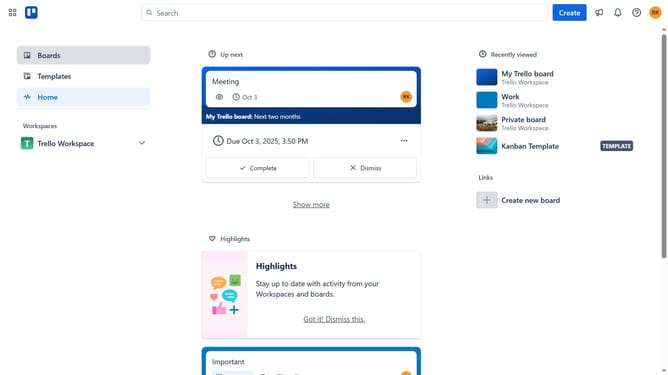
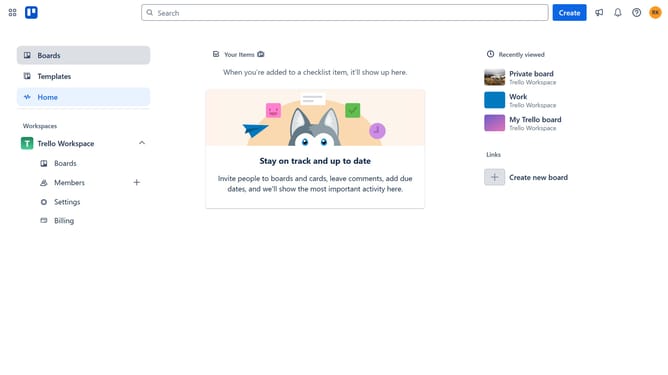
How to create workspace board in Trello
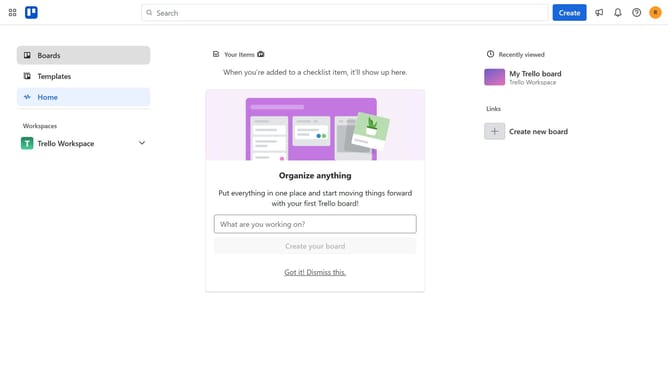
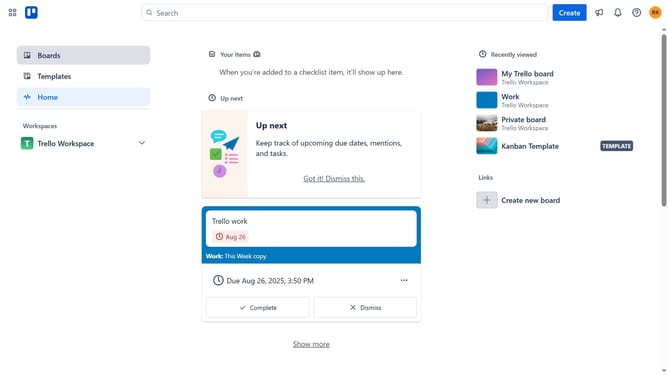
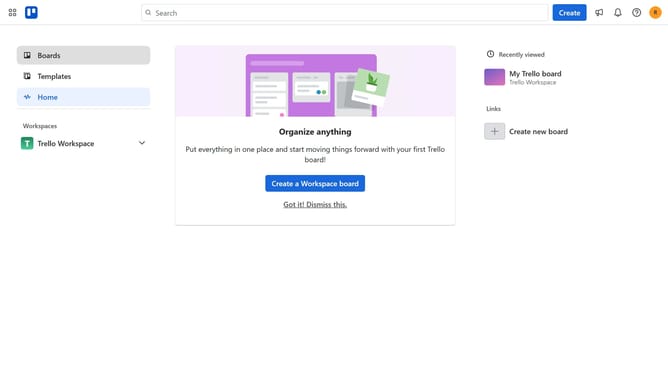
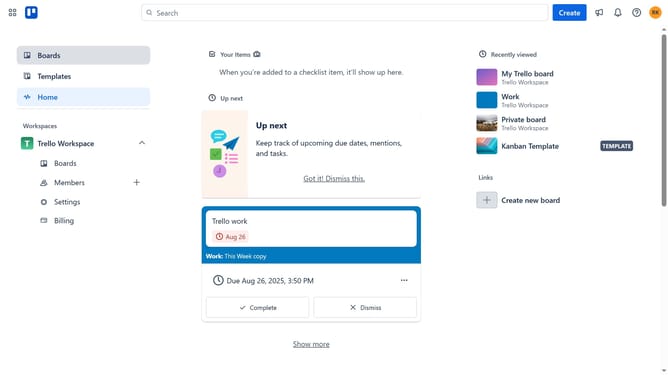
Here is how to create workspace board in trello
- First click on the "Switch boards" button in the bottom navigation bar
- Then click on "Create board" link in the dropdown menu
- Next click on the empty "Board title" input field in the right sidebar and type in the desired board title
- Then click on the visibility dropdown menu
- Next click on the "Workspace" option from the dropdown list
- Finally click the blue "Create" button in the right sidebar
Why should you create workspace board in Trello
Trello is an intuitive project management tool designed to help teams collaborate and organize tasks effectively.
Creating a workspace board in Trello allows you to centralize your team's projects in one accessible location, promoting transparency and enhancing communication.
This feature streamlines project planning by visually organizing tasks and deadlines. It supports team productivity by allowing members to track progress, share updates, and stay aligned with goals in real time.
Using Trello workspace boards empowers teams to work more efficiently and stay organized, ultimately increasing overall productivity.
Last update