How to join card in Trello
Here is how to join card in trello
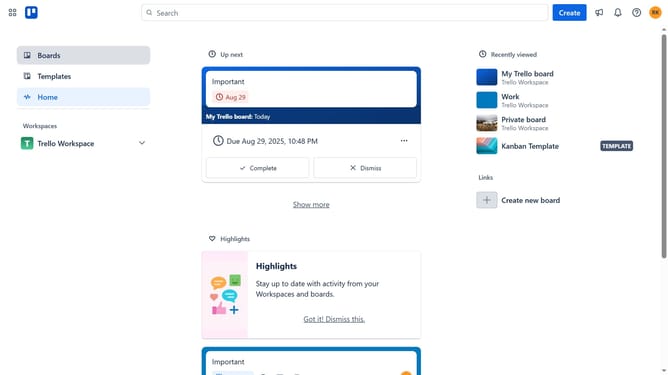
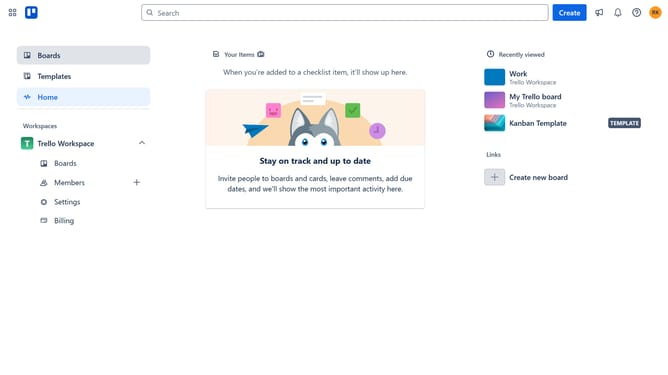
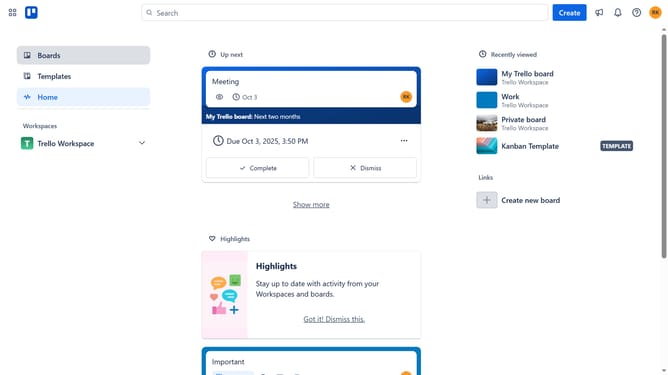
- First click on the "Boards" option in the left sidebar
- Then click on the board in the workspace section that contains the card you want to join
- Next click on the card you want to join
- Then click on the "More" menu (three dots) icon in the card details view
- Finally click on the "Join" option in the dropdown menu
Why should you join card in Trello
Trello is a versatile project management tool that helps teams organize their tasks and collaborate efficiently.
The "Join Card" feature in Trello allows team members to become active participants in specific tasks or projects, ensuring they are updated and directly involved in related discussions and progress.
This feature is beneficial as it fosters accountability and clarity, enabling team members to stay informed and contributing, while enhancing overall workflow and teamwork.
By joining a card, team members can streamline communication and ensure that everyone is aligned on goals and responsibilities.
Last update