How to create a table in WordPress?
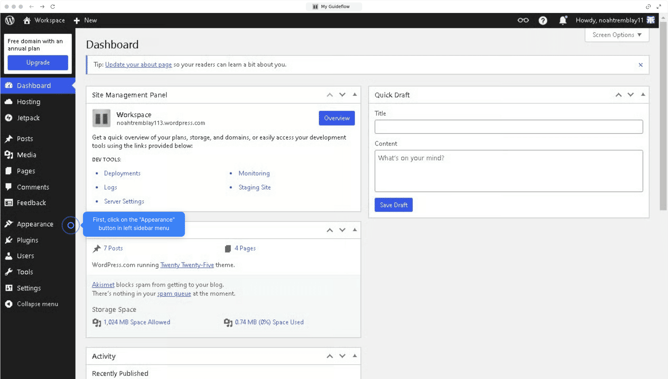
Here is how to create a table in wordpress
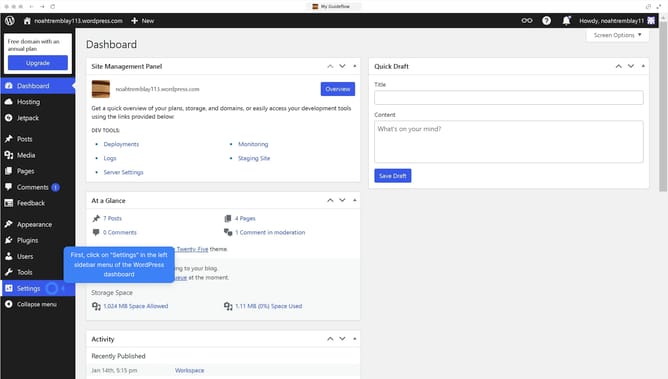
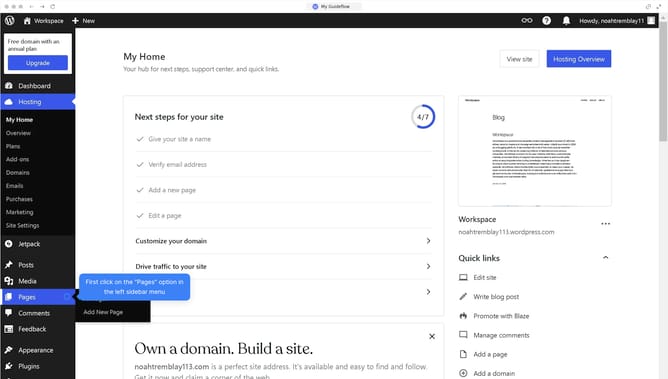
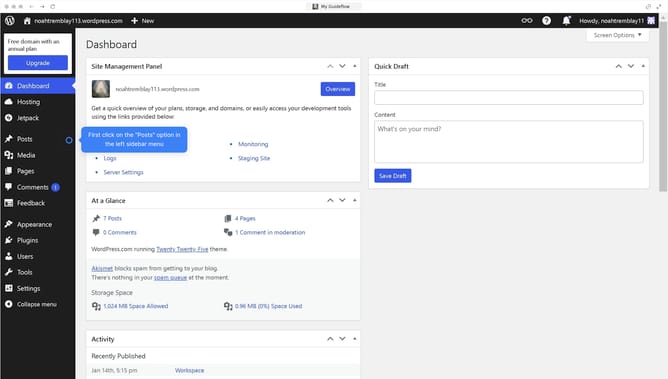
- First click on the "Posts" item in the left sidebar menu
- Then click on the post title you want to edit in the posts list
- Click the "+" button in the block editor toolbar to add a new block
- Then click the "Table" icon from the block inserter menu
- Finally click the "Save" button to update your changes
Why should you create a table in WordPress?
WordPress is a powerful platform designed for creating beautiful, dynamic websites with ease.
Creating a table in WordPress offers a structured way to present data effectively, enhancing readability and engagement on your site.
By using tables, you can organize information such as pricing lists or product comparisons, making it visually accessible for your audience.
Implementing tables leads to better data visualization and a cleaner layout, significantly benefiting user experience.
Last update