How to change slug in WordPress?
Here is how to change slug in wordpress
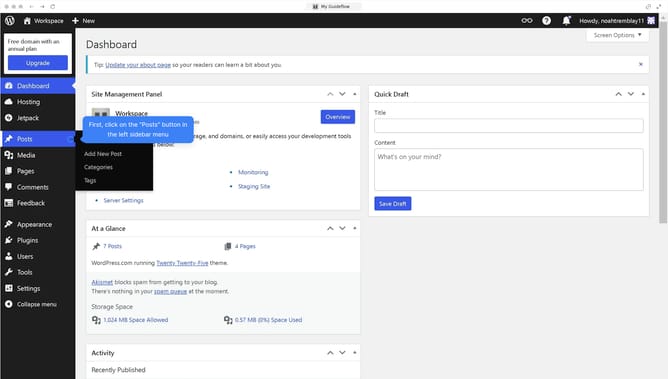
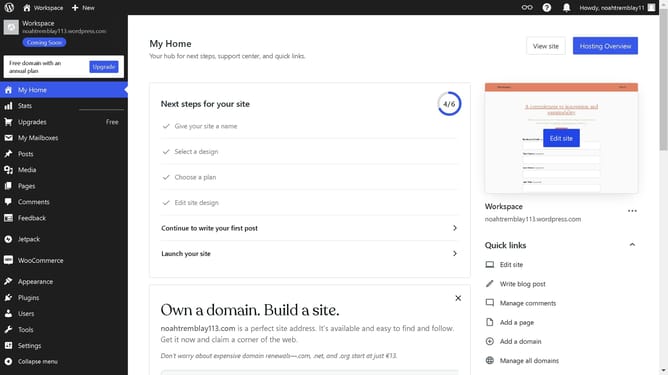
- First click on the "Posts" option in the left sidebar menu
- Then click on "Categories" in the Posts submenu
- Next click on the "Edit" link on the post you want to edit the slug in
- Type the text you want your slug to be
- Click the "Update" button to save the category changes
- Finally click on "Go to Categories" link to see your updated slug
Why should you change slug in WordPress?
WordPress is a versatile platform that empowers users to build dynamic websites with ease.
Changing a slug in WordPress allows you to customize the URL of your page or post for clarity and better SEO performance. This feature helps in enhancing the readability of your URLs, making them more relevant to the content they link to.
Using a clean and descriptive slug can improve your website's search ranking, making it easier for your audience to find your content. Ultimately, customizing slugs boosts user experience by providing clear pathways to the information they seek.
Last update