How to change the text color in WordPress?
Here is how to change the text color in wordpress
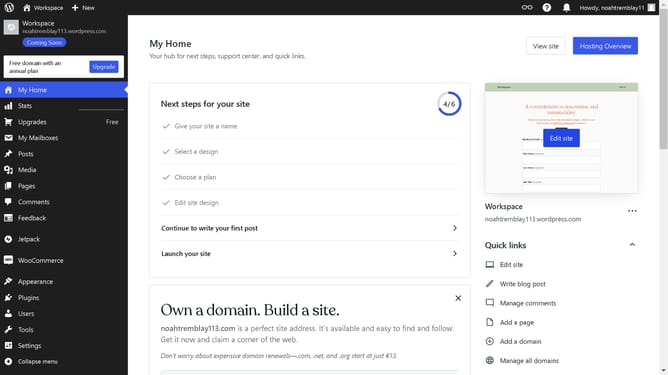
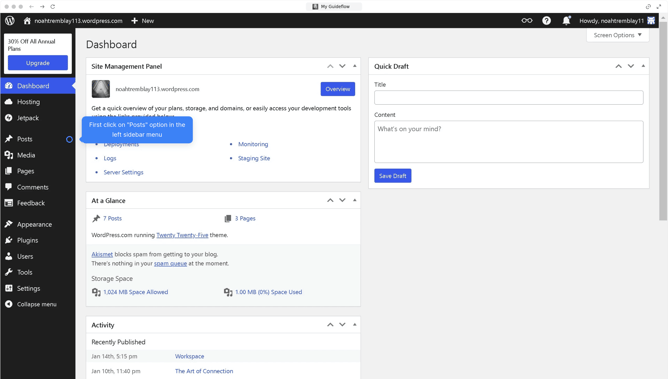
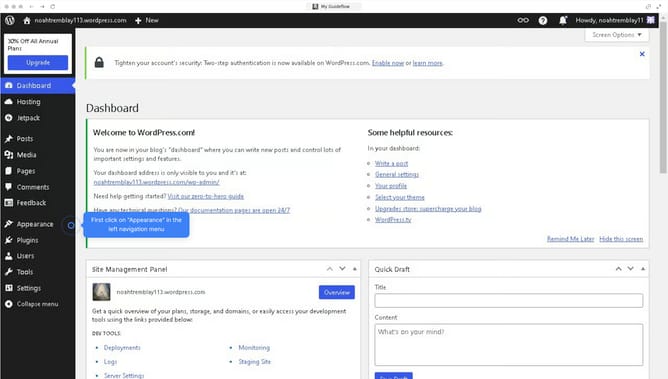
- First click on the "Edit site" button in the main dashboard area
- Then, select the paragraph text block whose color you want to change
- Next click on the "Text" option in the right sidebar color settings
- Then select the color swatch in the theme color palette
- Finally click on the "Save" button in the top toolbar to apply the changes
Why should you change the text color in WordPress?
WordPress is a versatile platform that empowers users to create and manage their websites with ease.
Changing the text color in WordPress is an impactful feature that allows for enhanced visual appeal and branding consistency. Users can easily match the text color with their site’s theme or use contrasting hues to highlight important sections.
This feature not only aids in maintaining aesthetic harmony but also improves readability and user engagement, making your content stand out effectively.
Last update