How to embed a Google Maps in WordPress?
Here is how to embed a google maps in wordpress
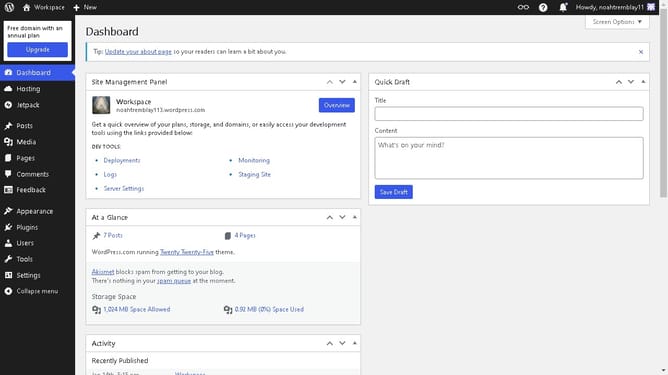
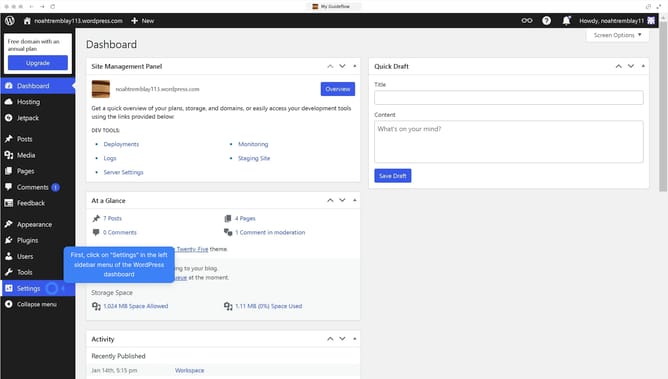
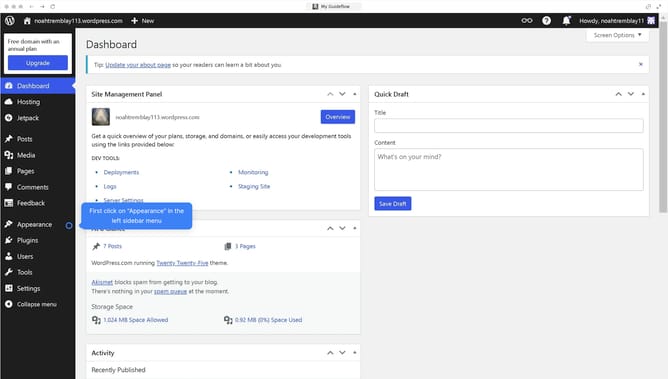
- First click on "Media" item in the left sidebar menu
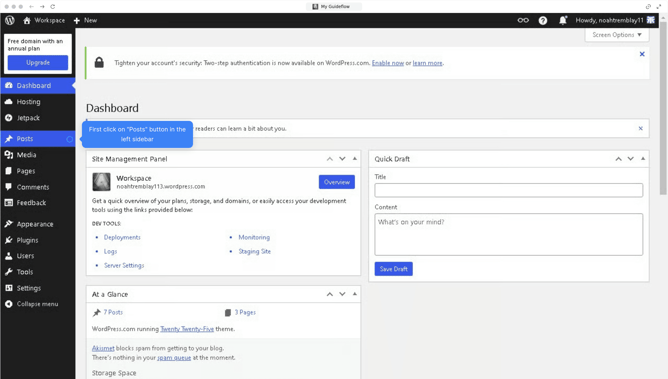
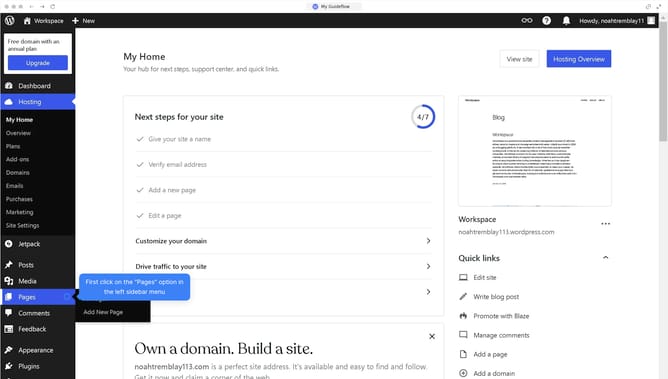
- Then click on "Posts" link in the left sidebar menu
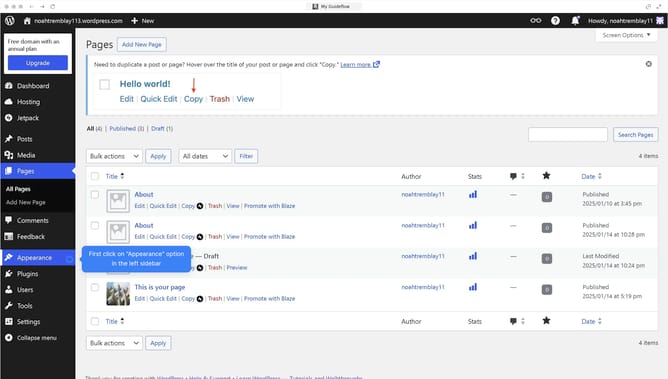
- Next click on the "Copy" link on to the post to edit
- Then click on the "+" button in the top toolbar to add new content
- Next click on "Patterns" tab in the left sidebar insert panel
- Then click on "Embed" block in the blocks panel
- Paste the embed code from Google Maps
- Finally click on the "Save" button in the top right corner of the editor
Why should you embed a Google Maps in WordPress?
WordPress is a versatile platform that empowers you to create and manage a website with ease.
Embedding a Google Map into your WordPress site adds interactive and visual appeal, helping visitors locate your business effortlessly.
It enhances user experience by offering immediate geographical context, making your content more engaging.
By integrating Google Maps, you not only make navigation easier but also increase the trustworthiness of your website through added transparency and convenience.
Last update