How to block an ip address from your website WordPress?
Here is how to block an ip address from your website wordpress
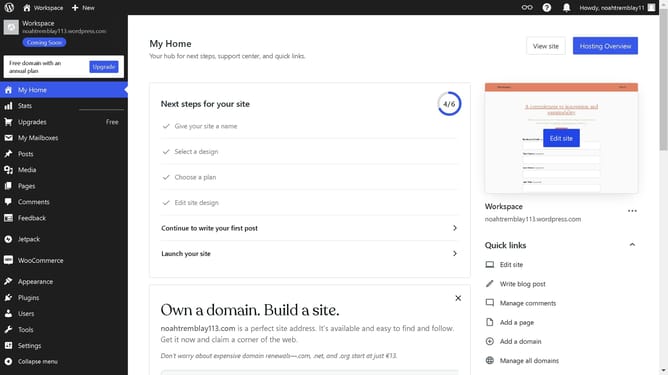
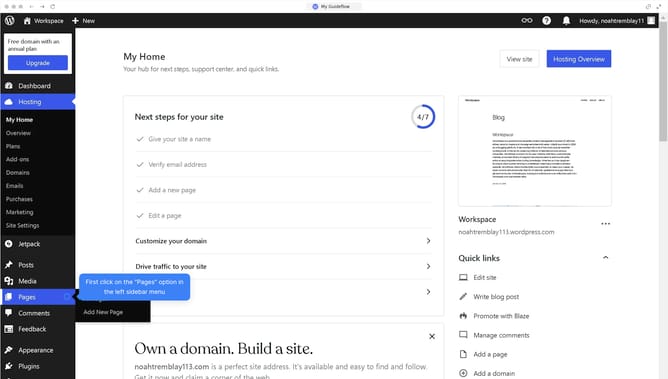
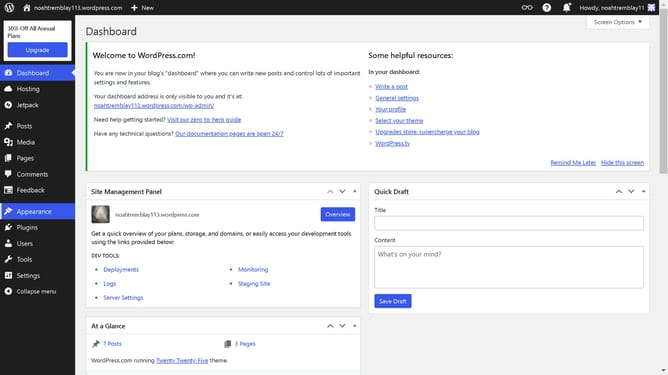
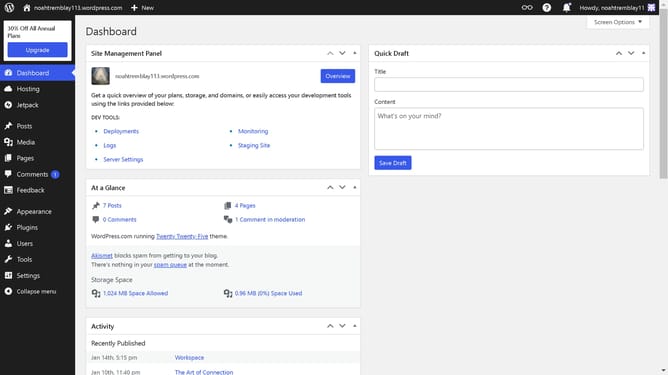
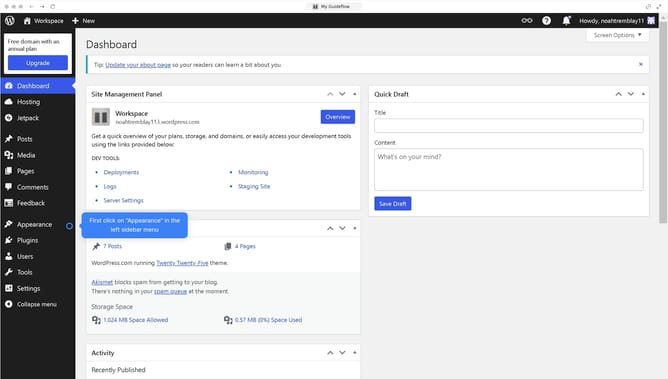
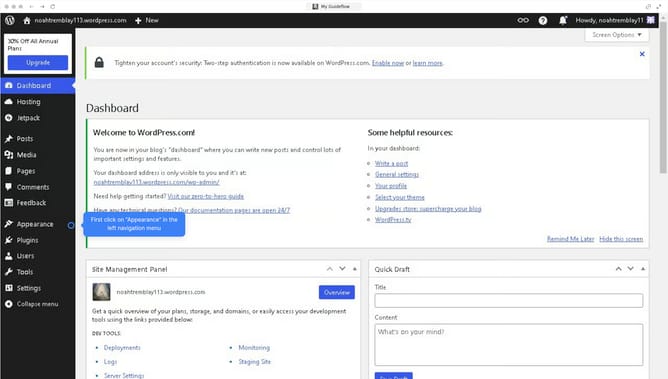
- First, click on "Settings" in the left sidebar menu of the WordPress dashboard
- Then click on the "Discussion" option in the settings submenu
- Next, click in the "Disallowed Comment Keys" text area to add blocked terms
- Finally, click the "Save Changes" button at the bottom of the Discussion settings page
Why should you block an ip address from your website WordPress?
WordPress is a versatile platform designed to empower users to create robust websites without hassle.
Blocking an IP address on your WordPress site enhances security by preventing unwanted or harmful visitors from accessing your content. This feature ensures that your site is safeguarded from spammers and malicious attackers.
By controlling access, you not only protect sensitive data but also maintain the integrity and performance of your website. Embrace a more secure web presence through effective IP management.
Last update