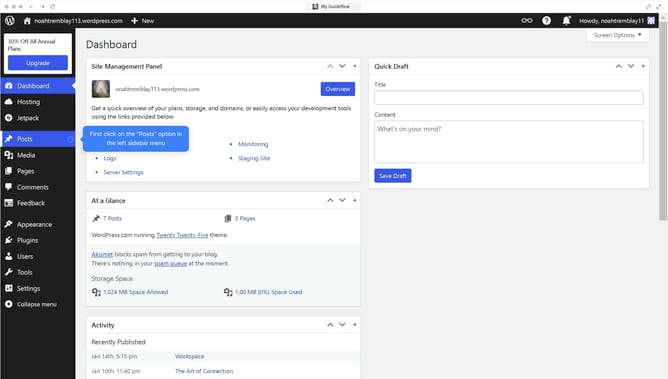
How to underline text in WordPress?
Here is how to underline text in wordpress
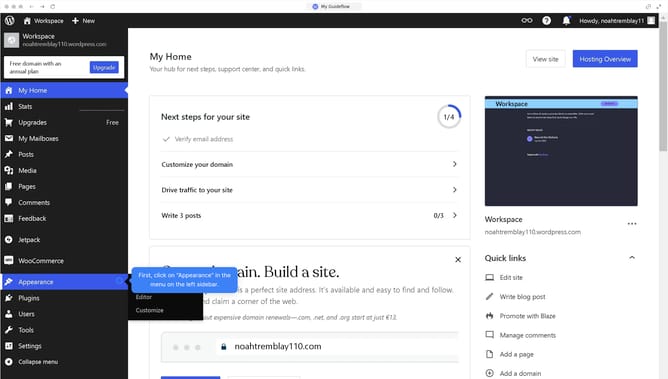
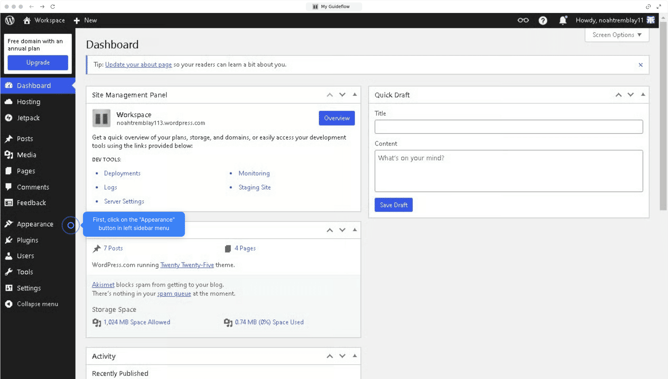
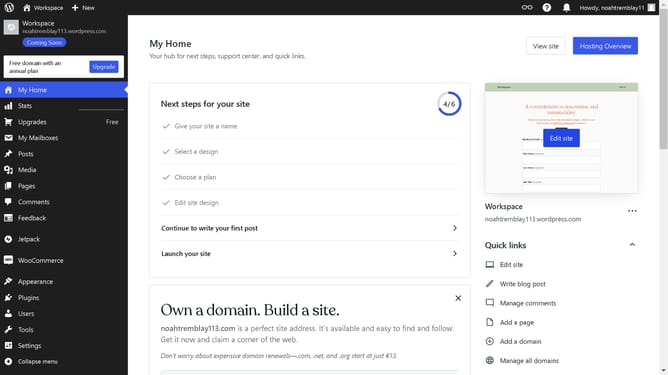
- First click the "Edit site" button in the top right corner of the page
- Then click on the text you want to underline
- Click the "Typography" options menu button in the right sidebar
- Select "Decoration" option from the Typography dropdown menu
- Choose the "Underline" option from the Decoration menu
- Finally click the "Save" button in the top right corner of the editor
Why should you underline text in WordPress?
WordPress is a versatile platform empowering individuals and businesses to create stunning websites with ease.
Underlining text in WordPress is a feature that enhances readability and draws attention to key points. A well-placed underline can guide your reader's eye to important sections of your content, ensuring your message is effectively communicated.
By utilizing text underlining, writers can emphasize specific phrases without overcrowding their pages with different styles, offering a clean, consistent visual hierarchy. This simple formatting tool is an invaluable asset for creating engaging and accessible websites.
Last update