How to edit the footer in WordPress?
Here is how to edit the footer in wordpress
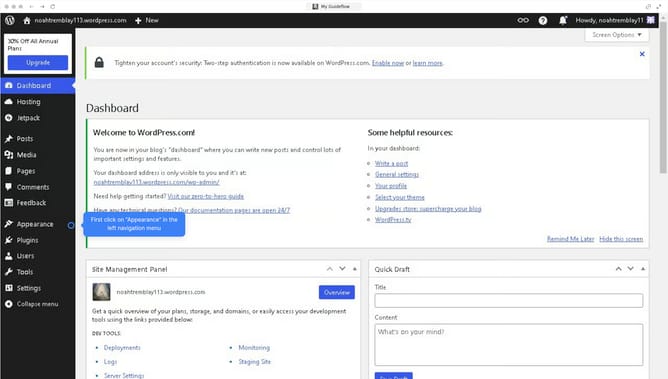
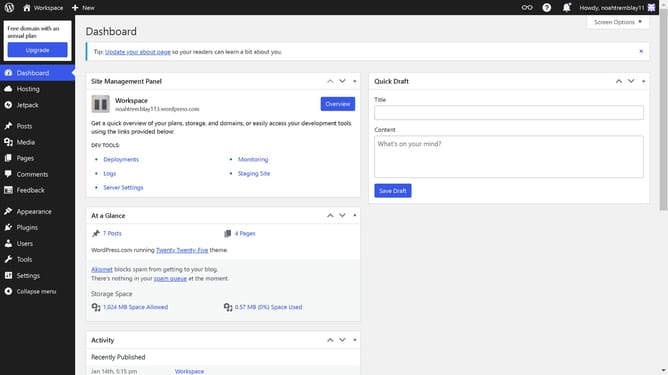
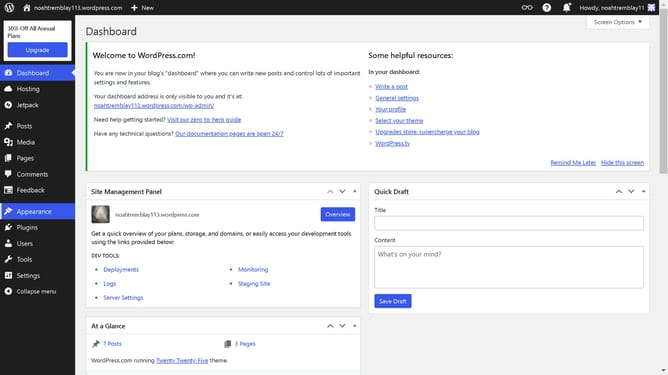
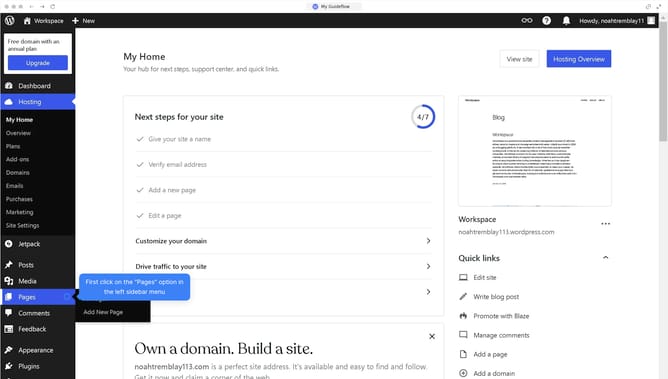
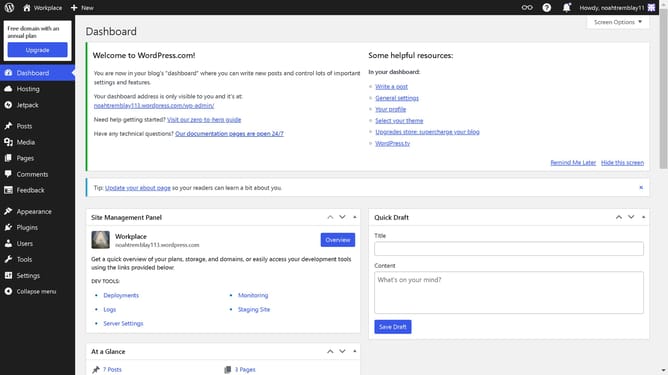
- First, click on "Appearance" in the menu on the left sidebar.
- Then click on "Editor" in the submenu under Appearance
- Click on "Patterns" in the left sidebar of the design editor
- Select "Footer" from the template parts list in the left sidebar
- Click on the footer template preview in the main area
- Choose a footer design from the panel on the right
- Finally click the "Save" button in the top-right corner of the editor
Why should you edit the footer in WordPress?
WordPress is a dynamic platform designed to help users create stunning websites with ease.
Editing the footer in WordPress offers substantial control over your site’s branding and user experience. This feature allows you to customize essential elements like copyright information, contact details, or add social media links.
Utilizing footer editing enhances your website’s professional appearance and directly influences user engagement by making important information easily accessible.
Last update