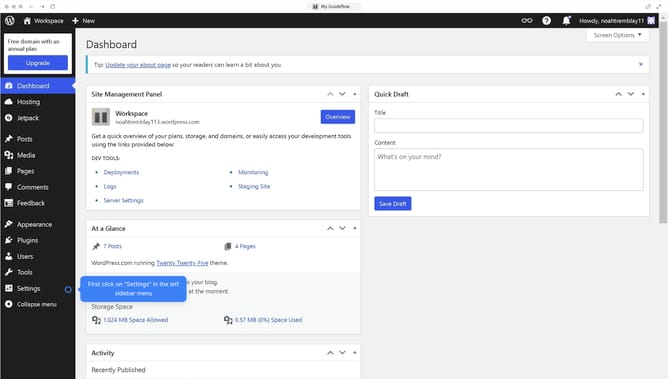
How to undo the changes in WordPress posts?
Here is how to undo the changes in wordpress posts
- First click on the main content area to begin editing the post text
- Then click on the "Undo" button to go back to your previous action
- Finally click on the "Save" button to save your updates
Why should you undo the changes in WordPress posts?
WordPress is an intuitive platform empowering users to effortlessly create and manage websites.
Accidentally made an unwanted change to a post? Don’t worry, WordPress has you covered with its handy undo features.
This feature allows you to revert to previous versions of your content with ease, saving time and alleviating stress.
Embrace the peace of mind provided by knowing that your work is safe and reversible, allowing you to experiment and innovate fearlessly.
Last update