How to change button color in WordPress?
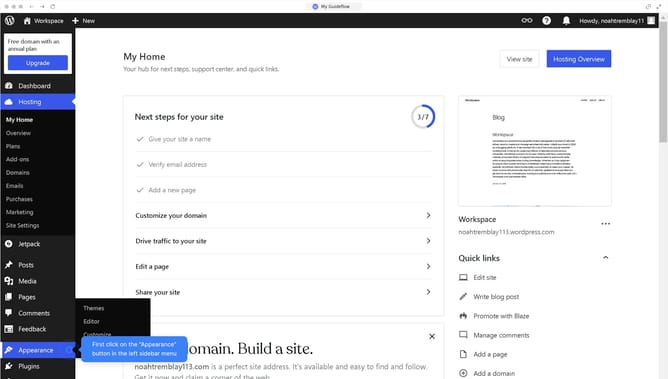
Here is how to change button color in wordpress
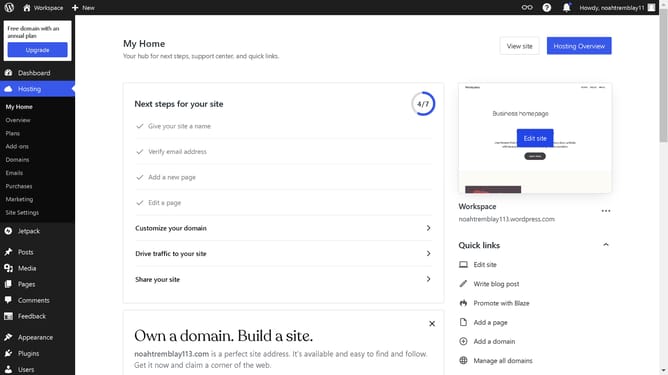
- First, click on the "Edit site" button in the homepage
- In the editor interface, click on the button in the content area
- Click on the "Styles" button in the right sidebar
- Select the "Background" option in the Color settings panel
- Pick the color that fits the best with your design
- Finally click the "Save" button in the top toolbar
Why should you change button color in WordPress?
WordPress is a versatile platform designed to power beautiful and functional websites effortlessly.
Changing button colors in WordPress can significantly enhance the visual appeal and usability of your site. By customizing colors, you can align your website's design with your brand identity, ensuring a cohesive look and feel.
Colorful buttons can also improve user engagement by making calls to action stand out. This subtle change can lead to higher click-through rates and ultimately drive more traffic to key areas of your site.
Last update