How to add alt tags to images in WordPress?
Here is how to add alt tags to images in wordpress
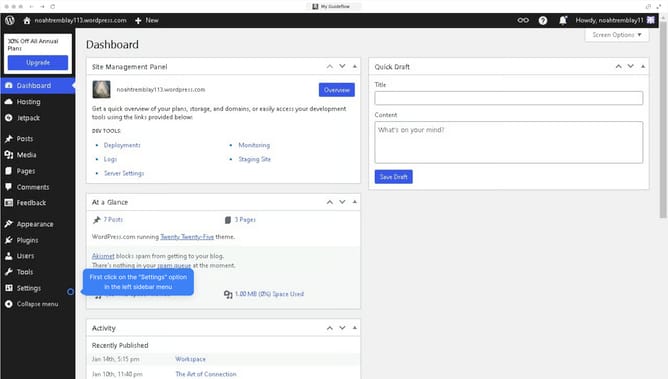
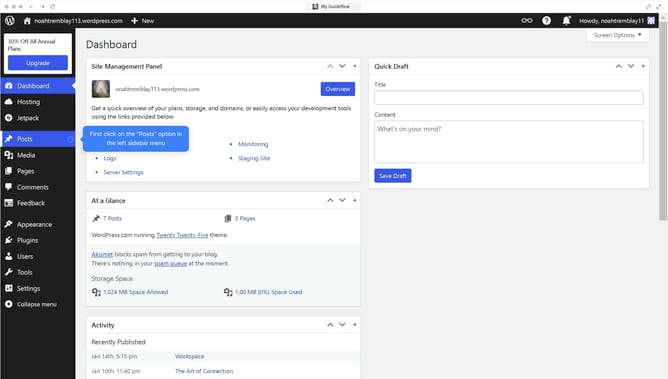
- First click on "Media" in the left sidebar menu
- Then click on the image you want to input an alt text in
- Next type on the empty "Alternative Text" field in the attachment details panel
- Finally click the cross to save your changes on the image
Why should you add alt tags to images in WordPress?
WordPress is a versatile platform designed to simplify website creation and management for everyone.
Adding alt tags to images in WordPress is a straightforward feature that enhances not just website accessibility, but also its search engine optimization. By ensuring every image is accompanied by descriptive alt text, you make your site more accessible to visually impaired users who rely on screen readers. This simple step ensures everyone can understand the content on your website, regardless of their abilities.
Additionally, alt tags can improve your site's SEO ranking, as search engines use these descriptions to better index your images and understand the context of your website content. Therefore, by simply adding alt tags, you boost accessibility and enhance your site's visibility in search results.