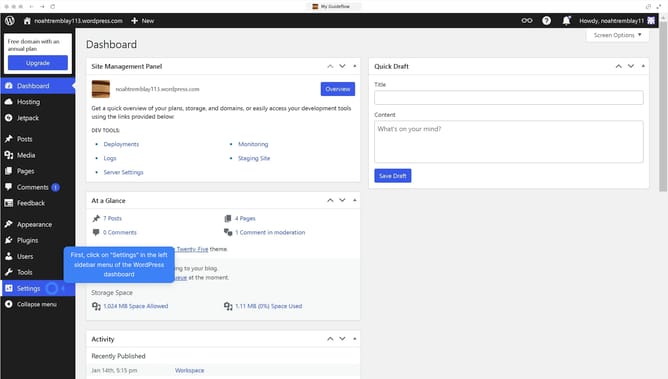
How to edit a menu in WordPress?
Here is how to edit a menu in wordpress
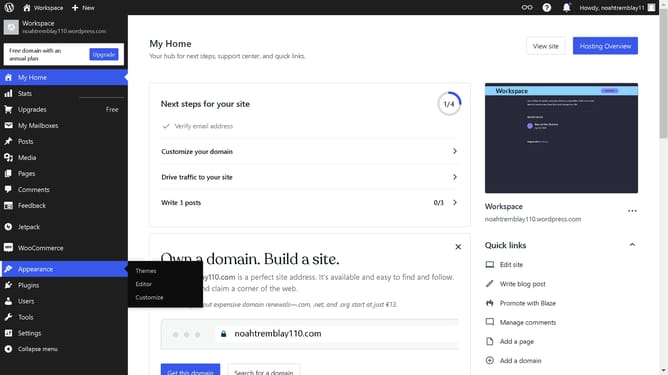
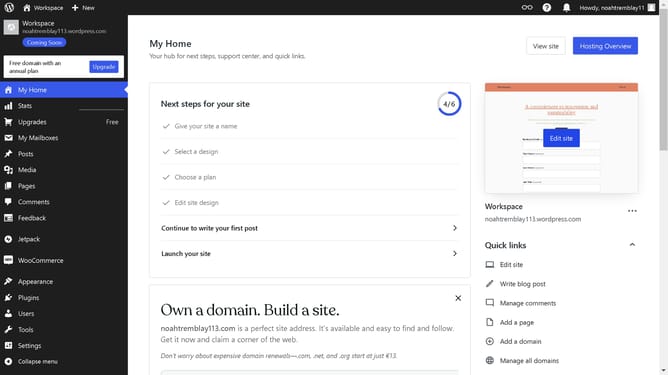
- First click on "Appearance" in the left navigation menu
- Next click on "Editor" in the theme customization sidebar
- Then click on "Navigation" in the design options menu
- Then click on the "Navigation" item in the left sidebar
- Next click on the "+" button to add a new menu item
- Select an item to add to your menu bar from the block options
- Finally click "Save" button in the top toolbar to save your changes
Why should you edit a menu in WordPress?
WordPress is a dynamic platform that empowers users to create and manage websites with ease.
Editing a menu in WordPress is a straightforward feature that enhances user experience and navigation efficiency on your website.
With this feature, you can effortlessly organize and structure your site’s menu, reflecting changes in your content or business priorities.
Utilizing it ensures visitors find the information they seek quickly, improving satisfaction and engagement on your site.
Last update