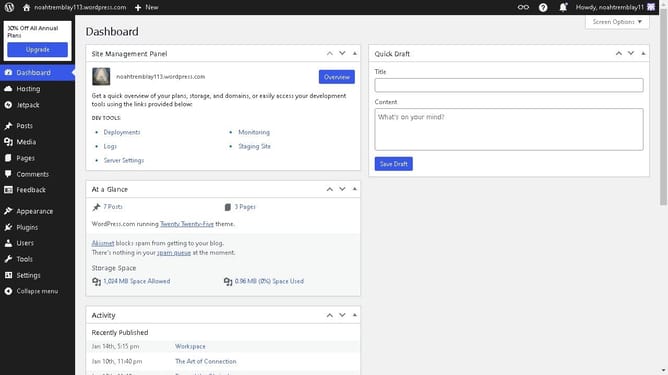
How to wrap text in WordPress?
Here is how to wrap text in wordpress
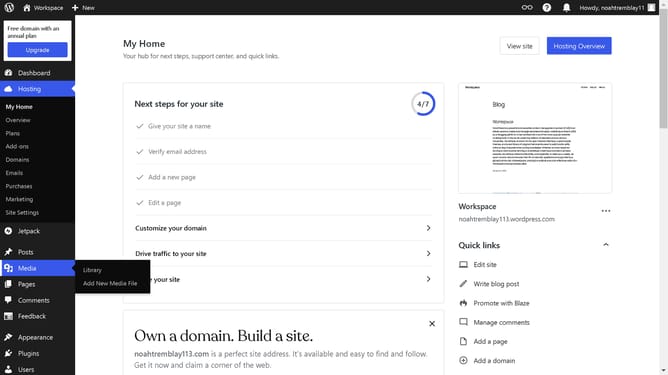
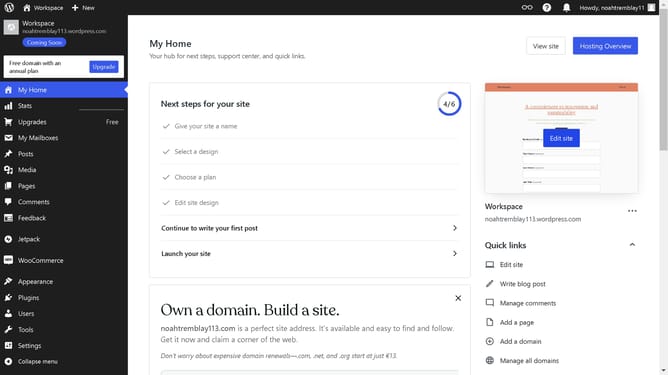
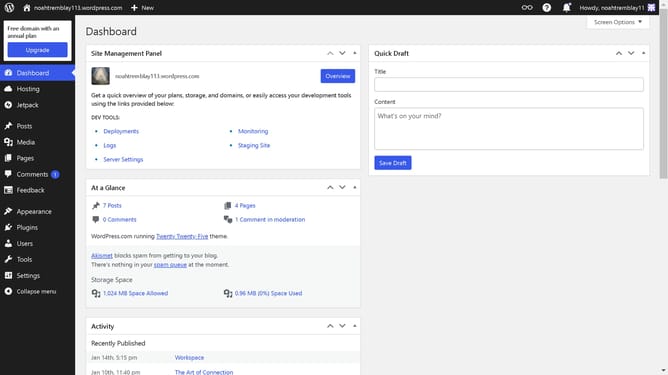
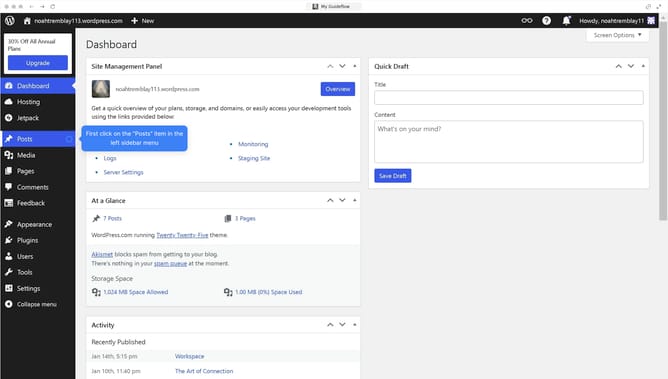
- First click on "Posts" item in the left sidebar
- Then click on "Workspace" item in the post list
- Next click on the "+" button in the block editor toolbar
- Then click on "Image" block in the block insert menu
- Next select the image you want from the Media Library
- Then click on the "Alignment" button in the block toolbar
- Next click on an alignment option in the alignment dropdown menu
- Finally click on "Save" button in the top-right corner of the editor
Why should you wrap text in WordPress?
WordPress is a powerful, user-friendly platform designed for crafting stunning websites and blogs with ease.
Wrapping text in WordPress involves arranging content around images or other elements, adding a visually appealing touch to web pages.
This feature enhances readability and keeps your audience engaged, ensuring that your website looks clean and professional.
Utilizing text wrapping helps organize content effectively, creating a balanced layout that provides a seamless reading experience.
Last update