How to deactivate a theme in WordPress?
Here is how to deactivate a theme in wordpress
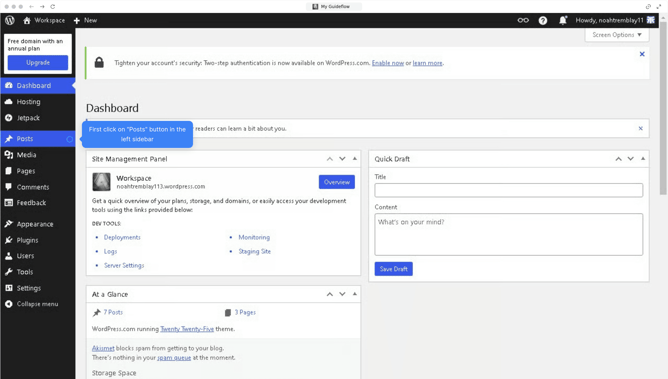
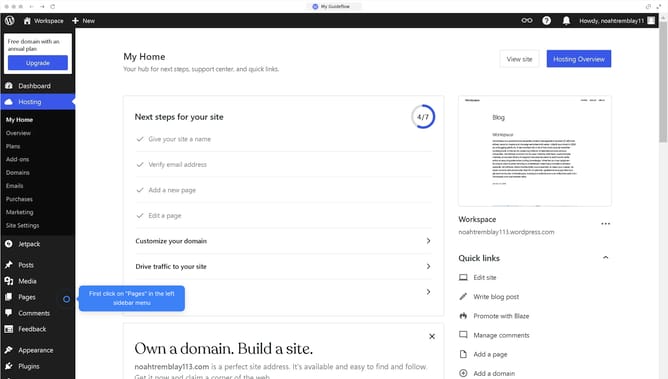
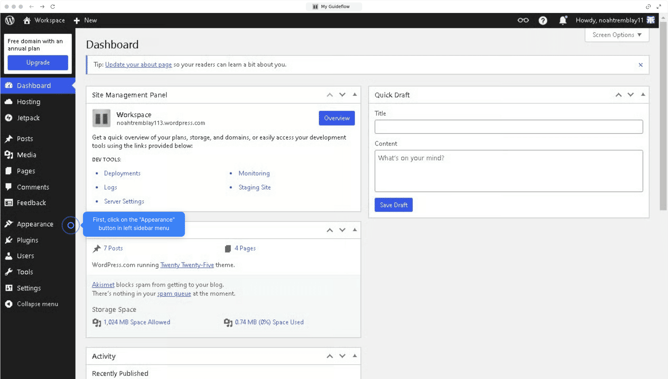
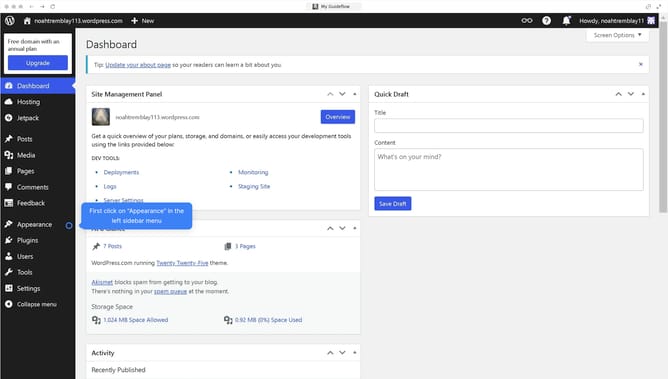
- First click on "Appearance" in the left sidebar menu
- Then click on "Themes" in the left sidebar
- Choose the theme that best suits your needs and click on "Activate"
Why should you deactivate a theme in WordPress?
WordPress is a powerful platform for creating and managing websites with ease.
Deactivating a theme in WordPress can simplify website management, reducing potential conflicts with plugins and improving site performance. This feature empowers users to test and preview new themes without altering the live website.
Using this capability helps maintain a streamlined and efficient site, ensuring the active theme remains up-to-date with necessary design and functionality.
This ensures the site stays visually appealing and responsive to visitors' needs.
Last update