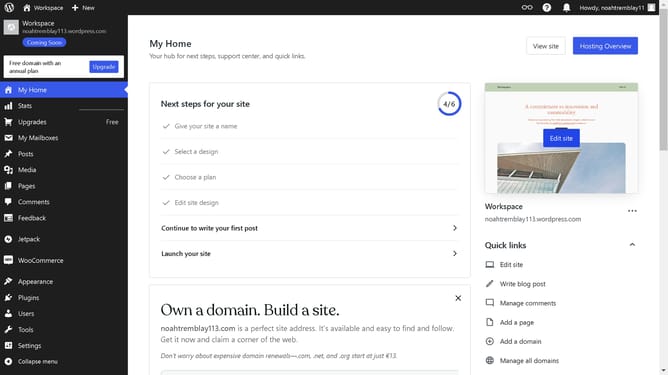
How to delete WordPress site and start over?
Here is how to delete wordpress site and start over
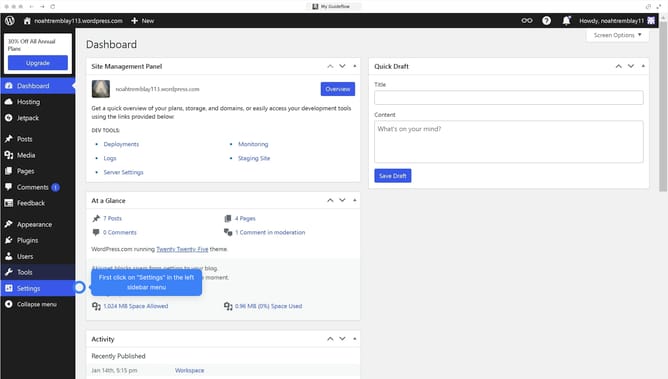
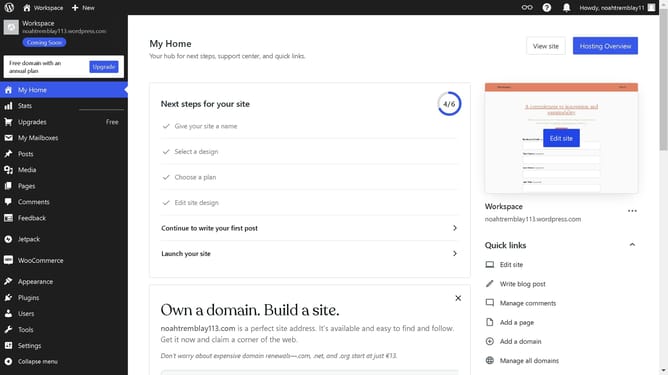
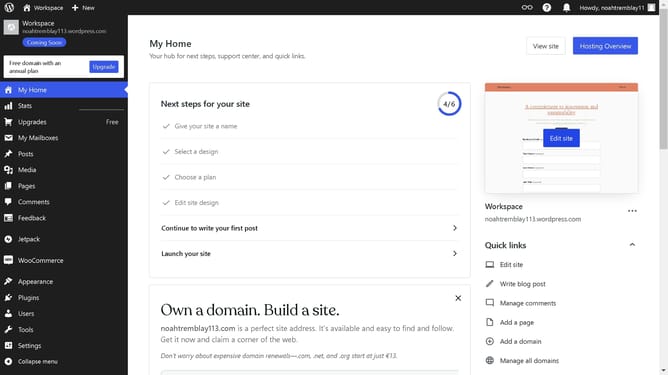
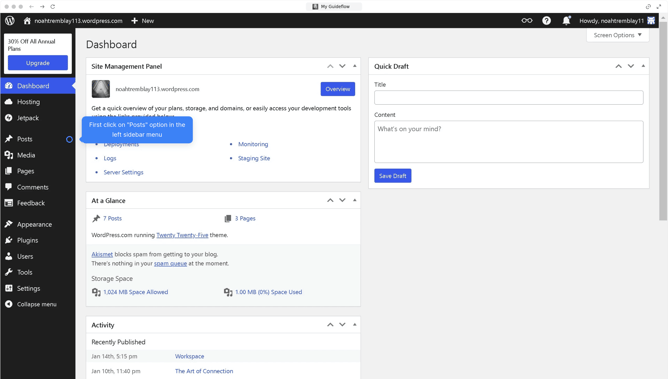
- Go to your "Sites" and find the site you want to delete
- Then click the three dots to make the "Option" menu appear
- The click on "Site settings" option in the dropdown menu
- Next click on "Delete your site permanently" button in the site tools section
- Next, click on the "Export content" button to create a backup before deletion
- Type your email address to confirm the deletion
- Finally click on the "Delete site" button to remove the site
Why should you delete WordPress site and start over?
WordPress is a versatile platform designed for effortless website creation and management.
The capability to delete a WordPress site and start over offers flexibility for digital creators wanting a fresh beginning. This feature supports evolving visions or pivots in direction, ensuring your site reflects the latest vision.
Starting over allows for refining ideas, eliminating clutter, and integrating new design trends. Ultimately, it gives you the freedom to innovate and keep your website aligned with current goals.
Last update