How to export WordPress media library?
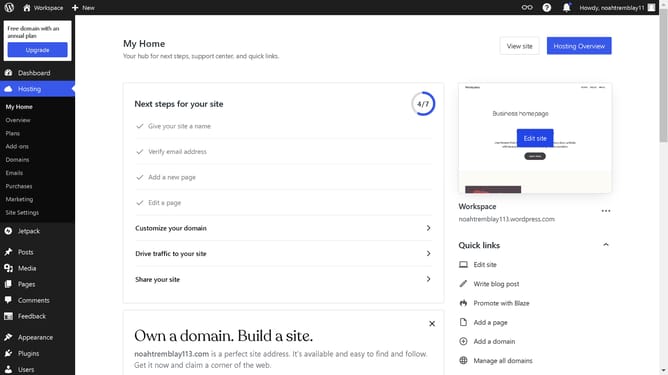
Here is how to export wordpress media library
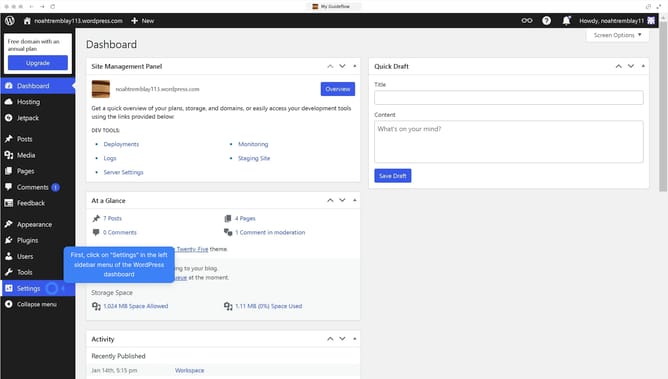
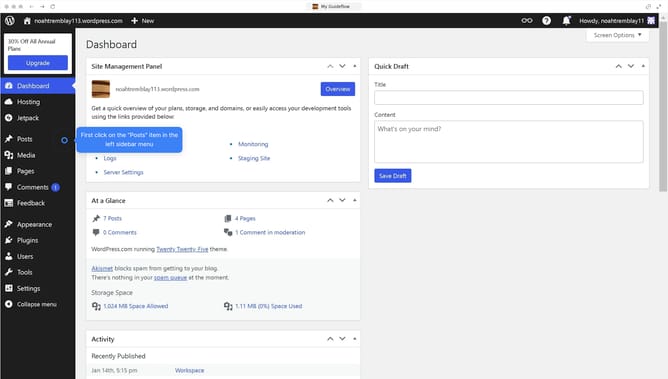
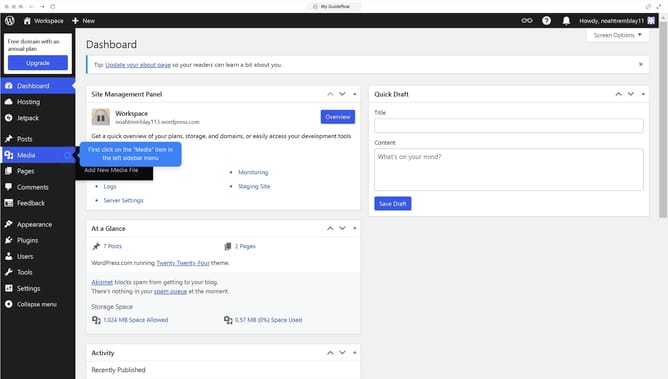
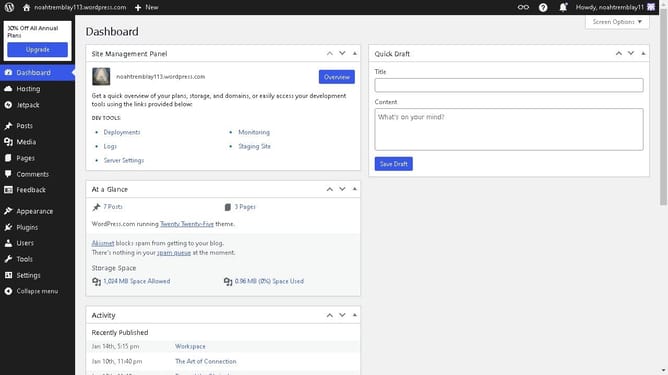
- First, click on the "Tools" option in the left sidebar menu
- Then click on the "Export" option under Available Tools in the left sidebar
- Next, select the "Media" radio button in the export options panel
- Finally, click on the "Download Export File" button to export your media content
Why should you export WordPress media library?
WordPress is a versatile platform empowering users to create stunning websites effortlessly.
Exporting the WordPress media library empowers users to save, transfer, or back up crucial media files with ease. This feature ensures that all visual assets like images and videos can be safely stored.
It benefits users by preventing data loss and facilitating a smooth transition when changing hosts or upgrading websites.
Ultimately, being able to export your media library enhances your website management and optimizes your digital workflow.
Last update