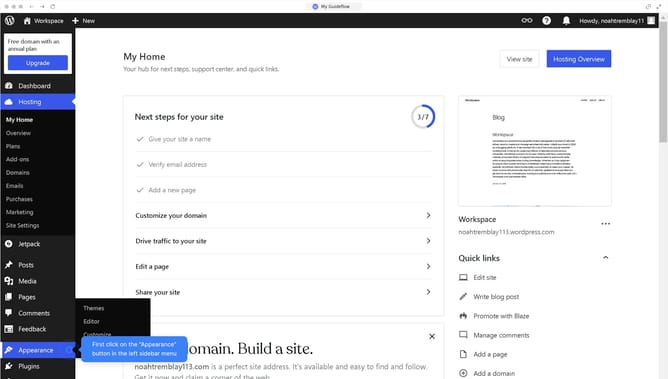
How to create a form in WordPress without plugin?
Here is how to create a form in wordpress without plugin
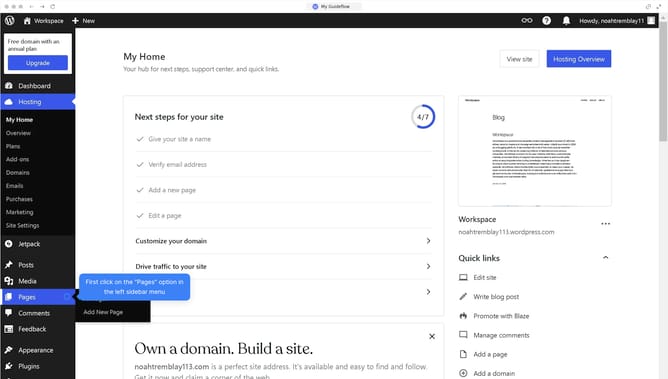
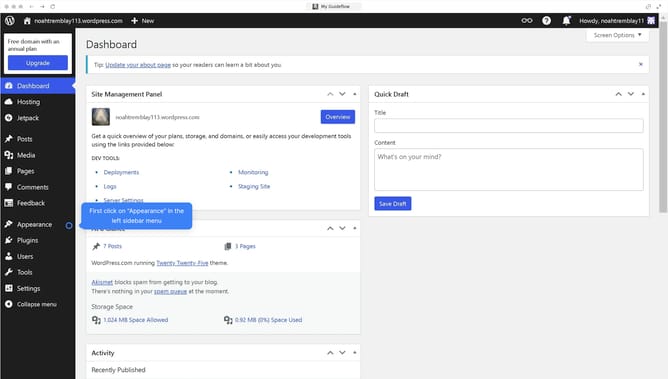
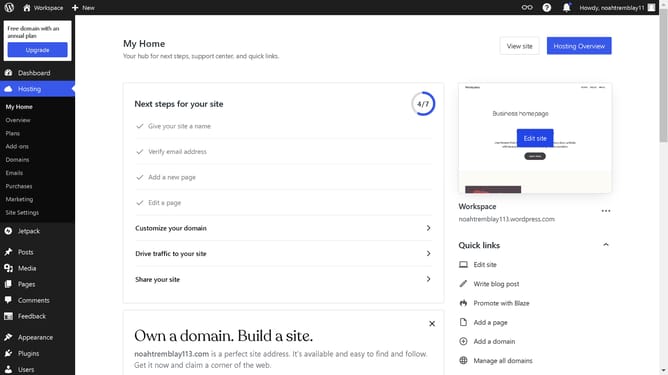
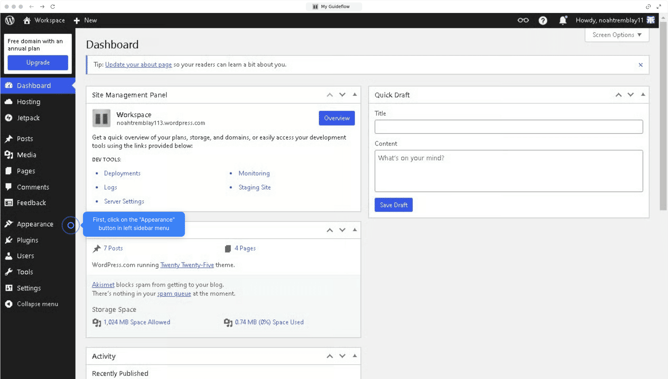
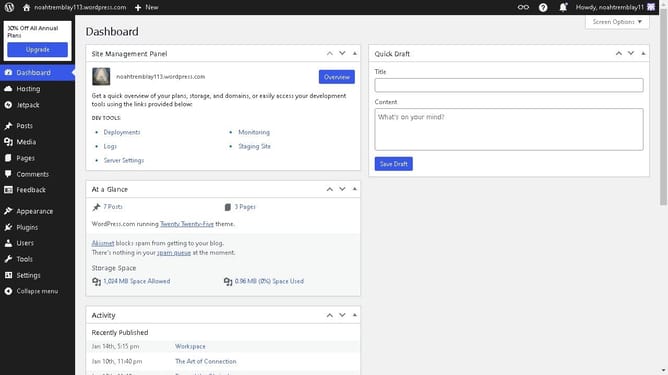
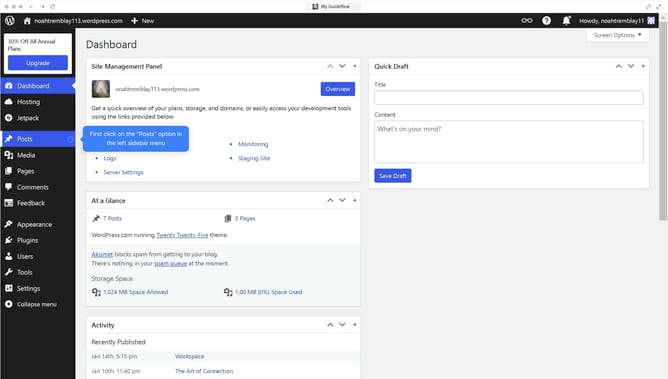
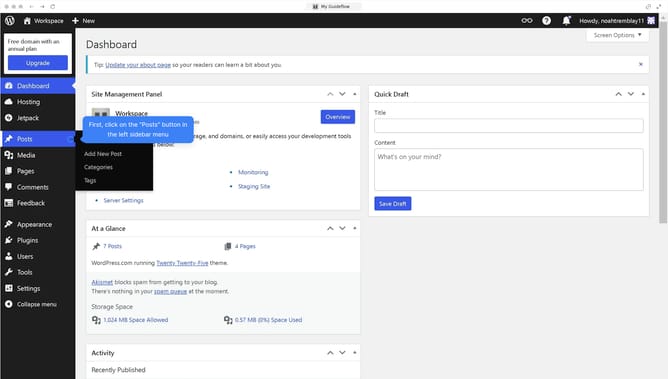
- First click on the "Edit site" button in the top right corner of the dashboard
- Then click on the "Add block" button
- Next click in the search field to look for block types
- Then select the "Form" block option from the block menu
- Next click the basic "Form" template from the form options
- Finally click on the "Save" button to save your changes
Why should you create a form in WordPress without plugin?
WordPress is a versatile platform designed to empower users in creating and managing websites effortlessly.
Creating a form in WordPress without a plugin offers simplicity and flexibility for those looking to maintain performance while staying in control of custom styling. By directly embedding forms using basic HTML, users gain complete freedom over design and function, reducing dependency on external plugins.
Without extra load from plugins, websites perform faster and remain more secure, making this method both efficient and resourceful. Embracing this approach enhances customization, allowing you to tailor forms that fit your website's unique style and needs perfectly.
Last update