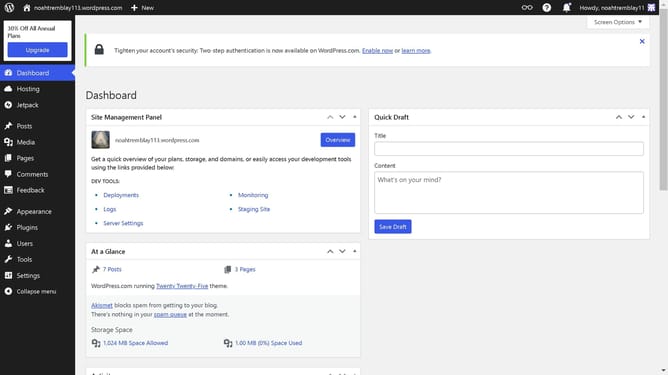
How to create an anchor link in WordPress?
Here is how to create an anchor link in wordpress
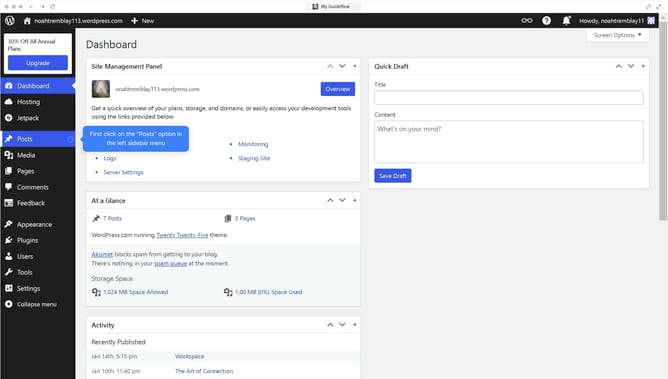
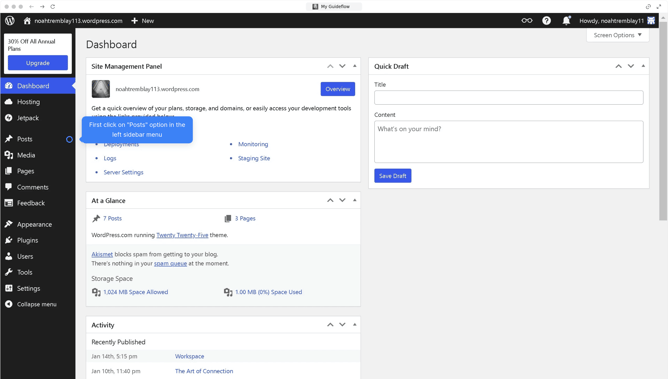
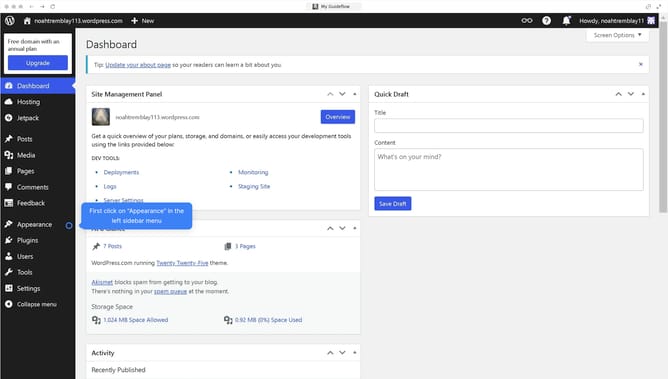
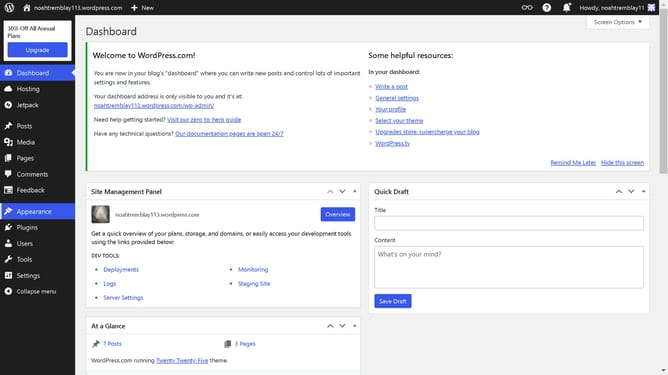
- First, click on the "Posts" button in the left sidebar menu
- Then, click on the page you want to add an anchor link to
- Next click in the "HTML ANCHOR" field and type a word
- Finally click on the "Save" button to save your changes
Why should you create an anchor link in WordPress?
WordPress is a powerful platform that enables users to build and customize websites with ease.
Creating an anchor link in WordPress enhances navigation by allowing users to jump to specific sections within a page seamlessly.
This feature provides a smooth user experience, reducing the need for scrolling and making information more accessible.
Using anchor links can increase user engagement by directing them to key content quickly, ultimately improving the overall structure of the website.
Last update