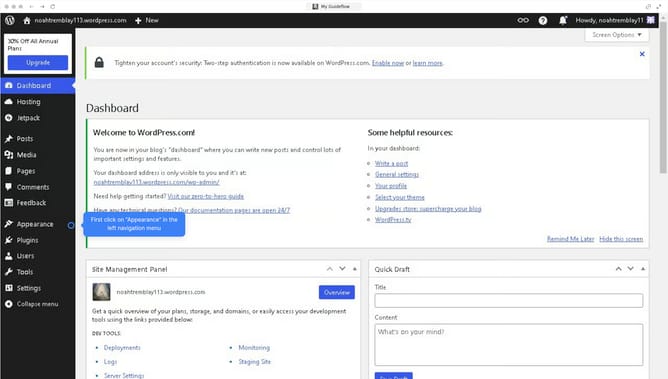
How to edit the header in WordPress?
Here is how to edit the header in wordpress
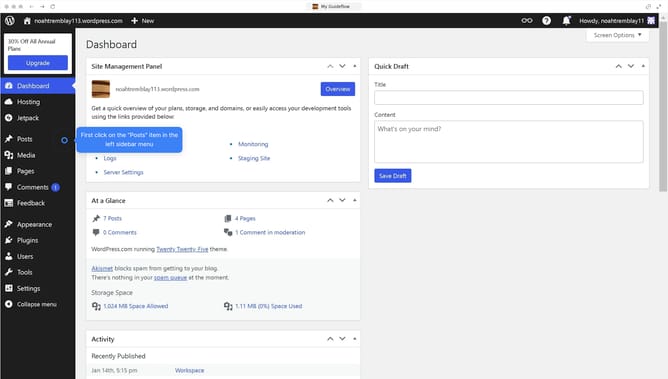
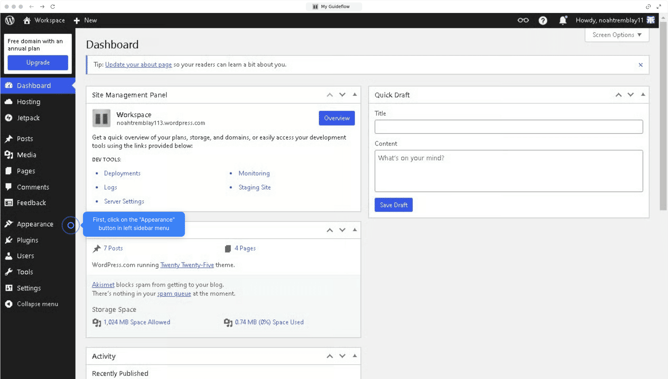
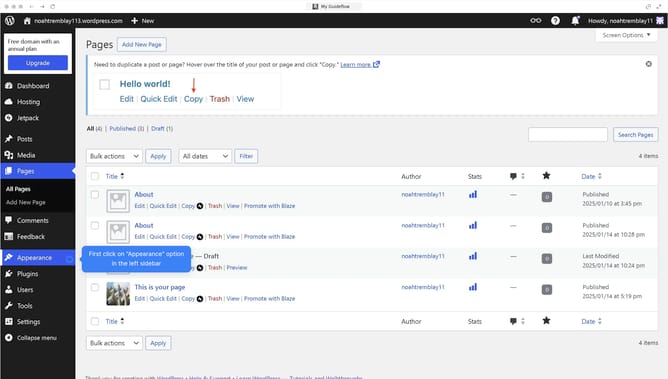
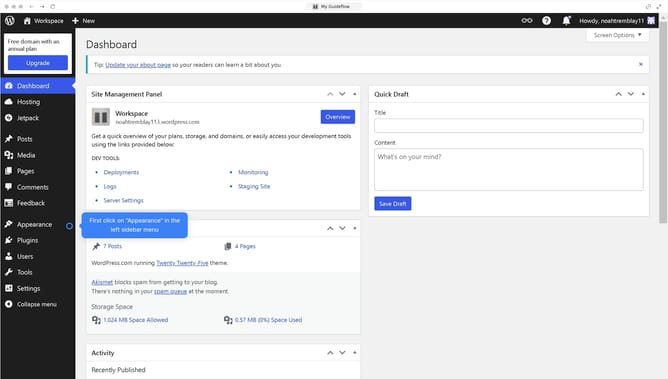
- First click on the "Appearance" button in the left sidebar menu
- Then click on "Editor" in the submenu
- Next click on "Patterns" in the left navigation panel
- Click on "Header" in the template parts list
- Select the "Header" pattern in the available options
- Click the "Style" button in the top right corner of the editor
- Click on the "Text" color option in the right sidebar
- Pick the color that fits the best with your design
- Finally click "Save" to update your template.
Why should you edit the header in WordPress?
WordPress is a powerful platform that enables users to create and manage websites effortlessly.
Editing the header in WordPress allows for customization that reflects your brand's identity, providing a unique touch to your website's first impression.
By personalizing your header, you can enhance navigation with customized menus, adding logos, and experimenting with different layouts to strengthen your site's appearance and functionality.
Ultimately, a well-edited header improves user experience, reinforcing your website's professional and approachable image.
Last update