How to change WordPress site title?
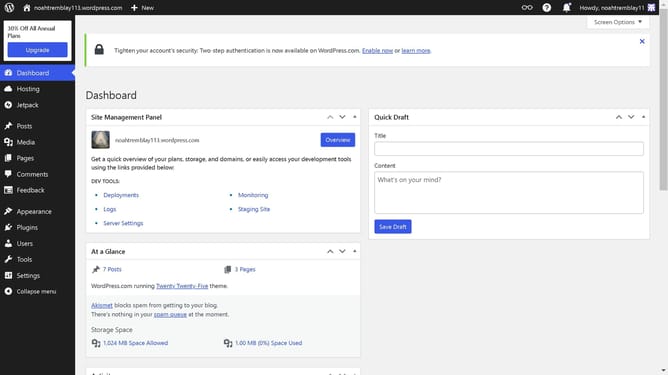
Here is how to change wordpress site title
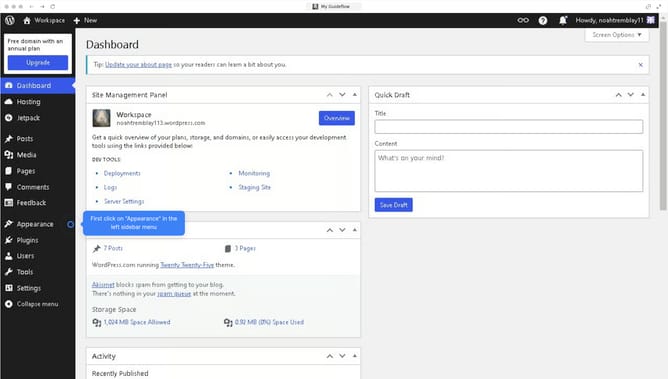
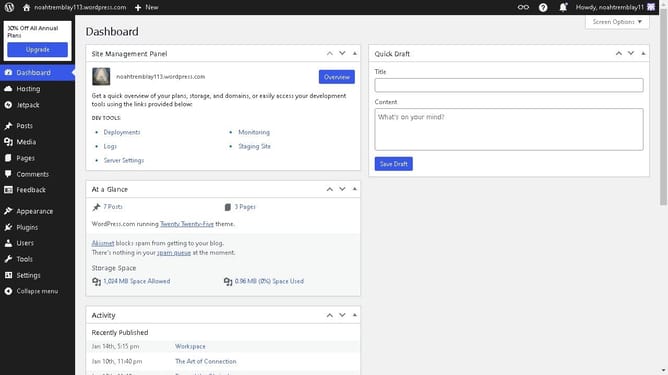
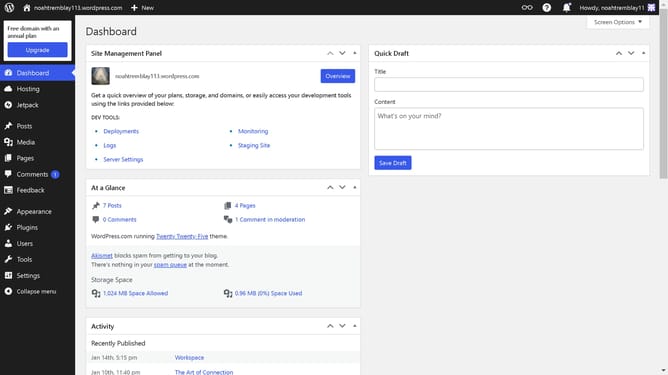
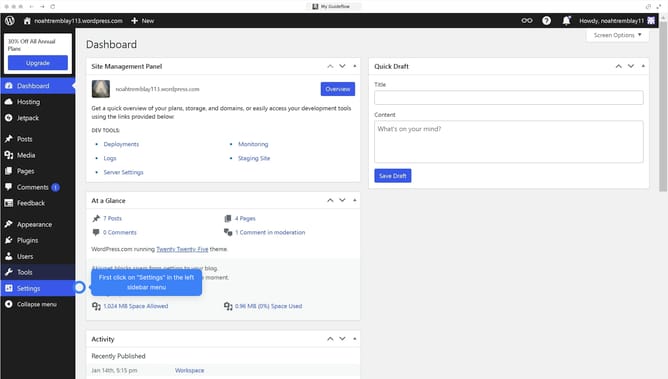
- First, click on the "Settings" option in the left sidebar menu
- Then click on the "General" submenu item under Settings in the left sidebar
- Next, click the "Site Title" search field to input the title for your site
- Finally, click the "Save Changes" button at the bottom of the General Settings page
Why should you change WordPress site title?
WordPress is a versatile platform empowering users to create stunning websites with ease.
Adjusting your WordPress site title is a simple yet impactful feature that enhances your website’s identity and appeal.
By customizing the site title, you not only ensure that it reflects your brand’s essence but also improve visibility in search engine results, creating a stronger online presence.
Changing your site title can make your website more recognizable and memorable to visitors, fostering engagement and growth.
Last update