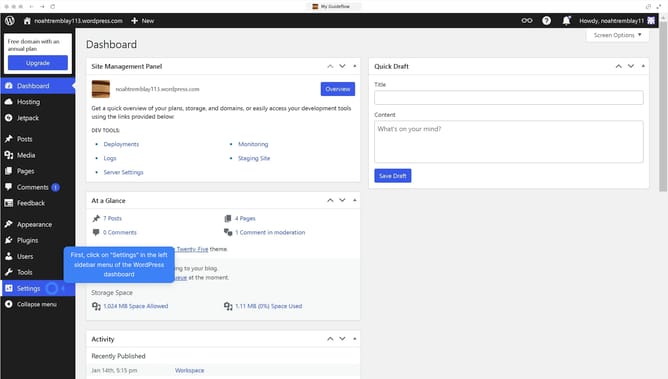
How to duplicate a page in WordPress?
Here is how to duplicate a page in wordpress
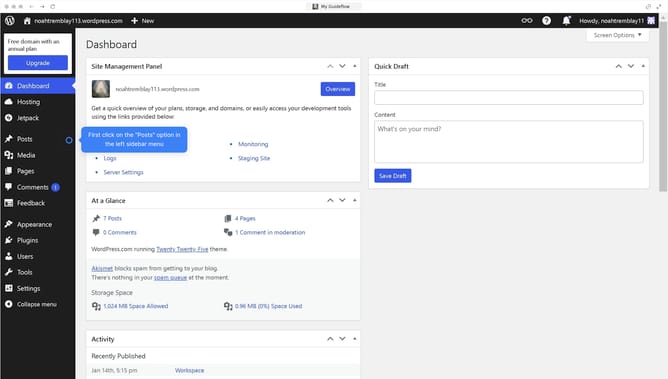
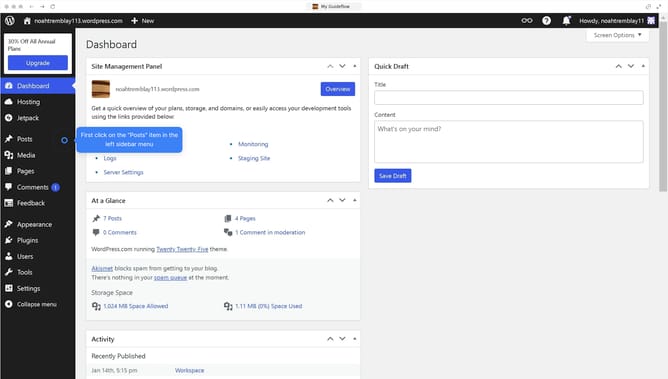
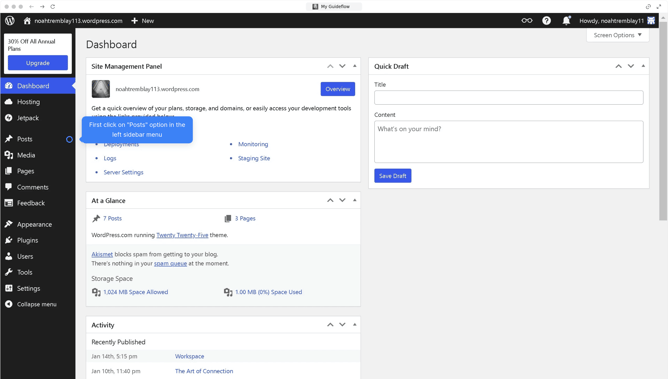
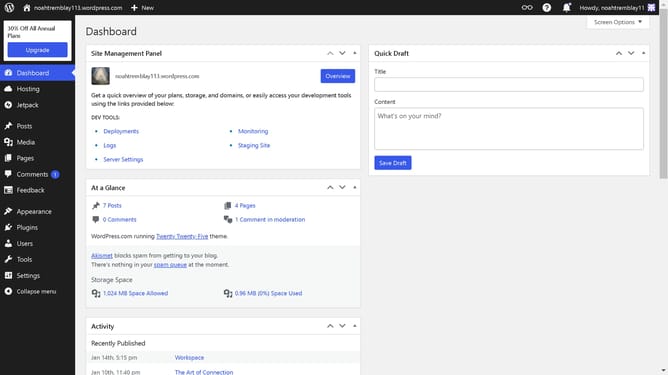
- First click on "Pages" in the left sidebar menu
- Then click on "Copy"
- Finally click the "Publish" button in the top-right corner
Why should you duplicate a page in WordPress?
WordPress is a powerful platform designed to help individuals and businesses create dynamic websites with ease.
Duplicating a page in WordPress is a time-saving feature that can streamline your content creation process. It allows you to effortlessly copy existing pages, ensuring consistency in design and content without starting from scratch.
This feature is invaluable for maintaining brand identity or replicating complex layouts swiftly, enabling you to focus on customizing your content for better audience engagement.
By utilizing this function, you can efficiently manage your site’s content, boosting productivity and ensuring a cohesive user experience.
Last update