How to edit a WordPress site?
Here is how to edit a wordpress site
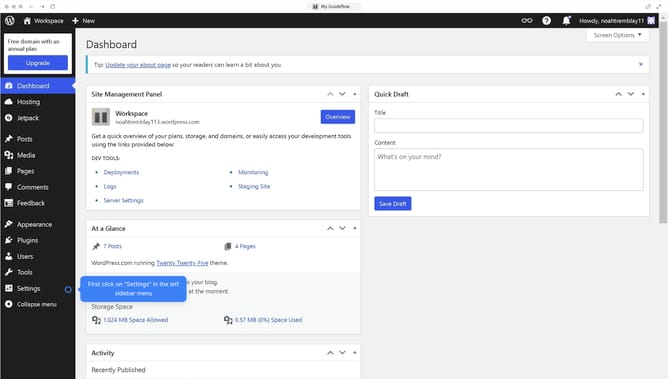
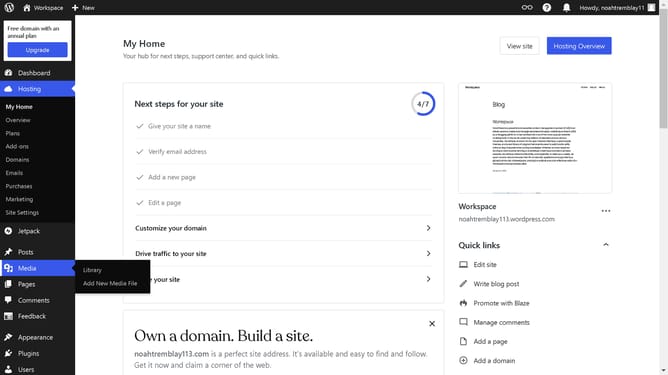
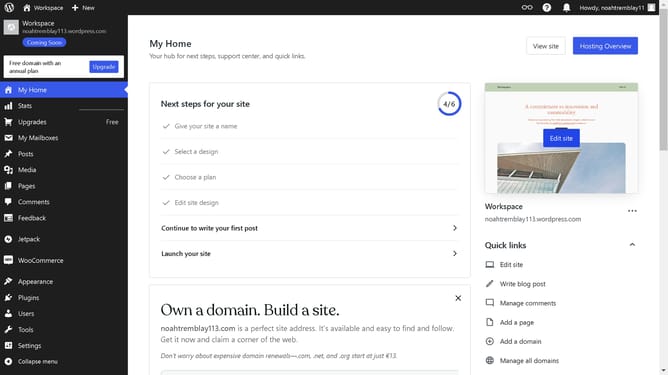
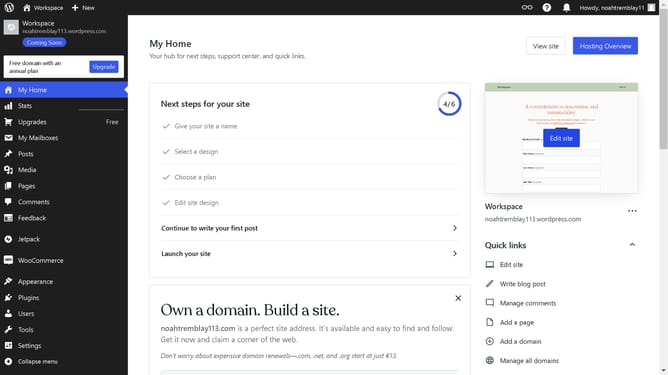
- First click on "Sites" in the left sidebar navigation
- Next click on the "Actions" menu (three dots) for the website you want to edit
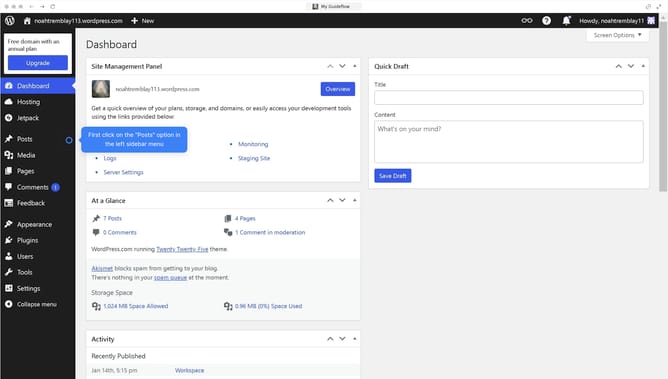
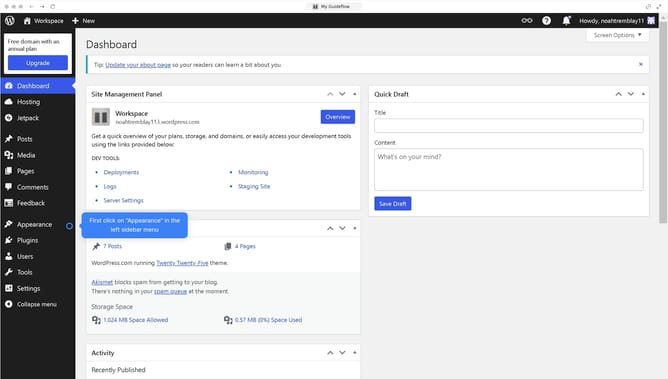
- Next click on "WP Admin" option to access the admin dashboard
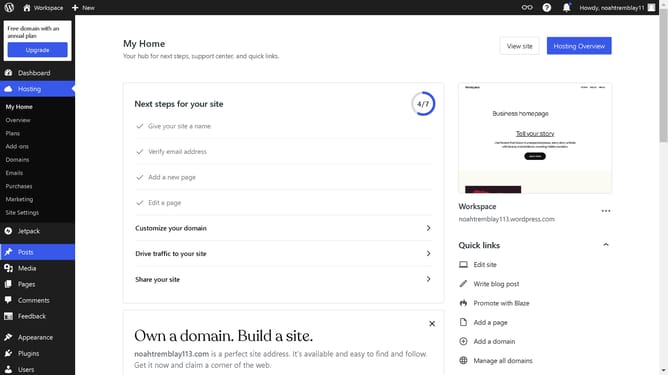
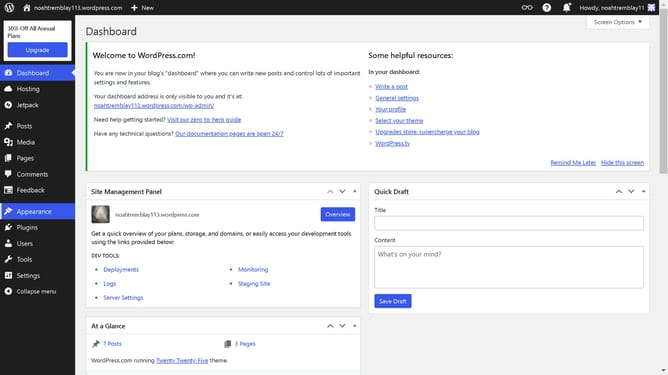
- Finally you will be redirected to your dashboard to edit your site
Why should you edit a WordPress site?
WordPress is a versatile platform that empowers users to build and manage professional websites effortlessly.
Its intuitive interface allows you to easily edit content, ensuring your site always reflects your goals and vision.
By updating pages, posts, and media seamlessly, you can keep your audience engaged with fresh, relevant updates.
Utilizing WordPress's editing features not only enhances your site's functionality but also amplifies your brand's online presence effectively.
Last update