How to export blog posts from WordPress?
Here is how to export blog posts from wordpress
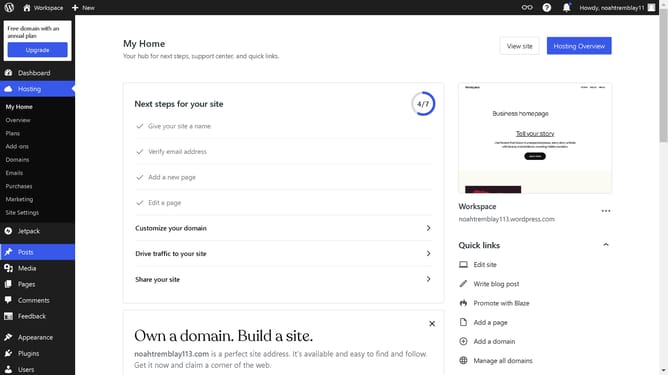
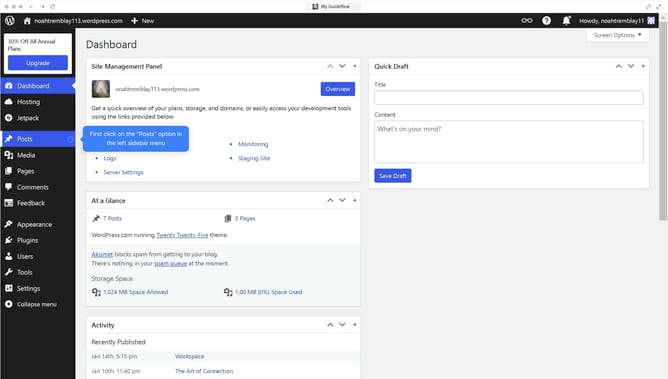
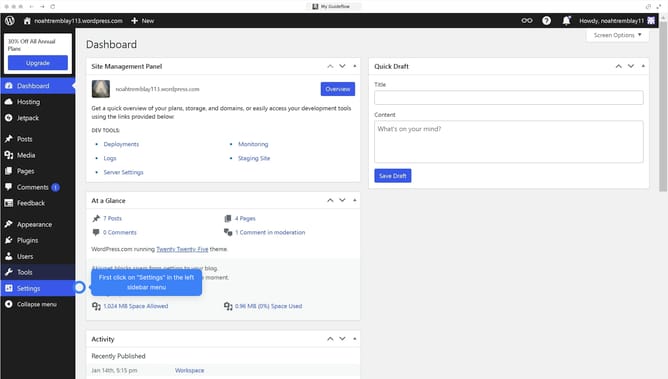
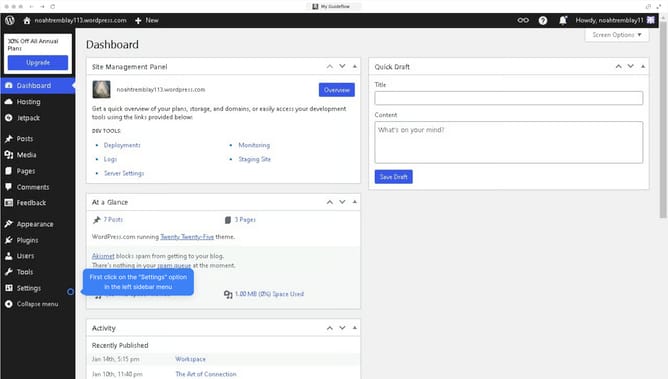
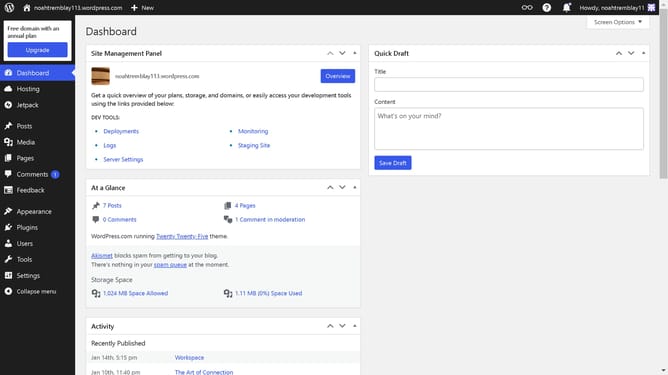
- First, click on "Tools" in the left sidebar menu
- Then click on "Export" option in the Available Tools section
- Next, select the "Posts" radio button in the export options
- Finally, click the "Download Export File" button to export your WordPress content
Why should you export blog posts from WordPress?
WordPress is a versatile platform that empowers individuals to create and manage websites effortlessly.
Exporting blog posts from WordPress is a simple feature that allows users to transfer their content seamlessly. This functionality is invaluable for those who need to back up their work, migrate to another platform, or share content with collaborators.
Using the export feature ensures that your posts—and all their associated data—are preserved, providing peace of mind and flexibility in managing your digital content.
Last update