You published the launch video. Sales added it to their sequence. Your champion forwarded it to the buying committee. Then the deal stalled because the stakeholders who actually sign off never got to explore the product themselves.
If you are evaluating Vidyard alternatives, the list below covers five tools spanning two distinct categories: Interactive demo software and video platforms, including async recording, marketing-grade hosting, personalized sales video, and AI-powered editing. Guideflow is our top pick for teams that need buyers to click through a product story rather than watch a linear recording. For a video-first replacement, Wistia is the strongest option for marketing-owned programs.
TL;DR
- Best interactive upgrade: Guideflow. For PMMs who need prospects and champions to navigate product value at their own pace, with engagement signals that feed back into the pipeline.
- Best video-first platform for marketing: Wistia. For branded hosting, webinars, lead capture, and marketing automation.
- Best for internal async updates: Loom. Screen and camera recordings shared inside a team or directly with customers.
- Best for video-led sales outreach: Dubb. Personalized videos, landing pages, CTAs, and campaign workflows.
- Best for editing and repurposing recorded content: Descript. Transcript-based editing, captions, and social cutdowns.
The field spans two categories: Video and interactive demos. Match the format to the job before choosing a vendor.
What's inside
- What Vidyard is and what it is built for
- Why PMMs look for alternatives, with sourced pains
- How the five options differ by category
- A comparison table with verified pricing and current G2 ratings
- Full tool cards with notable limitations sourced from G2 reviews
- Use-case routing by format and budget
- When to stay with Vidyard
What is Vidyard?
Vidyard is a sales and marketing video platform for recording, sharing, hosting, and measuring business video. Its core use cases center on seller-recorded prospecting videos, personalized follow-ups, and video analytics connected to CRM workflows. Revenue teams use it to send video emails, track viewer drop-off, and coordinate outbound sequences. Vidyard also offers video hosting, a branded player, and basic marketing distribution capabilities.
The platform's strength is linear video communication: A person records, sends, and measures whether a prospect watched. It does not produce interactive, clickable product experiences where buyers navigate guided product flows themselves.
Why teams look for Vidyard alternatives
Most teams reassessing Vidyard are not leaving a bad tool. They are finding that the work they need to get done has grown beyond what one video platform covers.
Video production needs have outgrown recording
Vidyard's recording workflow suits sales reps sending quick, narrated clips. PMMs building launch assets, turning customer interviews into polished content, or creating social cutdowns need transcript-based editing, filler-word removal, captions, and clip creation. G2 reviewers cite the editor as limited for production-heavy workflows. A dedicated tool like Descript fills the editing gap Vidyard leaves.
Marketing needs web conversion and attribution
Teams running website video programs, webinar funnels, or marketing automation sequences need capabilities that go beyond a revenue-video platform. Specifically: Branded embeds that do not interrupt the viewer experience with competitor ads, lead capture inside the video player, and direct connections to marketing automation platforms. Wistia's Business + Signals plan ($329 per month) covers automation and lead-capture workflows that Vidyard does not prioritize for marketing-owned channels.
Sales wants video tied to campaign and CRM workflows
Some teams need video outreach that extends into landing pages, CTAs, email and SMS campaigns, and in-platform contact management. Dubb G2 reviewers describe it as more campaign-oriented than Vidyard, with built-in CRM features and automation workflows that suit outbound-heavy motions.
Buyers want to explore the product, not only watch it
This is the category bridge. A viewer can understand a product through video. An interactive demo lets them navigate a guided product experience on their own, explore the features that matter to their role, and share that experience with stakeholders who never attended a live call. The two formats are complementary, and recognizing the moment each one fits is the higher-order decision this article helps you make.
How we picked these Vidyard alternatives
We evaluated each tool for real capability overlap with the job a Vidyard switcher needs to get done, verified pricing from each vendor's own pricing page, current G2 ratings from each tool's live G2 listing, and category fit across both video and interactive demo formats. The list includes video platforms, async recording tools, a screen recording and editing tool, and one interactive demo platform, labeled clearly so you can tell a like-for-like swap from a format upgrade.
Vidyard alternatives at a glance
Guideflow is the pick for interactive product exploration. Wistia is the video-first pick for marketing teams. The remaining tools solve specific recording, editing, or outreach jobs.
| # | Tool | Category | Best for | G2 rating | Free plan | Starting price |
|---|---|---|---|---|---|---|
| 1 | Guideflow | Interactive demo | Clickable product stories, self-serve evaluation, launch enablement | 5.0 | Yes | $35/month (annual) |
| 2 | Wistia | Video platform | Marketing video hosting, lead capture, webinars | 4.6 | Yes | $79/month (annual) |
| 3 | Loom | Async video | Internal async communication and recorded walkthroughs | 4.7 | Yes | $18/user/month |
| 4 | Dubb | Video sales platform | Personalized sales video, CTAs, and campaign workflows | 4.6 | Yes | $42/user/month (annual) |
| 5 | Descript | Screen recording and editing | Transcript-based editing and content repurposing | 4.6 | Yes | $16/user/month |
The best Vidyard alternatives in 2026
1. Guideflow (interactive demo)
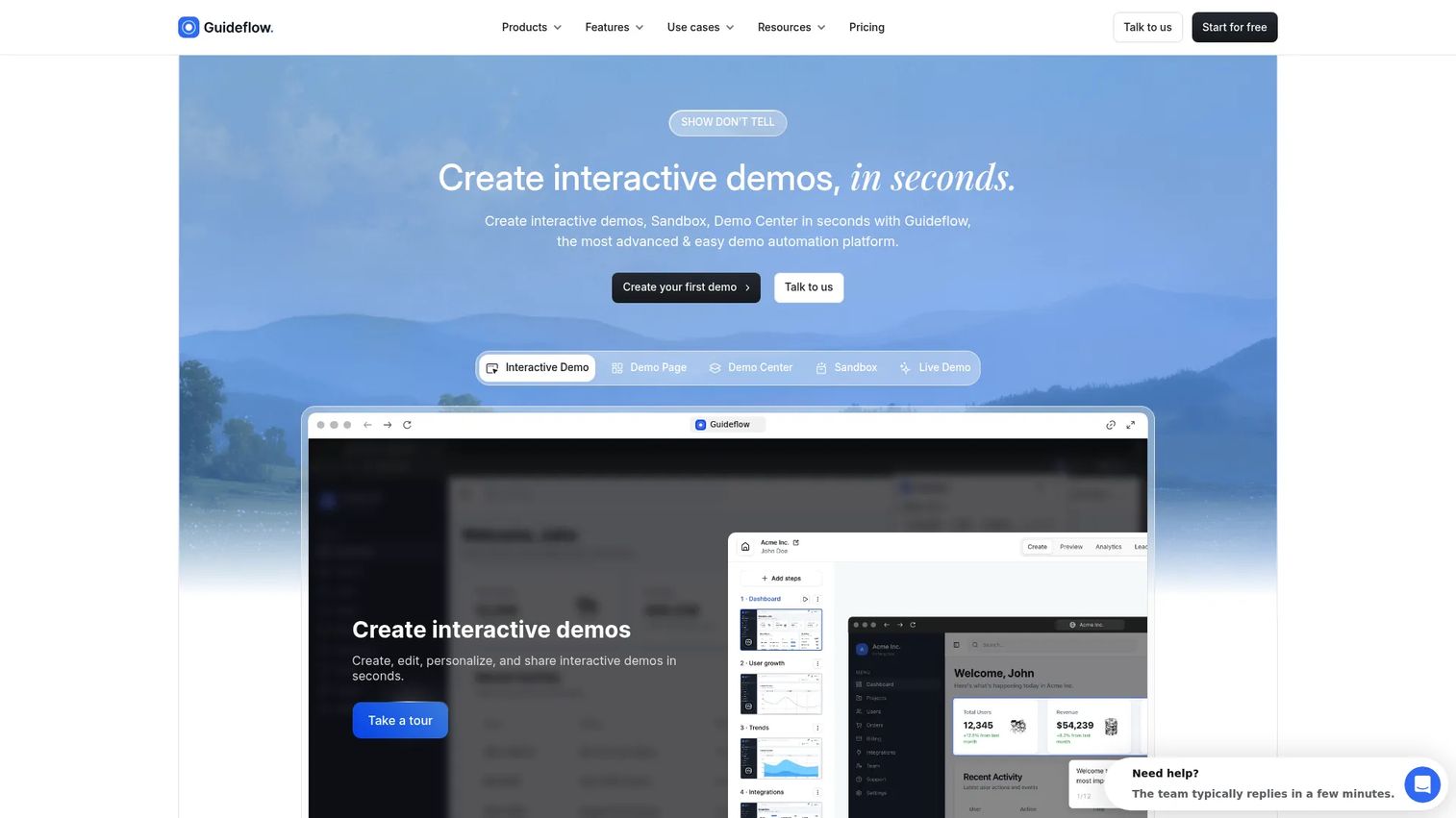
When the bottleneck is a buyer who needs to understand the product before they will move forward, and there is no call scheduled, Guideflow gives you a format that carries the product narrative without requiring a rep in the room. PMMs use it for launch pages, sales leave-behinds, campaign embeds, and demo centers organized by persona, product line, or buyer stage.
It belongs in this list because it solves an adjacent, different problem from Vidyard: Giving buyers a guided product experience instead of a linear recording.
Best for: PMMs who need to package a product story that Sales can share without message drift, and that champions can circulate to stakeholders who missed the live call.
What it is: Guideflow is a demo automation platform for creating interactive product experiences. Six demo types cover the range of buyer moments: interactive demos for guided product stories, demo pages for hosting a single demo on its own page, demo centers for organized asset libraries, sandboxes for free product exploration, live demos for presenter-led calls, and mobile demos for mobile-first product contexts. Capture runs through the Chrome extension or the native app, in screenshot, HTML or video mode, and the editor supports text, images, graphs and branching.
Key features:
- Demos that stay editable without re-recording, so a product change means updating one step rather than starting over
- Personalization by account, persona or segment using dynamic variables
- In-demo forms and company-level visitor identification, with CRM records created when a viewer identifies through a form or a personalized link
- Step-level analytics: completion, drop-off and viewer flow, with documented integrations for HubSpot, Salesforce, Pipedrive, Zoho and Marketo
- Step content and CTAs written automatically, plus translation into more than 30 languages with AI voiceover
Where Guideflow falls short:
- Teams whose primary need is polished presenter-led video production should keep a dedicated video platform alongside Guideflow.
- Feature availability varies by plan, so teams working to a smaller budget should map their must-have capabilities against the Solo plan before committing.
Pricing: A free plan is available. Solo is $35 per user per month on annual billing. Growth is $499 per month on annual billing. Advanced is $1,499 per month, and Enterprise starts at $2,999 per month with SSO, advanced governance and enterprise security. All figures are annual rates. See the full breakdown at the pricing page.
G2 rating: 5.0
How it compares to Vidyard: Vidyard records and distributes video with analytics on viewer behavior. Guideflow produces clickable product experiences where the prospect navigates the product story themselves. More than 500,000 guideflows have been created on the platform.
Start your journey with Guideflow today!
2. Wistia (video platform)
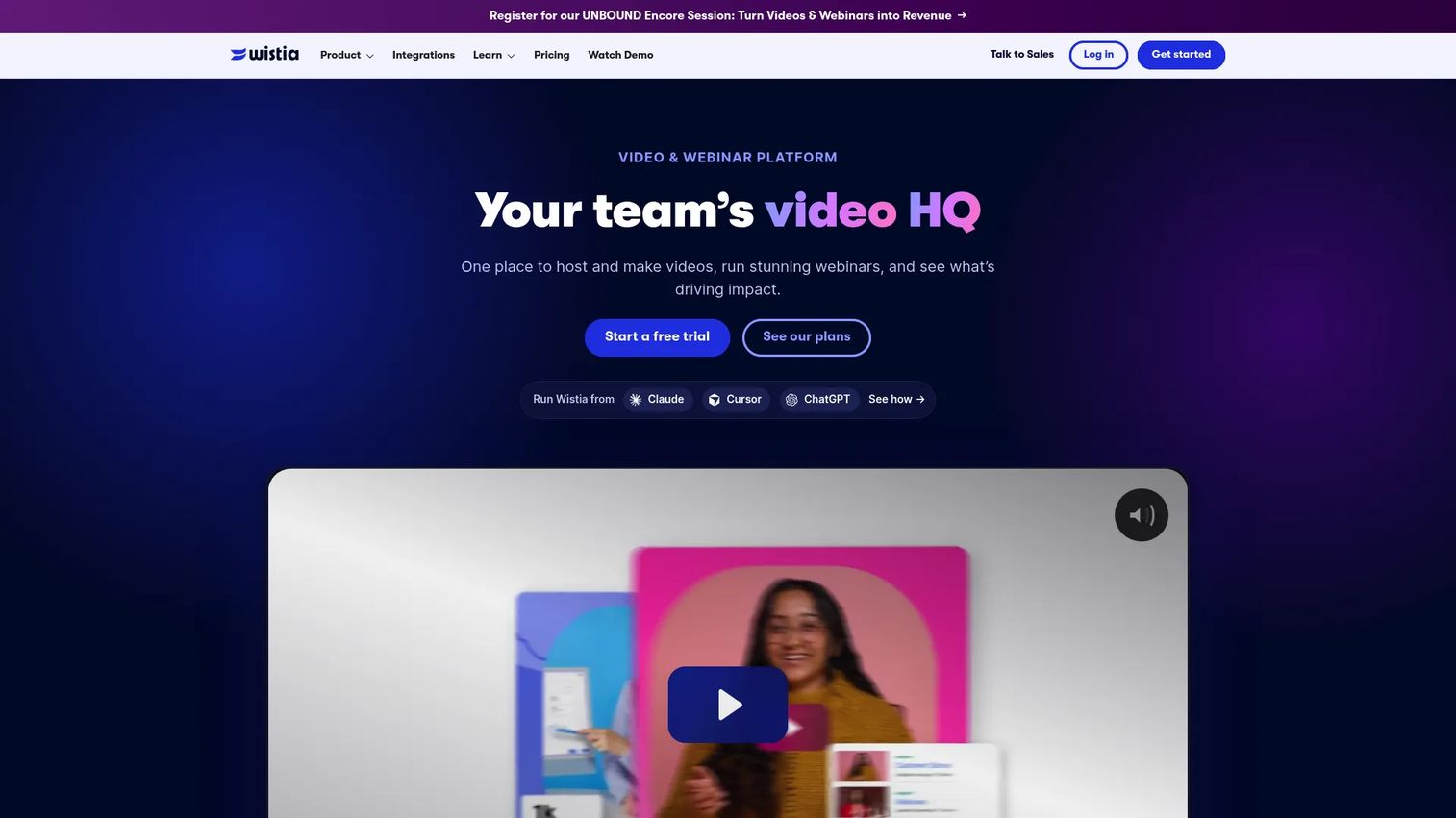
Wistia sits closest to Vidyard on the feature map but serves a different GTM motion. Where Vidyard centers on seller-recorded video and outbound revenue workflows, Wistia is built for marketing-owned video programs: Branded embeds on website pages, webinar hosting, lead capture inside the player, and attribution that ties video engagement to marketing automation platforms.
Best for: PMMs running launch videos, customer story hubs, webinars, and resource libraries where the video asset lives on the website and drives inbound conversion.
What it is: Wistia is a video marketing platform for creating, hosting, distributing, and measuring business video. Its Business + Signals plan adds the Automation Suite, which connects viewer behavior to marketing platforms and enables lead capture workflows directly inside video embeds.
Key features:
- Branded video player with no third-party ads or competitive recommendations
- Video hosting, content collections, and website embeds
- In-video CTAs and lead capture forms
- Webinar hosting and recording with engagement analytics
- AI-assisted captions, transcription, and localization including dubbing
Where Wistia falls short:
- Lead capture and marketing automation connections require the Business + Signals plan at $329 per month on annual billing, not the base Business plan. G2 reviewers note this gating as a friction point for teams expecting full marketing functionality at the Business tier price.
- G2 reviewers on some plans flag limits around folder organization and permissions as the video library grows.
Pricing: Free at $0, with 25 GB storage and one user. Business at $79 per month on annual billing, with three users and deeper analytics. Business + Signals at $329 per month on annual billing for the Automation Suite, lead capture, and marketing platform connections. Enterprise is custom.
G2 rating: 4.6
How it compares to Vidyard: Wistia is the stronger fit for teams that own website video and webinar programs. Vidyard is more closely oriented toward revenue-team video messaging and seller-driven outbound use cases.
3. Loom (async video)
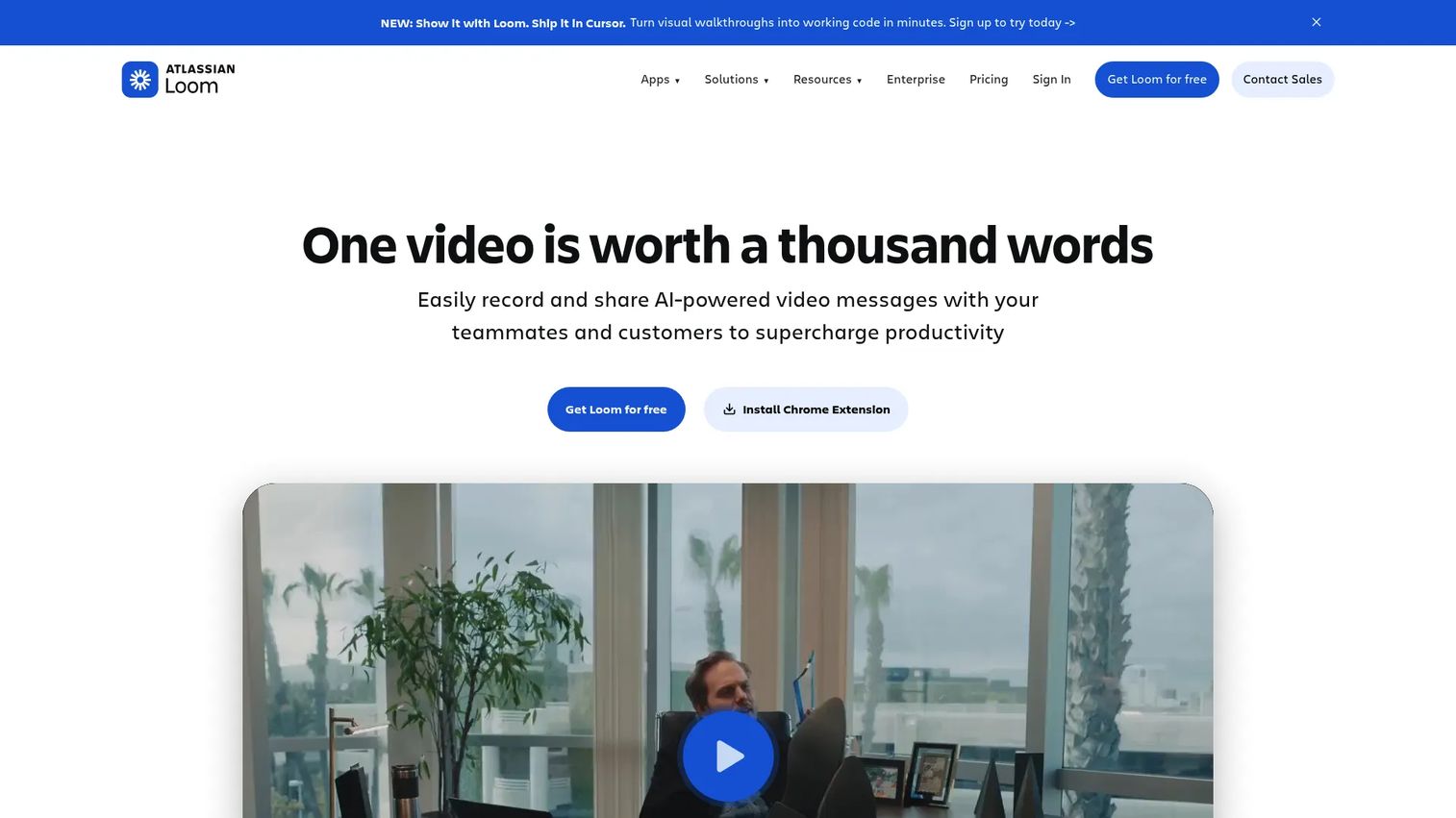
The most common PMM use case for Loom is internal: Briefing a cross-functional launch team, recording feedback on a mockup, or walking a customer through a product change without adding another meeting to the calendar. It is not a marketing video platform or an interactive product experience. The job it does is personal, narrated, and async.
Best for: PMMs sending launch walkthroughs, working-session recordings, and short explanations to cross-functional partners or customers who need a human voice attached to the message.
What it is: Loom, now part of Atlassian, is an AI-powered screen and camera recording platform built for asynchronous workplace communication. Users record a clip and share a link; viewers watch and leave threaded comments. The platform includes AI-generated titles, summaries, chapters, and task extraction, along with shared workspace libraries and integrations with project management tools.
Key features:
- Screen and camera recording with system audio capture
- Transcript-based editing, trim, and stitch tools
- AI-generated titles, summaries, and meeting recaps
- Shared workspace libraries and team folders
- Atlassian ecosystem administration on eligible plans
Where Loom falls short:
- The free Starter plan caps recordings at 25 per person and limits recording length to five minutes. G2 reviewers flag this as limiting for teams with high async communication volume.
- Loom does not support marketing-grade video hosting, branded embeds with lead capture, or interactive product exploration. It is a communication tool, not a content marketing or demand generation platform.
Pricing: Starter is free, with up to 25 videos per person and a five-minute recording cap. Business is $18 per user per month. Business + AI is $24 per user per month and adds advanced AI editing and AI workflows. Enterprise pricing requires contacting sales.
G2 rating: 4.7
How it compares to Vidyard: Loom fits internal communication and narrated walkthroughs where a human voice and face carry the message. Vidyard is more oriented to external revenue-team video messaging, viewer analytics, and CRM-connected outbound sequences.
4. Dubb (video sales platform)
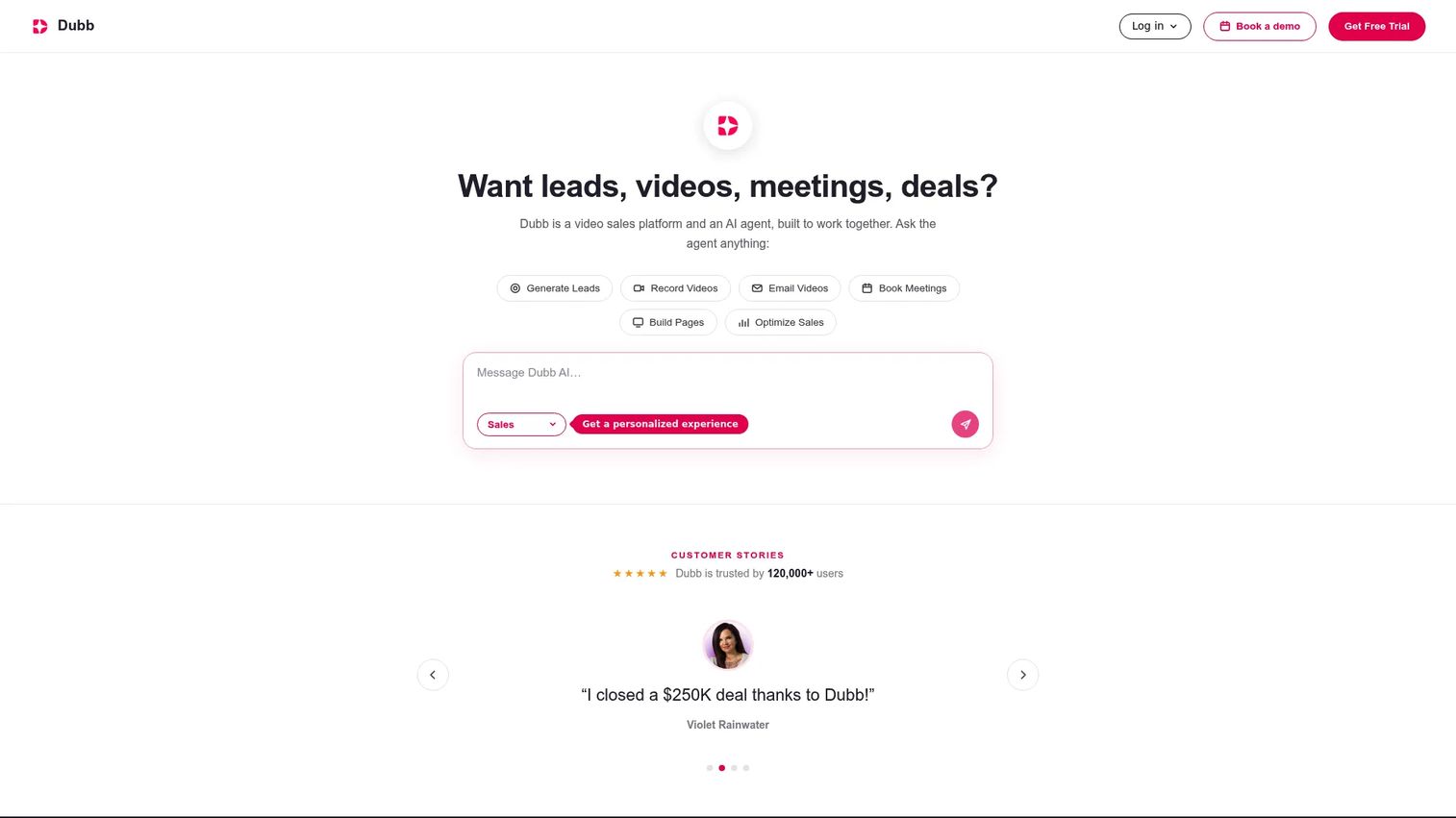
Dubb extends video outreach into a self-contained sales workflow. Rather than just recording and sending a clip, reps build video landing pages with embedded CTAs, run video email and SMS campaigns, and manage contacts in a built-in CRM layer. For PMMs creating repeatable outbound plays, it provides a template-and-launch system Sales can use without rebuilding messaging from scratch.
Best for: Revenue teams running personalized video outreach campaigns with CTAs, landing pages, and follow-up automation where tracking and contact management matter.
What it is: Dubb is a video sales and AI sales-agent platform for recording, sending, and automating personalized video outreach. It supports recording via Chrome extension, desktop app, and mobile app, and distributes through email, SMS, Gmail, Outlook, and LinkedIn with campaign sequencing and teleprompter support built in.
Key features:
- Personalized screen and camera recording with a teleprompter
- Video landing pages with branded CTAs and conversion tracking
- Email and SMS campaign workflows with automation
- Built-in CRM with HubSpot and Salesforce integrations
- AI sales agent for lead generation, inbox triage, and follow-ups (billed separately)
Where Dubb falls short:
- G2 reviewers on the Dubb CRM profile note a learning curve for teams coming from simpler video-only tools, citing setup time for campaigns and automation flows.
- Teams seeking marketing-grade hosting with webinar support and website analytics will find Wistia a stronger fit. Dubb's focus is outbound outreach, not inbound content programs.
Pricing: Starter is free. Pro is $42 per user per month on annual billing ($59 per month if billed monthly). Pro Plus is $90 per user per month on annual billing ($129 monthly). Enterprise is custom. The AI Sales Agent is $50 per month, billed separately.
G2 rating: 4.6
How it compares to Vidyard: Dubb is the stronger pick for teams building campaign-based video outreach with in-platform contact management and landing pages. Vidyard remains a better fit for teams already standardized on its revenue-video stack and CRM integrations.
5. Descript (screen recording and editing)
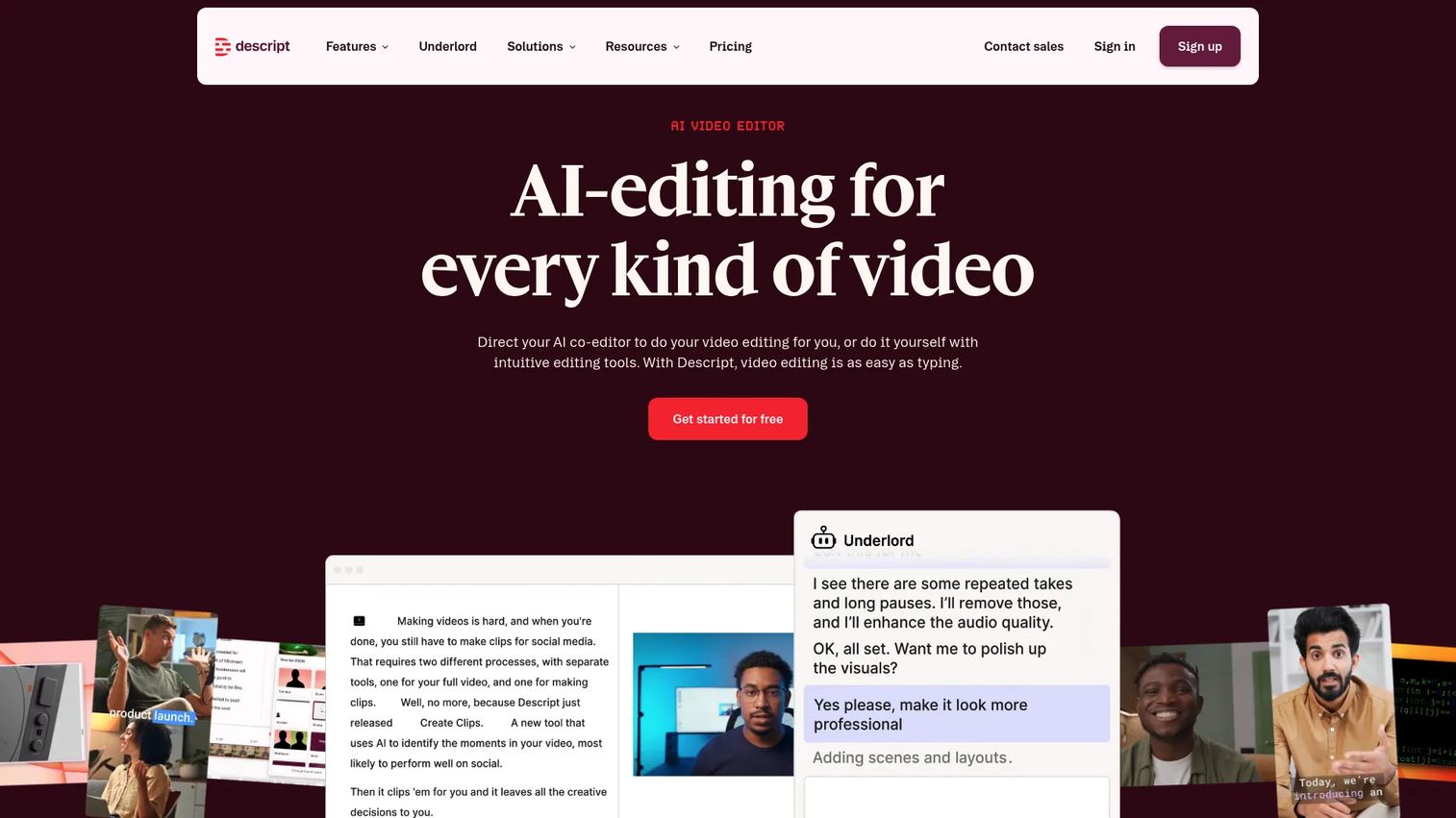
The dealbreaker scenario for Descript comes up most often post-recording: You have an hour of webinar footage, a customer interview, or a product walkthrough, and you need to turn it into usable content without hiring a video editor. Descript's transcript-based editing makes that job accessible to PMMs who write well but do not cut video professionally.
Best for: PMMs turning long-form product recordings, customer interviews, webinar sessions, and launch footage into polished clips, captions, and social-ready cutdowns.
What it is: Descript is an AI-powered video and audio editor with transcript-based editing at its core. Users edit the transcript and the video follows. The platform also handles screen recording, remote recording, filler-word removal, audio enhancement, and collaborative publishing. It is a production tool for making a stronger video asset.
Key features:
- Transcript-based video editing: Cut and rearrange by editing text
- Screen recording and remote recording
- AI filler-word removal, audio enhancement, and clip creation
- Automatic captions and transcription
- AI voice cloning and speech tools for narration edits
Where Descript falls short:
- Descript does not replace a video marketing platform. Teams that need branded hosting, lead capture, webinar analytics, or marketing attribution will need to pair it with Wistia or a similar tool. G2 reviewers note the export and publishing workflow adds steps when content must live on a separate hosted platform.
- G2 reviewers cite a learning curve for the transcript editor, particularly for users new to non-linear editing concepts.
Pricing: Free at $0. Hobbyist at $16 per user per month (monthly billing) or $12 per user per month on annual billing. Creator at $24 per user per month monthly, or $18 annually. Business at $50 per user per month monthly, or $35 annually. Enterprise is custom.
G2 rating: 4.6
How it compares to Vidyard: Descript is the better pick for editing-heavy workflows and content repurposing. Vidyard is a revenue-video distribution and analytics platform, not an editor. The two do not overlap meaningfully; they serve different stages of the content production and distribution chain.
Which Vidyard alternative is best for marketing video?
Choose Wistia if your team owns website video, webinar programming, and inbound lead capture.
Wistia gives marketing teams a branded player, curated content collections, webinar hosting, and, at the Business + Signals tier, a direct connection to marketing automation platforms. For PMMs building video into their launch hub or content library, it covers what Vidyard does not prioritize for marketing-owned channels.
What is the best Vidyard alternative for interactive product demos?
Choose Guideflow when the buyer needs to click through a product story rather than watch a recording.
The core distinction is format. Video presents. An interactive demo lets a prospect navigate selected workflows, explore the features relevant to their role, and pass that experience to a buying committee without scheduling a call. PMMs use Guideflow to turn launch positioning into a reusable asset: A campaign embed that generates engagement signals, a sales leave-behind a champion can share, or a demo center organized by persona and use case. The best interactive demo tools for product marketing guide covers the category in more depth.
Which option works best for internal team updates?
Loom is the right call for recorded async updates within a cross-functional launch team.
A PMM briefing design, engineering, sales, and CS on a launch decision does not need a hosted marketing platform. They need a narrated recording the team can comment on asynchronously. Loom's workspace model, AI summaries, and thread-based comments are purpose-built for that workflow. For best interactive demo tools for marketing teams covering buyer-facing use cases, the other options in this list fit better.
What is the lowest-cost starting point?
Every tool on this list offers a free entry point, but the feature that drives your decision gates at different paid tiers.
The free tiers across Guideflow, Wistia, Loom, Dubb, and Descript let you test the format before committing. What differs: Loom's free plan caps recordings at 25 per person. Wistia's free tier excludes lead capture and marketing automation. Guideflow's free plan is limited to 5 guideflows, with HTML capture beginning on the Growth plan. Descript's free tier is functional for light editing work.
Start by identifying the specific capability you need, whether that is lead capture, HTML capture, campaign automation, or transcript editing, and compare the lowest paid tier that includes it. For best video editing software options beyond this list, the linked guide covers a broader category.
When should you stay with Vidyard?
Stay with Vidyard when your sales team already runs its prospecting and follow-up workflow through it, and the switching cost exceeds the gain.
If your reps record personalized clips, track who watched, and connect those signals to CRM activities without friction, you have working infrastructure. Rebuilding that for a marginal improvement is rarely worth the adoption cost. The same applies to existing video libraries, embedded workflows in sales sequences, and trained habits among revenue teams. Vidyard's analytics for revenue video, including viewer drop-off, response tracking, and CRM sync, serve that motion well.
The trigger to look elsewhere is specific: You need buyers to interact with the product rather than watch it, or you need marketing-owned video hosting with lead capture and automation that Vidyard does not prioritize.
Why teams switch from Vidyard to Guideflow
The moment PMMs most often describe is this: The video has done its job, the prospect is interested, but the deal is stalled because the people who need to approve have never seen the product. Scheduling another live call takes two weeks. Forwarding the same video a third time does not move anything.
Guideflow addresses that gap with a format the prospect can navigate, share, and return to on their own schedule. Instead of watching a recording of someone else using the product, the buyer clicks through the workflows that matter to their context. Step-level analytics show which features they explored, where they spent time, and which stakeholders engaged, giving PMMs and sales teams signal they cannot get from video completion data.
For product launches specifically, Guideflow lets PMMs package the product story in a format that travels without a rep. A champion can circulate a demo center link to an entire buying committee, each member exploring the persona-relevant view. Amplitude reported a more than 20% account-signup lift from a demo center test. Gorgias reported 60% completion for a product tour.
Teams making polished presenter-led videos should keep a video platform in their stack. Guideflow and video tools serve different moments, and most mature GTM teams use both. The best interactive demo tools guide covers the broader category if you are evaluating the format more widely.
Start your journey with Guideflow today!
Frequently asked questions: Vidyard alternatives
The best choice depends on the format the moment requires. For buyer-led product education where prospects navigate the product at their own pace, Guideflow is built for that job. For hosted marketing video, webinars, and inbound lead capture, Wistia covers the marketing-owned video channel. For editing raw launch footage and interviews into polished clips, Descript handles the production workflow.
All five tools on this list offer free entry points. Loom's free plan allows up to 25 recordings per person with a five-minute cap. Wistia's free tier covers basic hosting for one user. Guideflow's free plan supports 5 guideflows with seven days of analytics. Dubb and Descript also offer free starting tiers with feature and usage limits that vary by plan.
Loom fits internal PMM workflows: Narrated launch briefings, async feedback on creative, and recorded walkthroughs for cross-functional teams. Vidyard fits revenue-team video messaging tied to CRM workflows and outbound sequences. For buyer-led product exploration where prospects navigate the product themselves, interactive demo software serves a purpose neither video tool covers.
Wistia is the strongest video-first alternative for marketing teams running website video programs, webinars, and inbound conversion campaigns. Its branded player, lead capture at the Business + Signals tier, and marketing automation connections fill the gap Vidyard leaves in marketing-owned video channels. Teams that need revenue-team seller recording and outbound CRM workflows will find Vidyard the closer fit for that specific motion.
Interactive demos and sales videos address different buyer moments. Video works for narration, personal presence, and stories that benefit from a presenter's voice and context. Interactive demos help buyers explore selected workflows on their own schedule and pass that product proof to stakeholders who did not attend a live session. Most PMM-led GTM programs use both formats at different stages of the evaluation.
For video, track completion rate, CTA clicks, and lead capture conversion alongside the marketing attribution your platform supports. For interactive demos, step-level completion, drop-off points, workflow depth, and account-level engagement data show where the product story lands and which buyers are actively evaluating. Set a baseline before attributing pipeline outcomes to either format, and compare engaged versus non-engaged accounts in closed-won data to identify the signal worth acting on.
Start by inventorying your current video library and exporting original files and analytics where Vidyard allows. Map every embed and campaign link that points to a Vidyard-hosted asset. Define redirect or replacement rules for the highest-traffic embeds first. Recreate those assets on the new platform before cutting over any external links. Preserve reporting continuity by documenting your current baseline metrics before migration so you can compare performance after.