Video is everywhere in a product launch. The workflow behind it is often scattered across an editor, hosting account, landing page builder, and analytics dashboard.
That fragmentation creates familiar problems for product marketers. Launch assets miss deadlines. Sales shares outdated recordings. View counts reveal little about pipeline impact.
According to Wyzowl’s 2026 State of Video Marketing report, 91% of businesses use video as a marketing tool. The opportunity is established. The harder decision is choosing video marketing software that supports your complete campaign workflow.
The right platform should help you keep positioning consistent, distribute approved assets, and measure meaningful engagement.
What’s inside
This guide compares 17 video marketing tools for product marketers building launch campaigns, customer stories, sales assets, and social content.
We evaluated each platform across four practical areas:
- Production: Recording, editing, animation, and campaign asset creation
- Distribution: Hosting, website embeds, email, and social publishing
- Conversion: Forms, calls to action, personalization, and gated content
- Measurement: Watch time, viewer behavior, attribution, and campaign reporting
Pricing comes from each vendor’s current pricing page. G2 ratings reflect the supplied live research.
TL;DR
- Best overall for branded hosting: Vimeo combines creation, hosting, live events, analytics, and video content management
- Best for B2B revenue teams: Vidyard connects personalized video with viewer tracking, calls to action, and revenue workflows
- Best for website conversion: Wistia offers branded hosting, lead forms, webinar tools, and detailed engagement data
- Best for CRM connected campaigns: HubSpot places video within contact management, automation, and campaign reporting
- Best for fast campaign creative: Canva supports branded social assets, templates, collaboration, and channel resizing
- Best for business animation: Vyond handles polished explainers, education, enablement, and internal communication
What is video marketing software?
Video marketing software is a category of tools that helps teams create, edit, host, distribute, personalize, gate, and measure campaign videos.
The category extends beyond video creation software. Some platforms focus on producing the asset. Others manage hosting, viewer analytics, lead generation, or personalized distribution.
A product marketing team may use these tools for launch explainers, webinar recordings, customer proof, feature education, or sales enablement. The right choice depends on where your current workflow breaks.
Core capabilities include:
- Video recording and editing: Capture screens, cameras, interviews, or existing footage
- Branded video hosting: Publish videos through controlled players, pages, and website embeds
- Social resizing and publishing: Adapt campaign assets for channel specific formats
- Lead capture forms and calls to action: Convert viewers into contacts or campaign responses
- Viewer engagement analytics: Measure views, watch time, completion, and drop off
- CRM and marketing automation integrations: Connect video activity with contact and account records
- Collaboration and approval workflows: Keep messaging current across marketing and Sales
- AI assisted production: Generate captions, clips, scripts, translations, and edited variations
A dedicated video hosting platform usually prioritizes playback, brand controls, privacy, and content libraries. Video editing software for marketing puts more weight on production and repurposing.
Full funnel platforms combine both sides with forms, calls to action, viewer identification, and attribution. These products suit PMMs who need to connect engagement with pipeline or adoption.
The key question is operational: Which part of your video workflow needs improvement? Buying an editor won’t fix weak campaign attribution. A strong analytics platform won’t remove a creative production bottleneck.
When to use video marketing software
Launch products with consistent messaging
Use video marketing software when several teams need approved launch assets across websites, email, paid campaigns, and Sales follow up.
Templates and brand controls help keep the positioning consistent. Shared libraries also reduce the chance that an outdated feature recording reaches a prospect.
Turn video views into campaign signals
Choose a video marketing platform with gated content, calls to action, or viewer analytics when leadership expects measurable launch results.
Watch depth and drop off show whether viewers reached your proof point. Forms and CRM connections can link engagement with contacts or accounts.
Repurpose campaign assets across channels
A webinar, customer interview, or product recording can support more than its original campaign.
Video editing software for marketing helps turn long recordings into captioned clips, social posts, nurture assets, and sales follow ups. This reuse reduces production work without forcing every channel to share the same format.
Video marketing software comparison
This table offers a quick shortlist based on the primary job each platform handles. Start with your main workflow, then compare adjacent capabilities.
For example, a social media video software tool may solve production speed without handling lead capture. A video analytics software platform may provide deeper campaign insight while offering fewer editing options.
| # | Product | Best for | Key differentiator | Pricing | G2 rating |
|---|---|---|---|---|---|
| 1 | Vimeo | Branded hosting and video management | Hosting, creation, live events, and library controls | Free option, paid plans from $12 per seat monthly | 4.3/5 |
| 2 | Vidyard | B2B video marketing and sales | Personalization, calls to action, and viewer analytics | Free plan, Starter from $59 per seat monthly | 4.5/5 |
| 3 | Wistia | Website video marketing | Branded forms, webinars, analytics, and hosting | Free plan, Business from $79 monthly annually | 4.6/5 |
| 4 | HubSpot | CRM connected campaigns | Video within marketing automation and CRM workflows | Free plan, Starter from $7 per seat monthly | 4.4/5 |
| 5 | Powtoon | Animated explainers | Templates, animation, AI tools, and presentations | Free plan, Lite from $15 monthly annually | 4.4/5 |
| 6 | Vyond | Business animation | Professional animation, translation, and brand controls | Starter from $58 monthly annually | 4.7/5 |
| 7 | BombBomb | Personalized video email | Branded messages, tracking, and viewer notifications | Core from $36 per user monthly annually | 4.7/5 |
| 8 | Canva | Fast campaign creative | Video templates, brand kits, and social publishing | Free plan, Pro from $18 monthly | 4.7/5 |
| 9 | Descript | Recorded content editing | Transcript editing, captions, clips, and repurposing | Free plan, paid plans available | 4.6/5 |
| 10 | Adilo | Secure video hosting | Privacy controls, branded players, and video funnels | Free plan, Unlimited from $42 monthly | N/A |
| 11 | Hippo Video | Personalized video campaigns | Personalization, video email, and interactive calls to action | Free plan, Pro from $20 per user monthly annually | 4.5/5 |
| 12 | Promo | Stock based campaign videos | Templates, stock footage, and social publishing | Basic from $29 per user monthly annually | N/A |
| 13 | StoryTap | Customer video testimonials | Guided customer recording and story collection | Contact StoryTap for a quote | 4.7/5 |
| 14 | Vadoo | AI creation and hosting | AI production, social posting, hosting, and analytics | Starter from $19 monthly | 4.6/5 |
| 15 | Wave.video | Social video and streaming | Editing, live streaming, hosting, and stock media | Free plan, Streamer from $16 monthly annually | 4.6/5 |
| 16 | Wideo | Lightweight animation | Animated templates, presentations, and exports | Free plan, Basic from $19 monthly annually | 4.3/5 |
| 17 | Loom | Quick screen recordings | Screen capture, camera recording, and async sharing | Free plan, Business from $18 per user monthly | 4.7/5 |
Best 17 tools for video marketing software
1. Vimeo
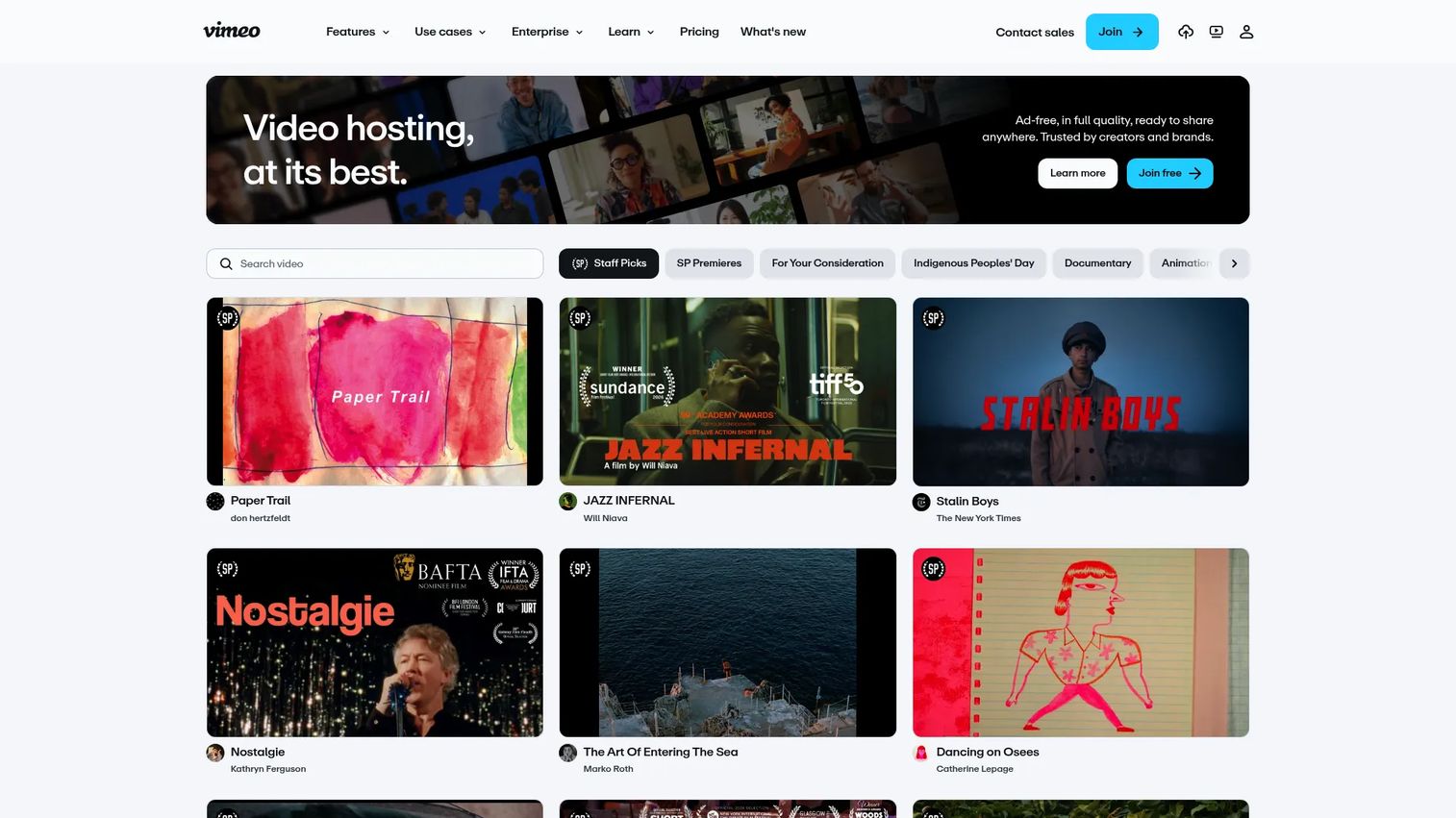
Vimeo is a broad video experience platform for hosting, creating, editing, sharing, and livestreaming content. Its scope makes it useful for PMMs managing launch videos, event recordings, website embeds, and a growing asset library.
The platform combines an ad free player with collaboration, analytics, captions, transcription, and creation tools. Teams can therefore manage both production and distribution without assembling several disconnected products.
Best for: PMM teams that need polished hosting and reliable video distribution across launches, webinars, and campaign pages.
Key features
- Ad free branded video hosting
- Screen recording and video editing
- Live events and webinars
- Searchable video library
- Captions, transcription, and analytics
Why choose Vimeo: Choose Vimeo when hosting, organization, and brand control matter as much as production. Its library tools also support governance as launch volume grows.
Vimeo pricing: A free option is available. Starter costs $12 per seat monthly, while Standard costs $25.
G2 rating: 4.3/5
2. Vidyard
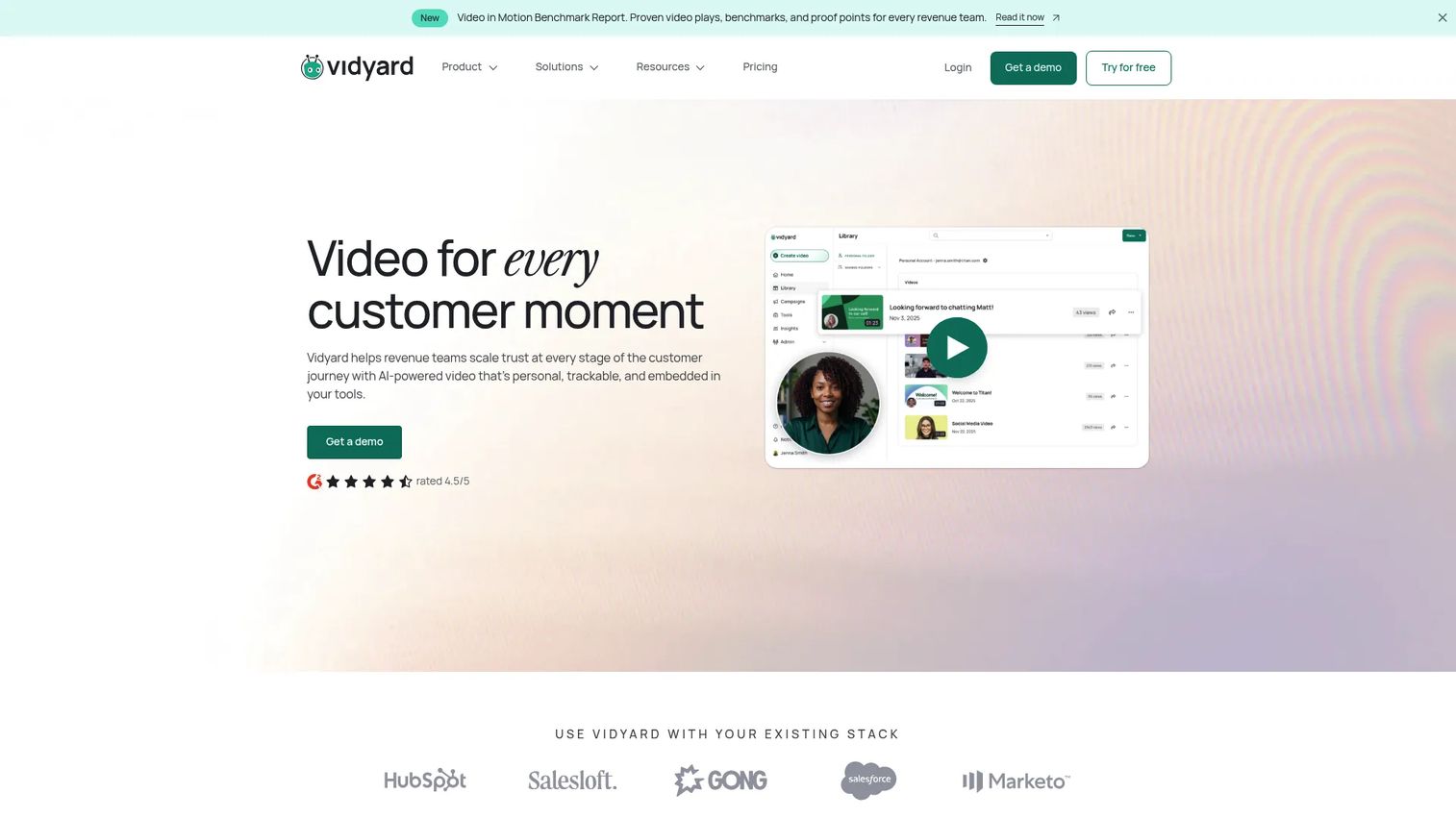
Vidyard is a B2B video platform for creating, automating, hosting, and measuring personalized videos. Its viewer data and revenue integrations make video useful beyond the creative team.
PMMs can use it for branded video pages, campaign assets, sales follow ups, and personalized video marketing. Calls to action give viewers a next step after they watch.
Best for: Revenue teams that need video engagement data connected with prospects, accounts, and follow up workflows.
Key features
- Webcam and screen recording
- Personalized video creation
- Branded sharing pages
- Calls to action
- Viewer and team analytics
Why choose Vidyard: Choose Vidyard when video supports pipeline as well as awareness. It suits PMMs who need Sales to reuse approved assets while preserving measurable viewer signals.
Vidyard pricing: A free plan is available. Starter costs $59 per seat monthly with annual billing.
G2 rating: 4.5/5
3. Wistia
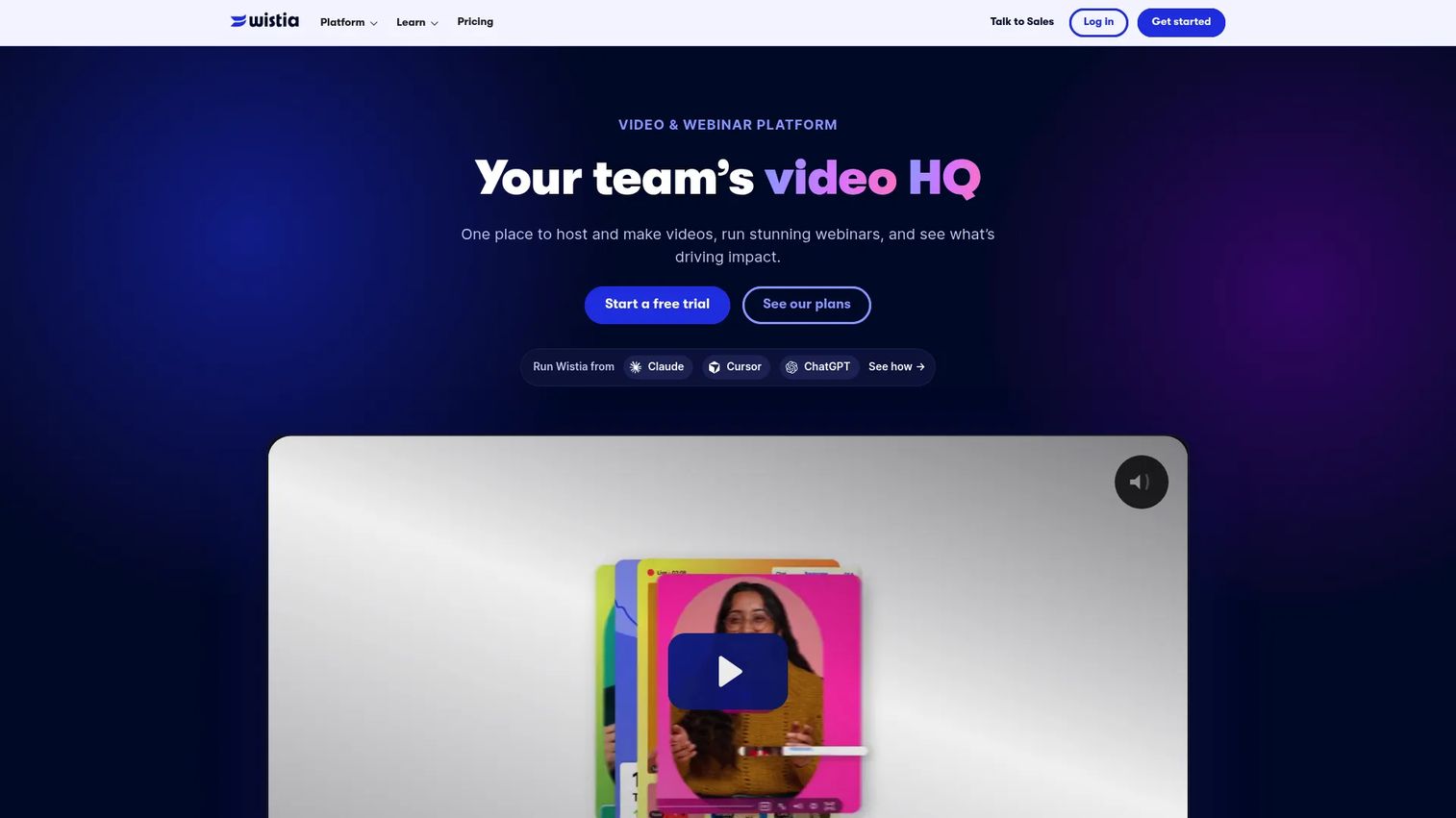
Wistia is a marketing focused video hosting platform for website content, webinars, campaigns, and podcasts. It combines branded playback with forms, analytics, recording, and AI editing.
Its lead capture features make it useful as video lead generation software. PMMs can place forms inside videos and connect viewing behavior with downstream marketing activity.
Best for: Teams using video on product pages, launch sites, resource hubs, and nurture campaigns.
Key features
- Branded video hosting
- In video lead forms
- Webinar hosting
- Marketing automation integrations
- Advanced video analytics
Why choose Wistia: Wistia fits teams whose website sits at the center of their video strategy. Its conversion controls help turn product education into trackable campaign activity.
Wistia pricing: The Free plan costs $0. Business starts at $79 monthly when billed annually.
G2 rating: 4.6/5
4. HubSpot
HubSpot is a customer platform combining CRM, marketing, sales, service, content, and data tools. Video sits within its wider campaign and contact management capabilities.
This structure supports landing pages, email campaigns, lead management, and marketing automation. PMMs can keep video activity closer to the contact records used for scoring and reporting.
Best for: Teams already using HubSpot that want video inside existing campaign and CRM workflows.
Key features
- CRM and contact management
- Marketing automation
- Email campaign tools
- Landing page support
- Lead tracking and reporting
Why choose HubSpot: Choose HubSpot when stack consolidation matters more than dedicated video production depth. It keeps campaign execution and reporting inside the same customer platform.
HubSpot pricing: Free tools are available. Marketing Hub Starter begins at $7 per seat monthly.
G2 rating: 4.4/5
5. Powtoon
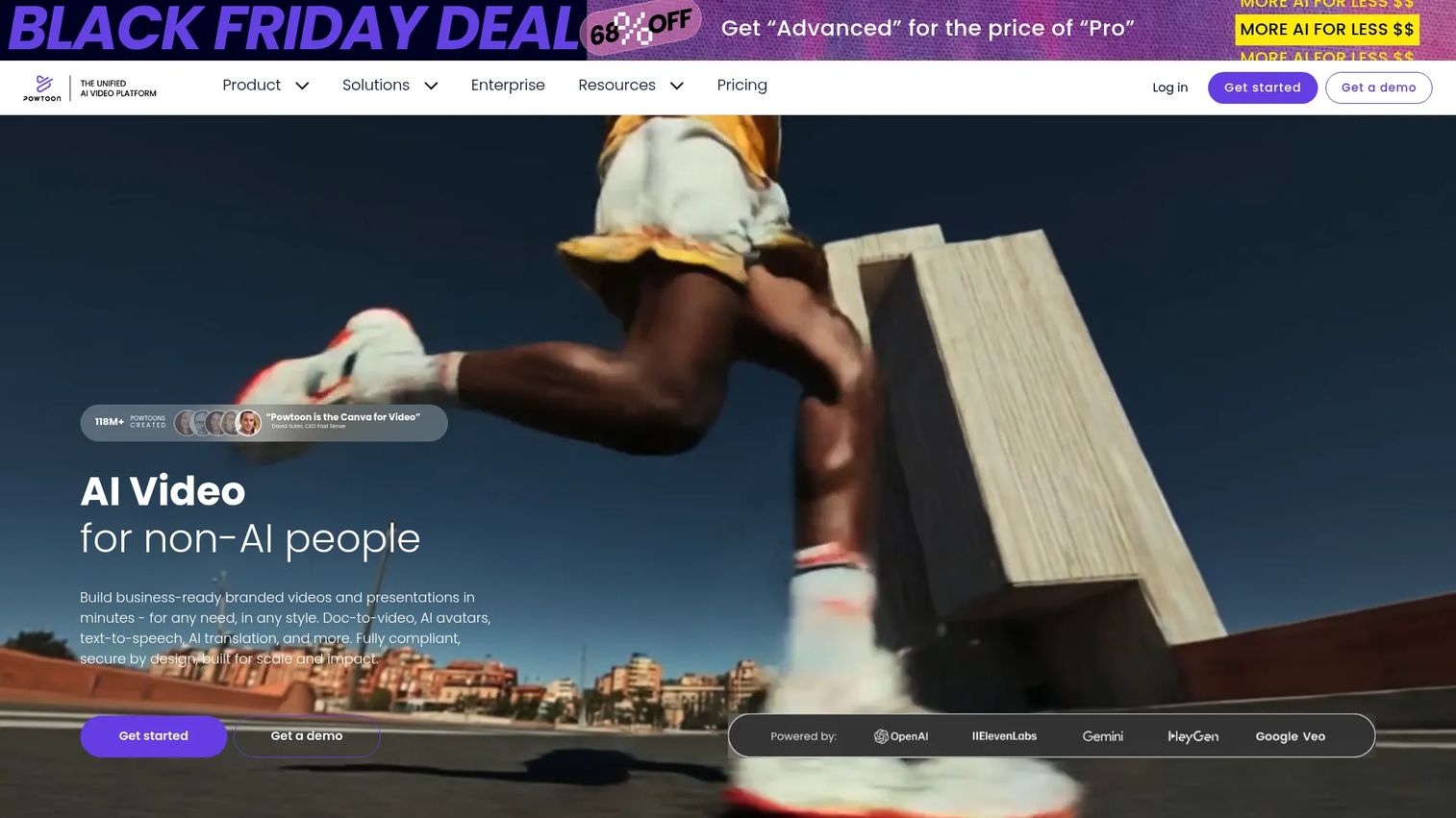
Powtoon is an AI video and animation platform built for users without advanced editing experience. It supports animated explainers, presentations, campaign clips, and training content.
Templates and stock assets help PMMs create launch narratives without commissioning a full motion design project. The platform also includes voiceovers, captions, translation, and direct sharing.
Best for: PMMs who need animated product stories without relying on a dedicated production team.
Key features
- Animated video templates
- AI video generation
- Characters and stock assets
- Voiceovers and captions
- Social and website sharing
Why choose Powtoon: Powtoon works well for visual storytelling with a short production cycle. Use it for launch explainers, enablement assets, or internal presentations.
Powtoon pricing: A free plan is available. Lite costs $15 monthly when billed yearly.
G2 rating: 4.4/5
6. Vyond
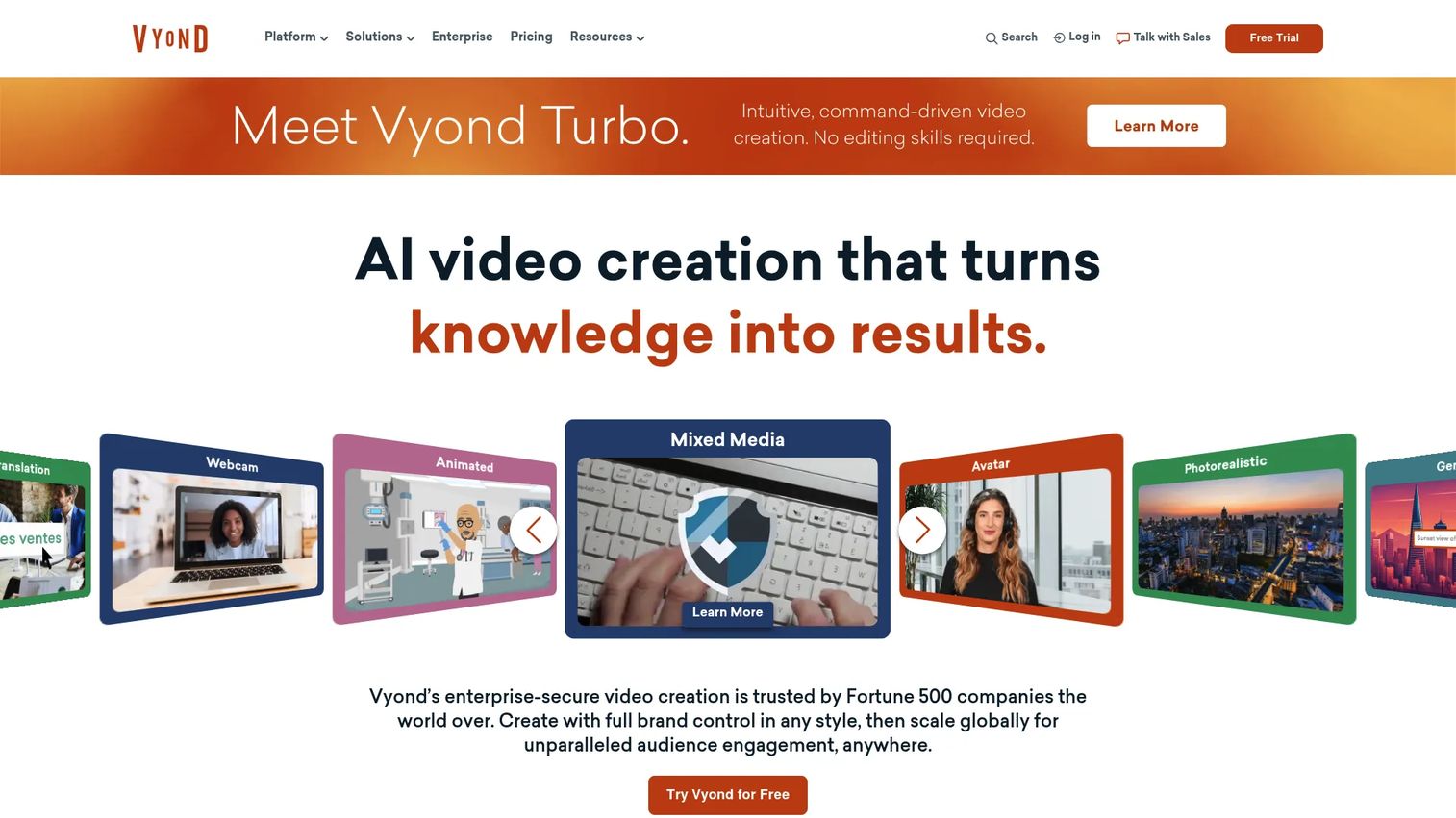
Vyond is a business video platform for animation, mixed media, avatars, and screen recordings. Teams use it for marketing, customer education, sales enablement, and internal communication.
Its character controls and scene templates support repeatable visual narratives. Translation into 95 languages also helps global PMM teams adapt education assets across regions.
Best for: Organizations creating polished animated explainers, onboarding videos, and enablement content at scale.
Key features
- Business animation templates
- Customizable animated characters
- AI video generation
- Screen and webcam recording
- Translation into 95 languages
Why choose Vyond: Choose Vyond when polished business animation matters more than lightweight clip production. It suits complex concepts that are difficult to film directly.
Vyond pricing: Starter costs $58 monthly with annual billing, or $99 with monthly billing. A free trial is available.
G2 rating: 4.7/5
7. BombBomb
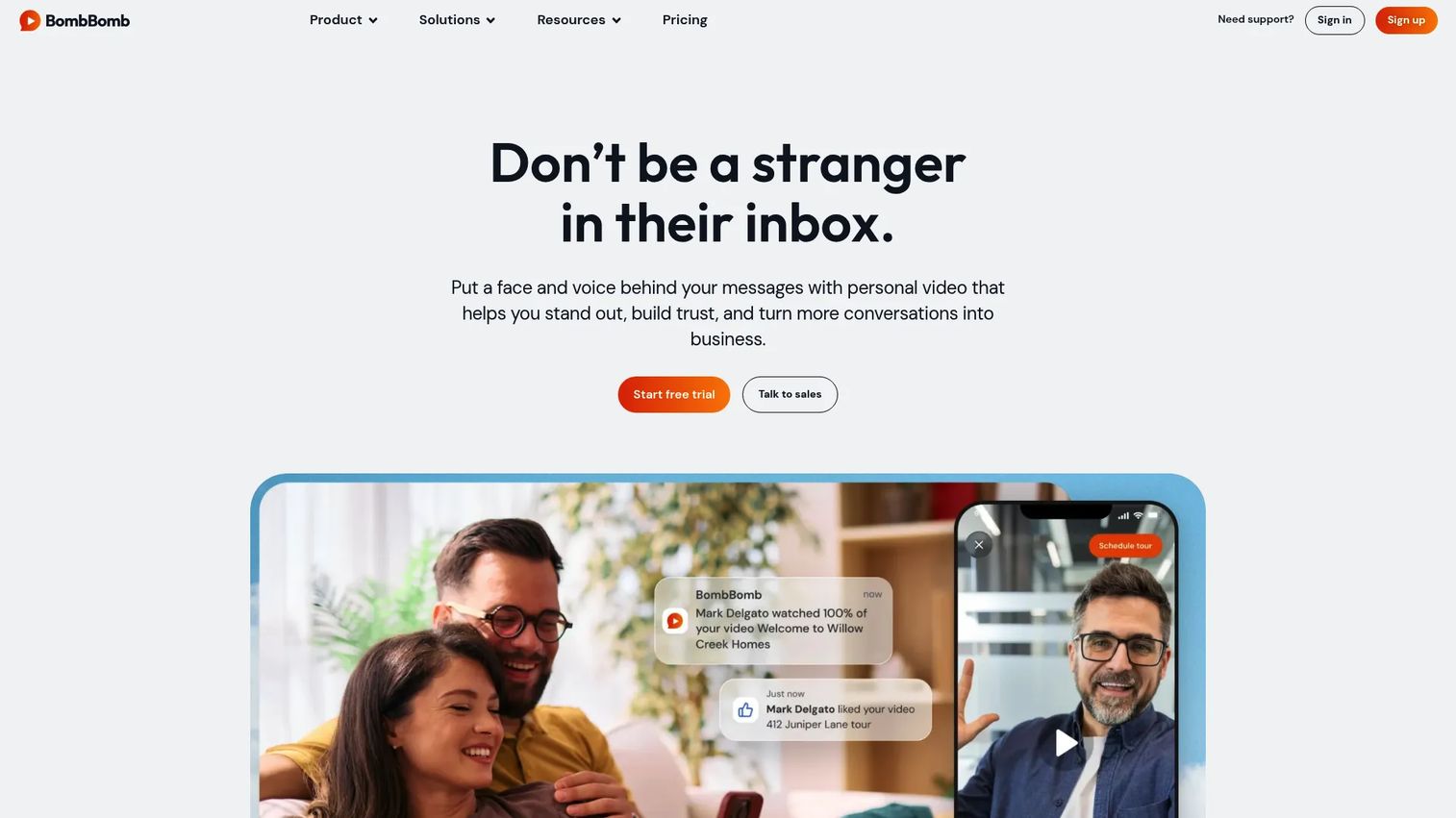
BombBomb is a personalized video messaging platform for recording, sharing, and tracking branded videos. Its core use case is relationship led communication through email, text, and revenue workflows.
PMMs can equip Sales or Customer Success with approved video email marketing templates. Viewer notifications and analytics show when recipients engage.
Best for: Teams using personal video to support launches, high value accounts, and customer follow up.
Key features
- Unlimited video recording
- Branded video pages
- Captions and transcripts
- Viewer engagement notifications
- Mobile recording apps
Why choose BombBomb: Choose BombBomb when one to one communication drives the campaign. It prioritizes personal outreach over broad website hosting.
BombBomb pricing: Core costs $36 per user monthly with annual billing. A 14 day free trial is available.
G2 rating: 4.7/5
8. Canva
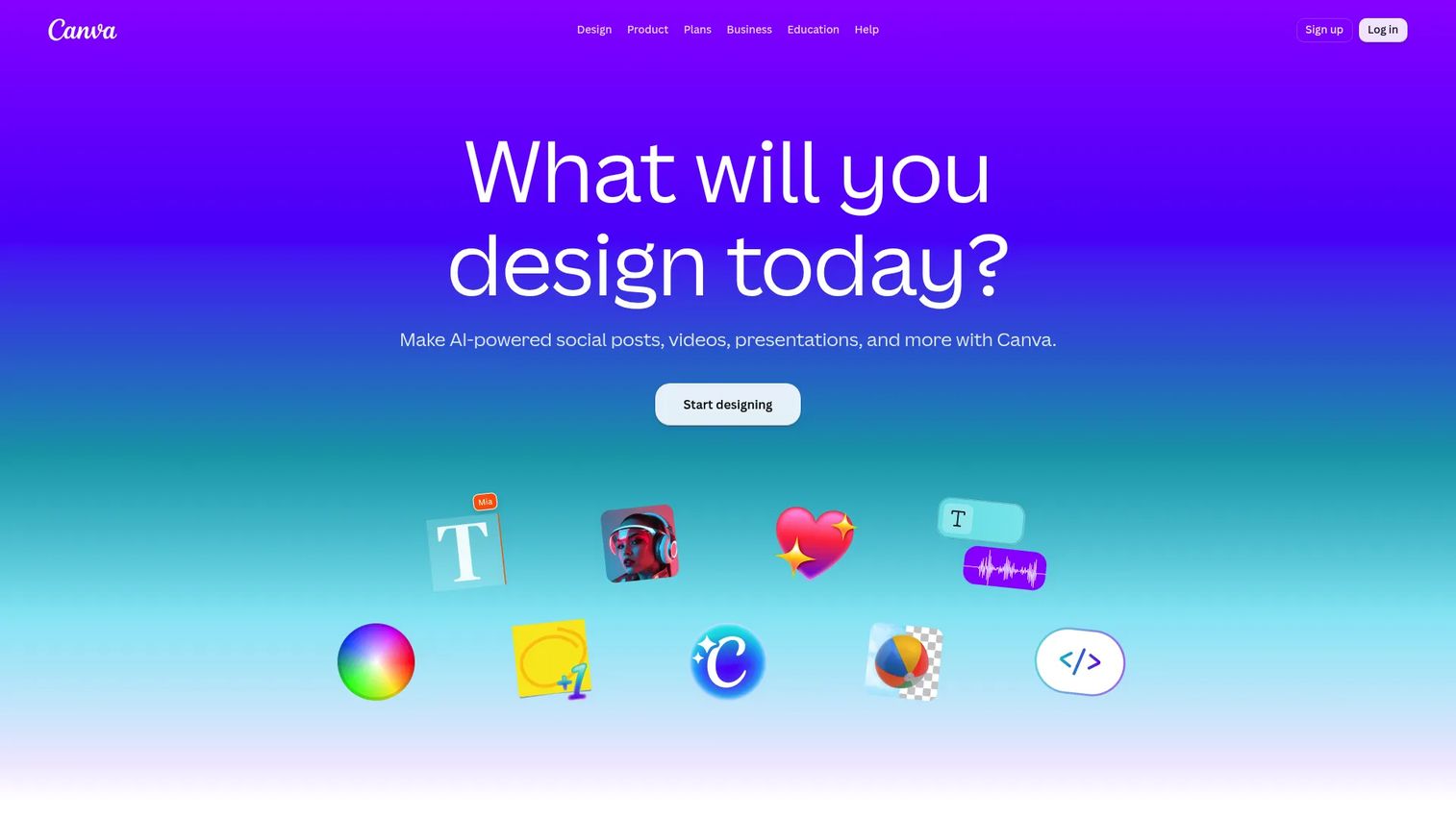
Canva is a visual communication platform with video creation, templates, brand controls, and social publishing. Its familiar editor works well for quick campaign variations.
Product marketers can create launch clips, paid social assets, presentation videos, and channel specific designs. Brand kits help keep typography, colors, and visual identity consistent.
Best for: PMMs who need fast video assets for social, email, paid campaigns, and launch pages.
Key features
- Drag and drop editor
- Video and design templates
- Brand kits and approvals
- Stock video and audio
- Social scheduling tools
Why choose Canva: Canva fits teams prioritizing production speed and message consistency. Choose another platform when viewer level analytics or gated video content drives the decision.
Canva pricing: Canva Free costs $0. Pro costs $18 monthly for one person.
G2 rating: 4.7/5
9. Descript
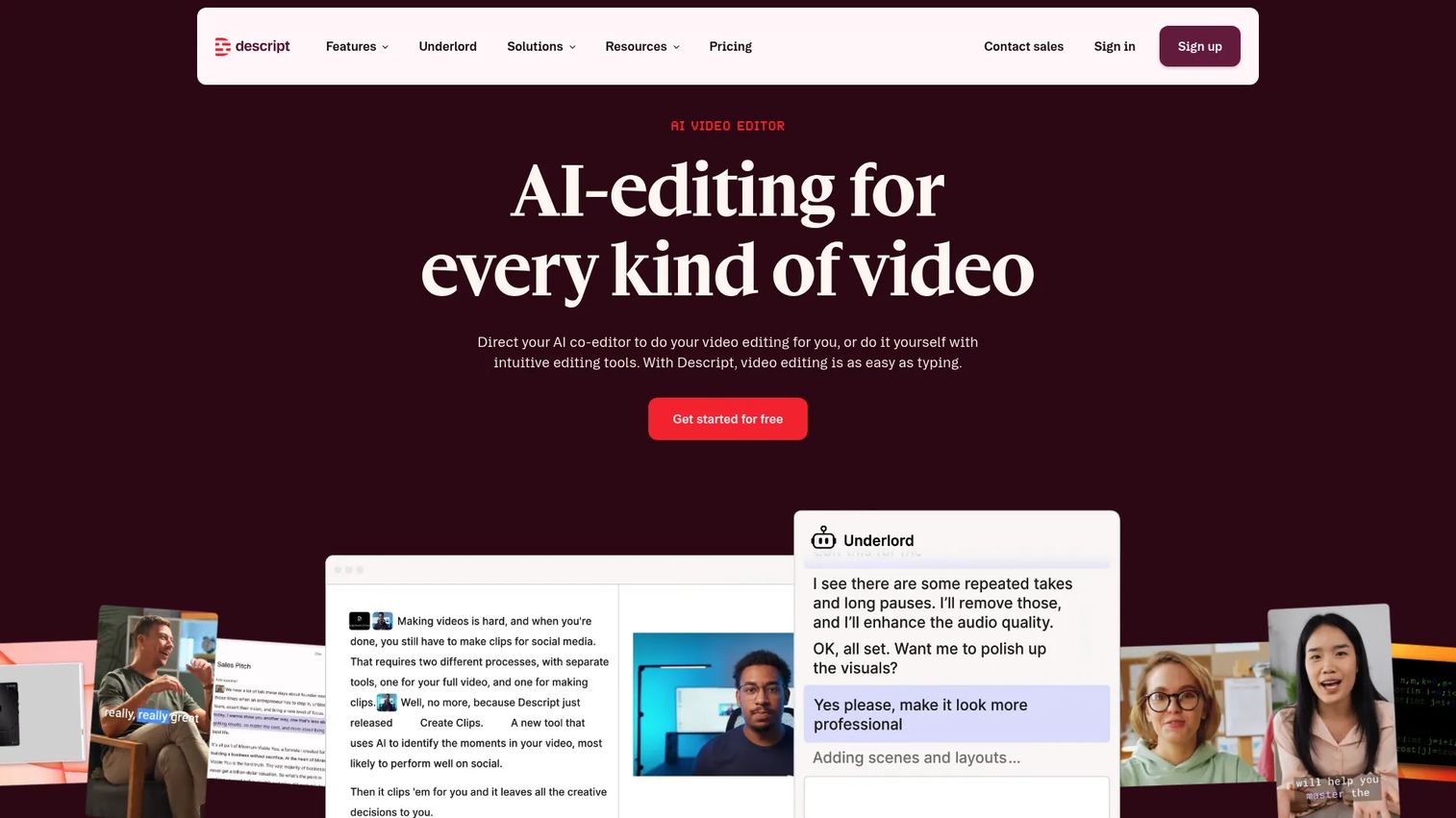
Descript is video and audio editing software built around transcript based production. Editing text changes the underlying recording, which makes spoken content easier to repurpose.
PMMs can turn webinars, interviews, product recordings, and founder videos into shorter campaign assets. Captions and clip creation support social distribution without a traditional editing timeline.
Best for: Teams converting long recordings into polished clips, captions, and campaign content.
Key features
- Transcript based editing
- Screen and remote recording
- Automatic transcription
- Captions and clip creation
- Studio Sound enhancement
Why choose Descript: Descript is strongest when the raw content already exists. It handles editing and repurposing rather than full campaign hosting or lead capture.
Descript pricing: The Free plan costs $0 and includes 60 media minutes monthly. Contact Descript for paid plan prices.
G2 rating: 4.6/5
10. Adilo
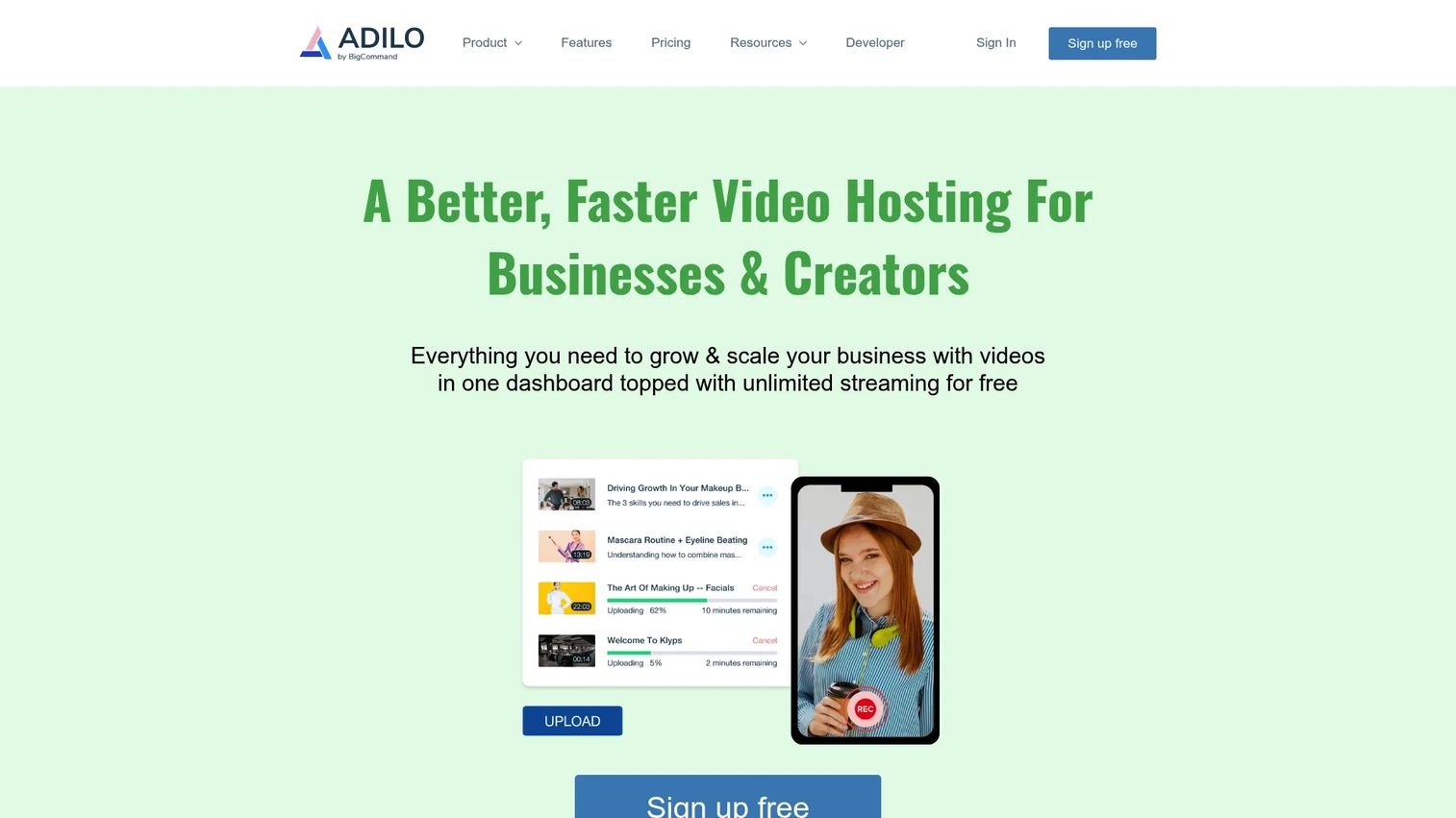
Adilo is a hosting platform for video, audio, and podcasts. It combines branded delivery with analytics, privacy controls, lead generation features, and video SEO.
The platform suits teams that already have finished assets but need greater control over distribution. Custom domains and split testing support campaign specific delivery.
Best for: Teams that need controlled hosting, protected embeds, and marketing features around finished videos.
Key features
- Video and audio hosting
- Custom domains and branding
- Video privacy controls
- Split testing
- Real time analytics
Why choose Adilo: Choose Adilo when hosting control and protected distribution outweigh editing depth. It focuses on delivery rather than social content creation.
Adilo pricing: The Free plan costs $0 and supports 20 video files. Unlimited costs $42 monthly.
11. Hippo Video

Hippo Video is an AI assisted platform for personalized sales and marketing video. It supports recording, editing, interactive calls to action, and video email workflows.
PMMs can create account specific campaigns while preserving approved messaging. Personalized landing pages also give revenue teams a dedicated destination for each send.
Best for: Revenue teams running personalized video marketing across outreach, nurture, and customer communication.
Key features
- Screen and video recording
- Personalized video campaigns
- Interactive calls to action
- Text based editing
- Video landing pages
Why choose Hippo Video: Choose Hippo Video when relevance by account or persona matters. Its workflow suits coordinated campaigns between product marketing and revenue teams.
Hippo Video pricing: A free plan is available. Pro costs $20 per user monthly with annual billing.
G2 rating: 4.5/5
12. Promo
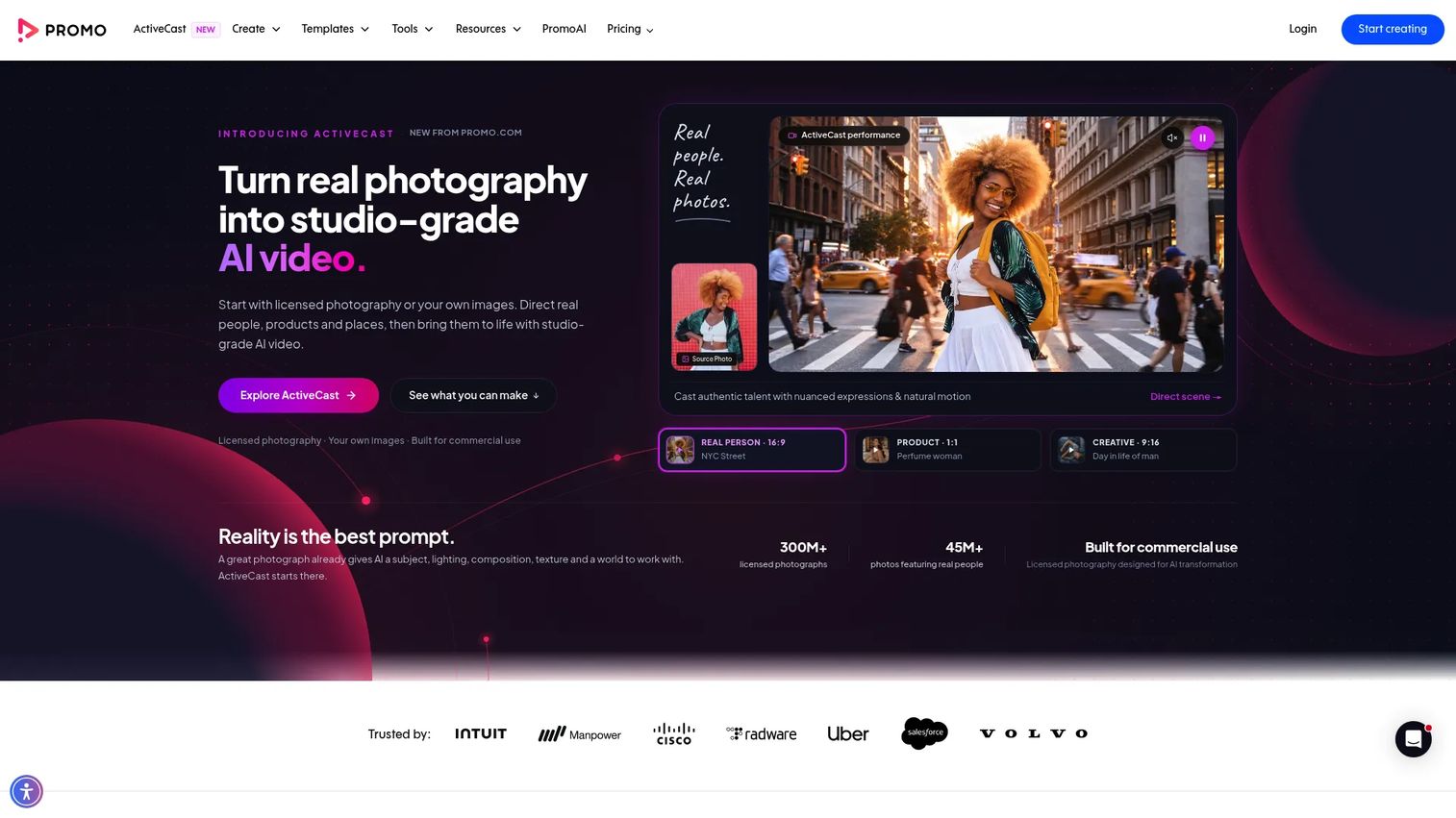
Promo is a video creation and social content platform for marketers, agencies, and small businesses. It combines templates with premium stock footage and direct social publishing.
PMMs can use Promo for launch announcements, product promotions, paid social creative, and campaign variations. Brand presets help keep recurring content recognizable.
Best for: Teams producing frequent promotional videos for social channels and paid campaigns.
Key features
- Marketing video templates
- Premium stock footage
- AI creation and editing
- Brand asset management
- Social scheduling and publishing
Why choose Promo: Promo fits teams whose bottleneck is campaign creative volume. It provides less depth for viewer identification or advanced video campaign analytics.
Promo pricing: Basic costs $29 per user monthly with annual billing. Standard costs $59 per user monthly.
13. StoryTap
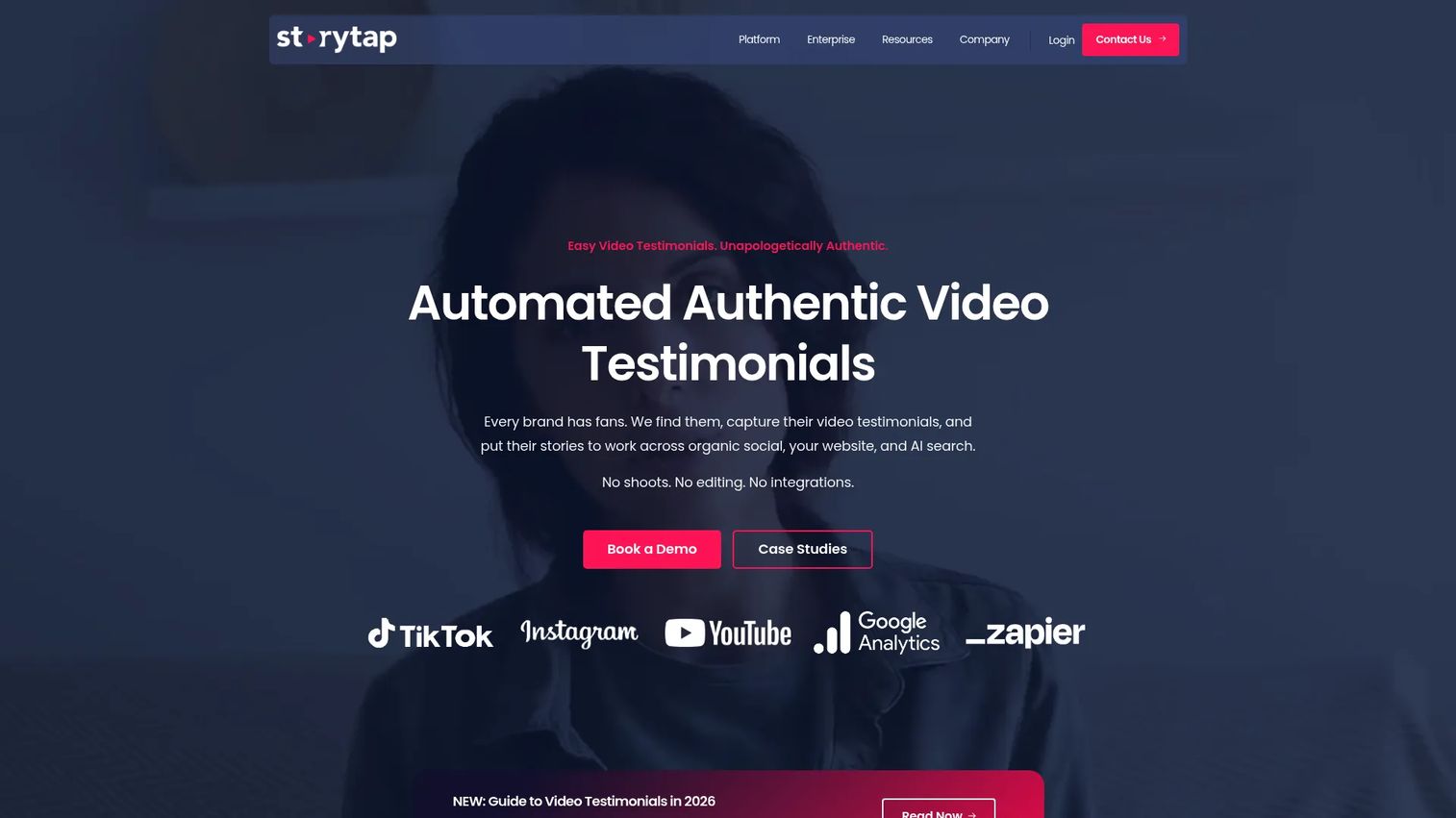
StoryTap helps teams collect, edit, manage, and distribute customer generated videos. Guided prompts support contributors who lack recording experience.
For PMMs, the value centers on customer video testimonials and credible launch proof. Automated captions and moderation reduce the operational work behind each story.
Best for: Teams that need customer proof without organizing a full production project for every contributor.
Key features
- Automated video requests
- Guided customer prompts
- Captions and moderation
- Built in video editing
- Website and social publishing
Why choose StoryTap: StoryTap suits proof collection rather than general video editing. Use it when customer voice needs to support launches, sales conversations, or campaign credibility.
StoryTap pricing: Contact StoryTap for a quote. The platform states that the first three customer videos can be free.
G2 rating: 4.7/5
14. Vadoo
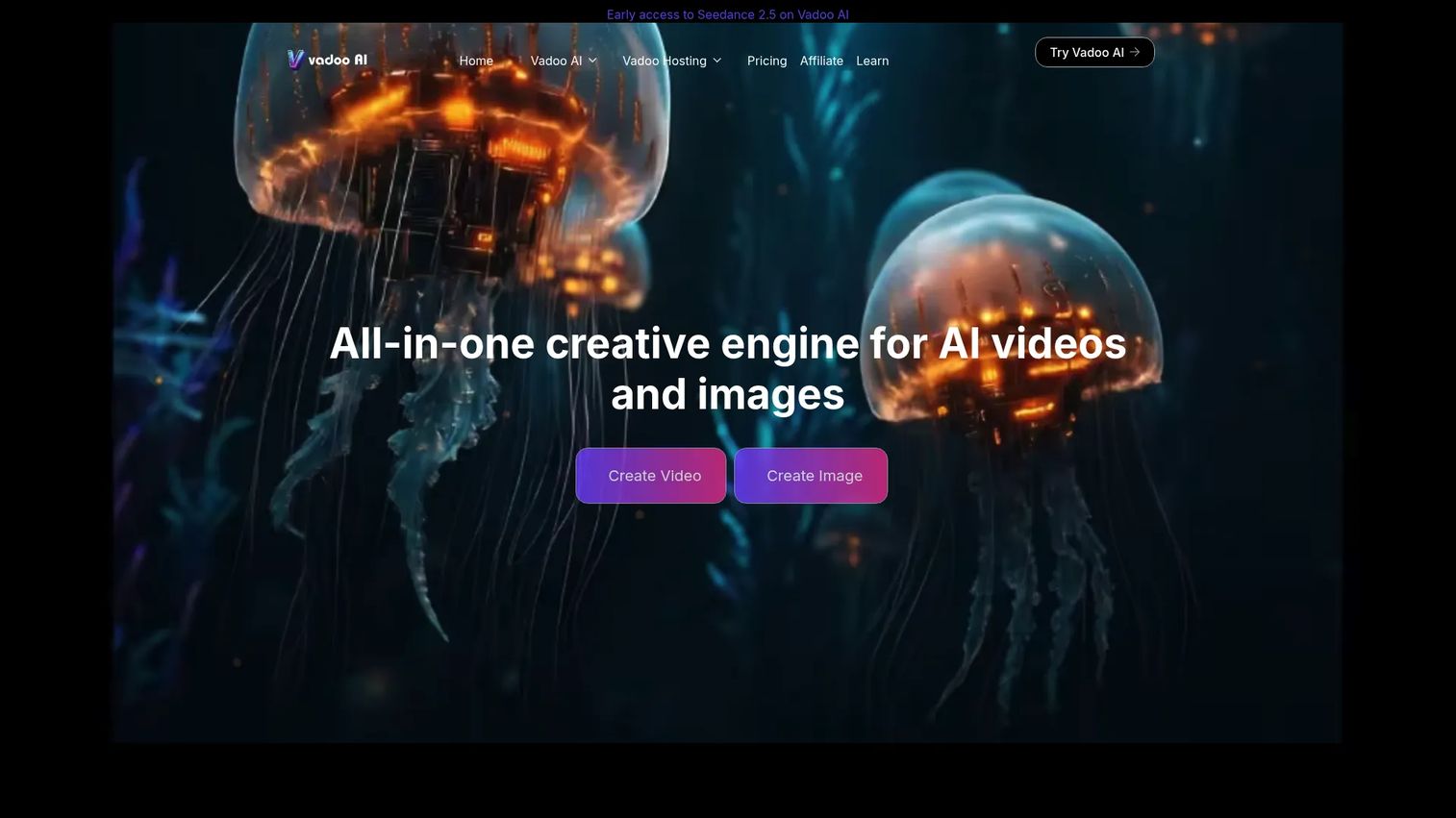
Vadoo combines AI video creation, editing, hosting, analytics, and social distribution. Its broad toolset covers production and delivery for smaller marketing teams.
AI captions and supporting footage help prepare social assets. Hosting features then provide a destination for finished content and performance tracking.
Best for: Marketers seeking video creation and hosting within the same lightweight platform.
Key features
- AI video creation
- Captions and supporting footage
- Social media autoposting
- Video hosting
- Analytics and integrations
Why choose Vadoo: Choose Vadoo when your team wants broad workflow coverage without a larger video stack. Review add ons when comparing the final cost.
Vadoo pricing: Starter costs $19 monthly or $15 monthly with yearly billing. Pro costs $39 monthly.
G2 rating: 4.6/5
15. Wave.video
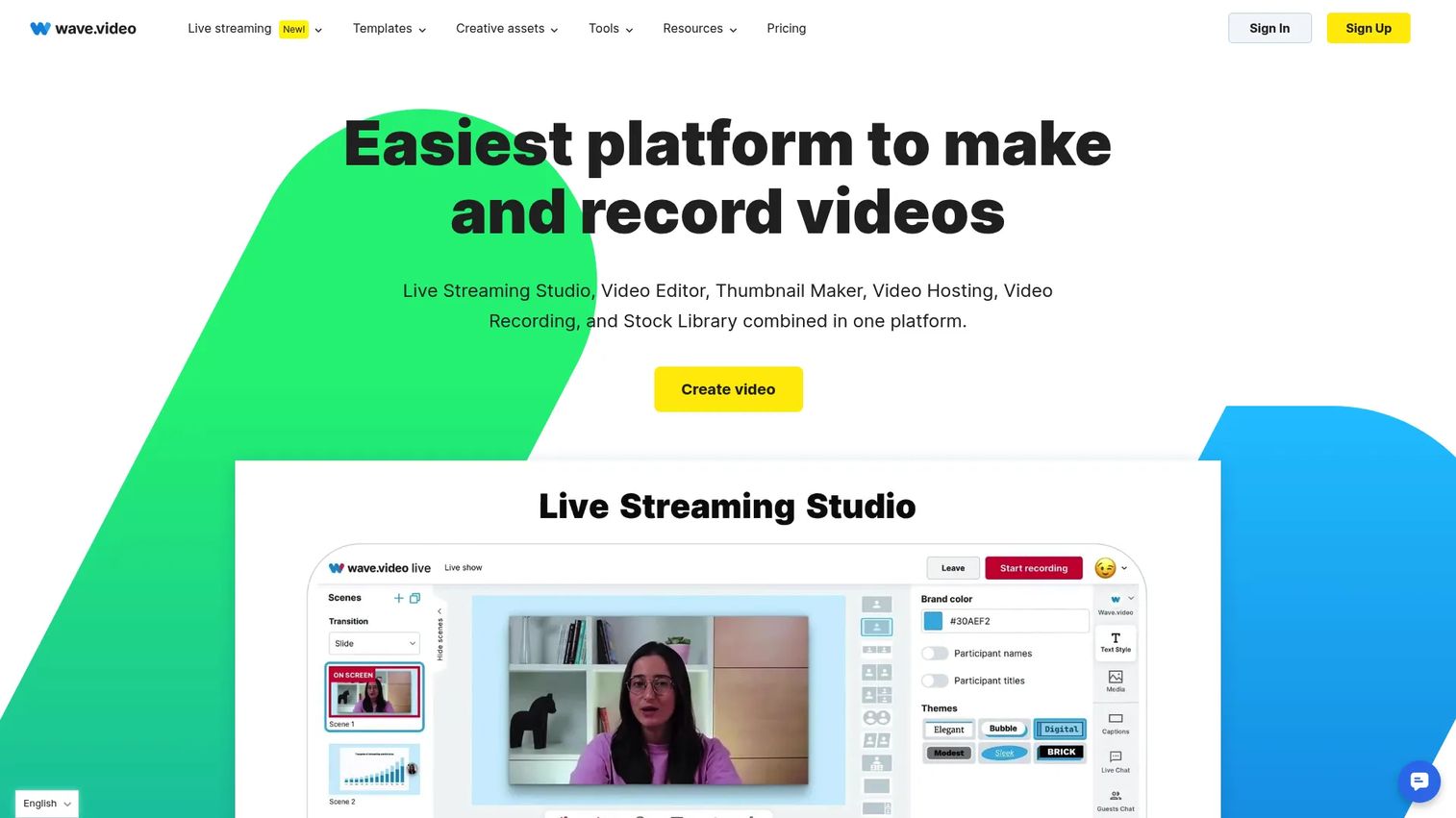
Wave.video combines online video editing, live streaming, recording, and hosting. Its templates and stock media support teams with frequent social publishing requirements.
PMMs can use webinars or live events as source material for campaign clips. Hosting and embeds keep finished assets available beyond social feeds.
Best for: Teams managing social heavy campaigns alongside webinars, event promotion, and live content.
Key features
- Online video editor
- Templates and stock media
- Live multistreaming
- Video hosting and embeds
- Captions and social resizing
Why choose Wave.video: Wave.video works well when live content feeds your campaign calendar. It covers more distribution needs than a standalone editor.
Wave.video pricing: A free plan is available. Streamer costs $16 monthly in the annual pricing view.
G2 rating: 4.6/5
16. Wideo
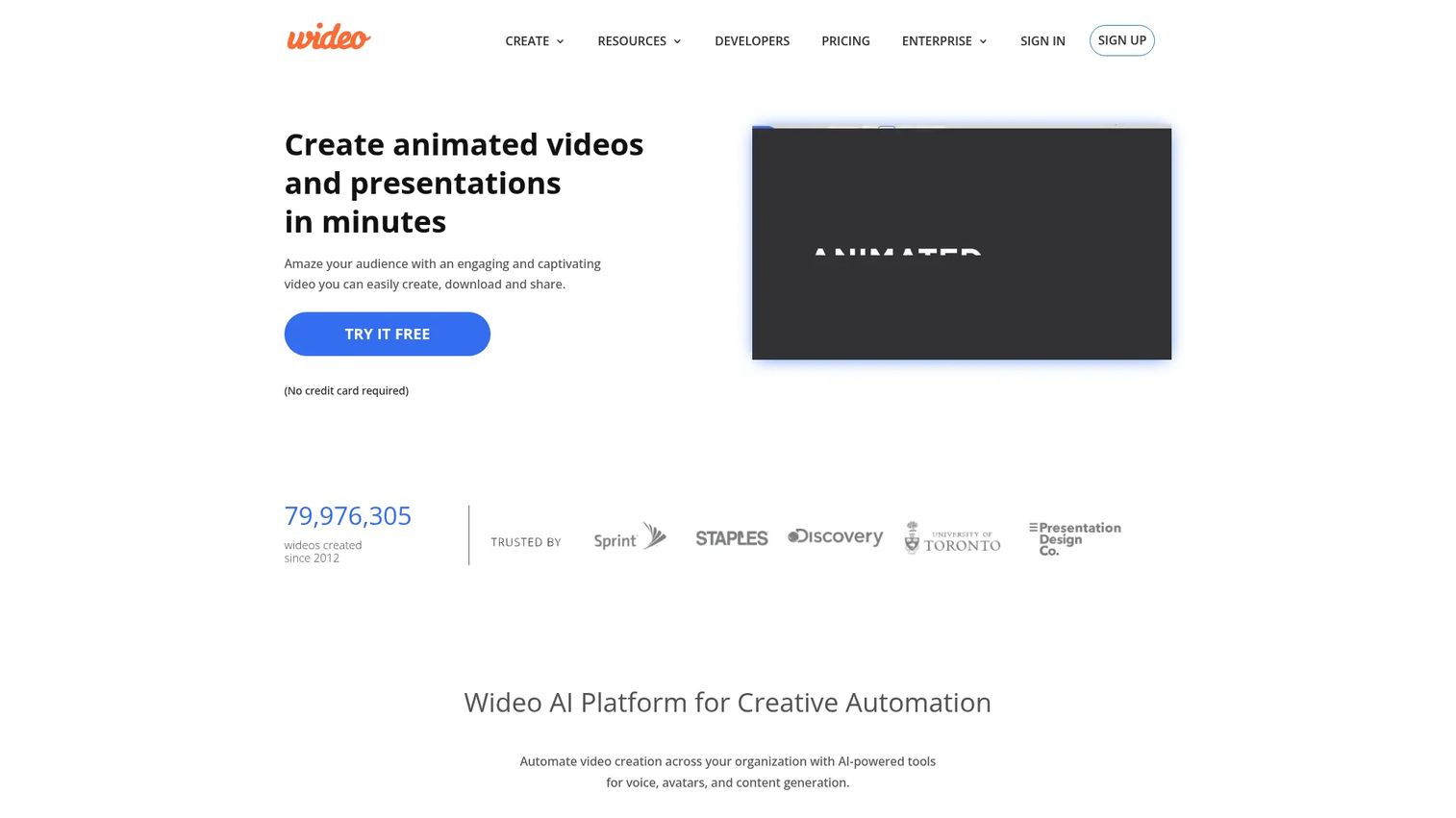
Wideo is a web based platform for creating animated videos and presentations. Teams can start from templates or build scenes with uploaded media and stock assets.
For PMMs, Wideo supports short explainers, launch announcements, and product education clips. Export options include MP4, Full HD, and GIF formats.
Best for: Small teams creating straightforward animated marketing videos from reusable templates.
Key features
- Animated video templates
- Keyframe animation
- Scene transitions
- Presentation mode
- MP4 and GIF exports
Why choose Wideo: Wideo suits lightweight animation without a full production workflow. Choose Vyond when your team needs deeper business animation capabilities.
Wideo pricing: A free plan is available. Basic costs $19 monthly with annual billing.
G2 rating: 4.3/5
17. Loom
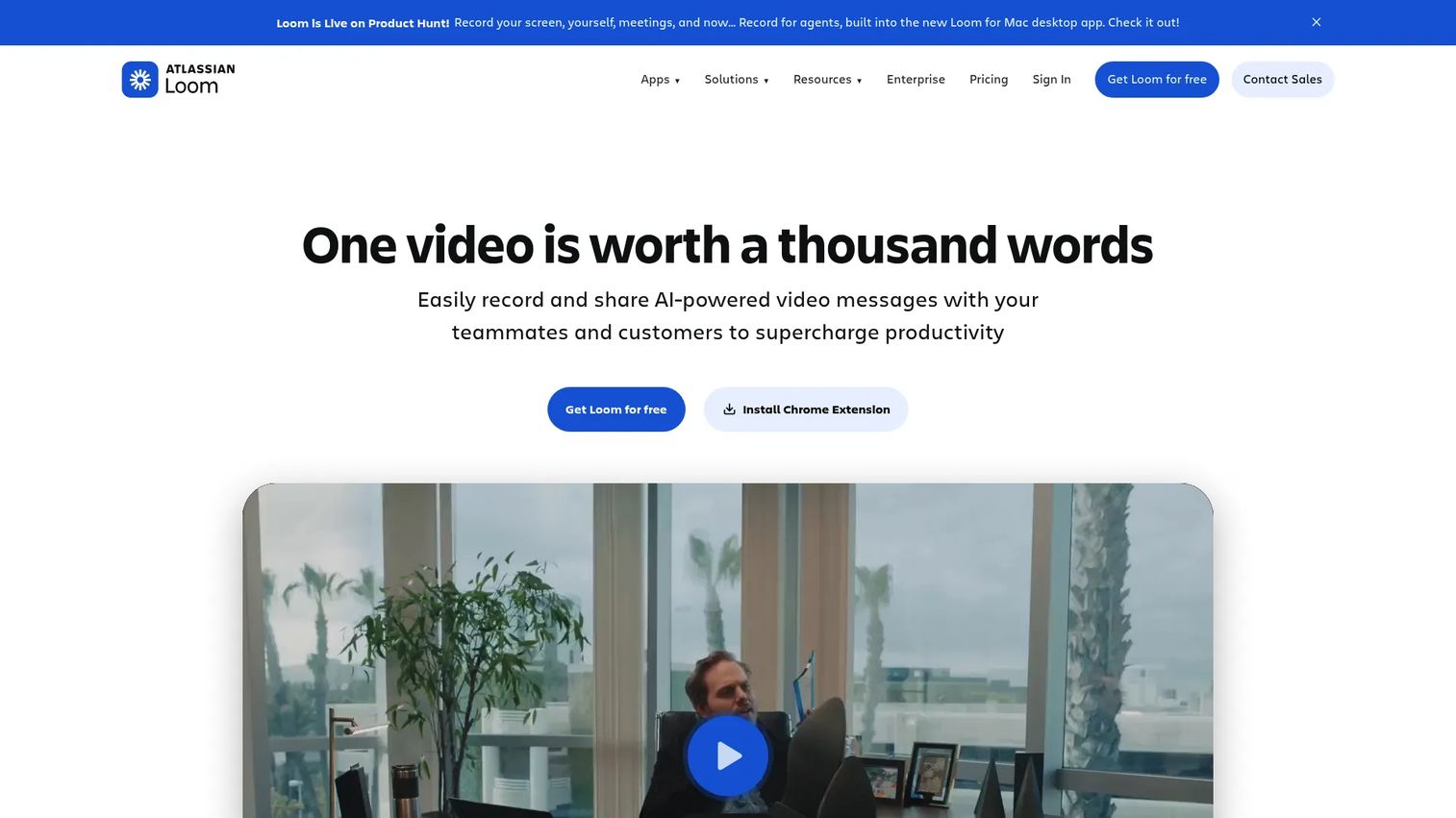
Loom is a video messaging platform for recording screens, cameras, or both. It focuses on async communication through quickly shareable video links.
PMMs can use Loom for launch alignment, internal enablement, customer explanations, and quick product updates. Comments and viewer insights support collaboration after sharing.
Best for: Teams that need personal screen recordings and quick explanations across product, marketing, and Sales.
Key features
- Screen and camera recording
- Video editing and transcription
- AI summaries and chapters
- Comments and reactions
- Viewer insights
Why choose Loom: Loom fits quick communication more than campaign grade hosting. Use it when clarity and async sharing matter more than lead gates or advanced attribution.
Loom pricing: Starter is free. Business costs $18 per user monthly, while Business plus AI costs $24.
G2 rating: 4.7/5
Considerations when choosing video marketing software
Match the platform to the video job
Separate creation from hosting before you compare plans. A product launch video tool may produce polished assets without managing distribution or campaign reporting.
Map your primary workflow first. Common priorities include launch creation, website conversion, customer proof, sales enablement, or social publishing.
Check the analytics depth
Views provide a basic activity count. PMMs often need watch time, completion, drop off, CTA clicks, form submissions, or viewer identity.
Check whether those signals connect with your CRM or marketing automation platform. This matters when leadership expects influenced pipeline reporting.
Evaluate governance and reuse
Messaging changes after launches, pricing updates, or product releases. Brand kits, permissions, folders, and reusable templates reduce the spread of outdated assets.
Also test how quickly your team can update an existing video. Rebuilding every asset creates another launch dependency.
Review distribution channels
List the surfaces your team uses before buying. Check website embeds, landing pages, email, social networks, webinars, and sales sequences.
A strong editor with weak distribution may create another manual handoff. Confirm export formats and player controls during your pilot.
Compare total workflow cost
A low cost editor may still require separate hosting, analytics, and landing page software. Compare the combined stack with the price of a broader platform.
Storage, seats, branding controls, and AI usage limits can also raise the final bill. Price the workflow your team will run, rather than the smallest advertised tier.
Conclusion
The best video marketing software depends on where your workflow breaks.
Choose Vimeo when polished hosting, libraries, live events, and broad video management drive the decision. Vidyard fits B2B teams connecting personalized video with revenue activity. Wistia makes sense for website conversion and gated video content.
HubSpot suits teams that want campaign activity inside their CRM. Canva, Promo, and Wave.video support fast creative production across social channels. Powtoon, Vyond, and Wideo focus on animation.
BombBomb and Hippo Video handle personalized outreach. StoryTap collects customer proof, while Descript turns long recordings into reusable campaign clips. Loom supports quick explanations and internal launch alignment.
Shortlist two tools around your biggest bottleneck. Then test your standard launch workflow, including approvals, distribution, Sales reuse, and reporting.
Start your journey with Guideflow today!
FAQs
Video marketing software helps teams create, edit, host, distribute, personalize, gate, and measure video content. Products range from focused editors to full video marketing platforms with forms, calls to action, analytics, and CRM integrations.
The category supports product launches, customer stories, webinars, social campaigns, and sales enablement. Choose a tool according to the job your existing stack handles poorly.
Wistia fits teams focused on website video, lead forms, webinars, and marketing analytics. Vidyard suits revenue teams that need personalized video and viewer level engagement data.
HubSpot works well when video should connect with existing CRM and automation workflows. Vimeo is a strong choice for branded hosting, events, permissions, and video content management.
Video editing software focuses on producing the asset. Typical capabilities include cutting footage, adding captions, cleaning audio, and creating shorter clips.
Video marketing software may also host the finished content, collect leads, distribute assets, and measure viewer behavior. A PMM editing webinar clips has a different requirement from one measuring launch page conversion.
Look for forms, calls to action, viewer identification, CRM connections, and campaign reporting. These capabilities turn passive views into usable marketing signals.
Wistia supports branded forms and lead scoring features. Vidyard adds viewer tracking and calls to action, while Hippo Video focuses on personalized campaigns. HubSpot connects campaign engagement with contact management and automation.
Canva suits teams that need templates, brand controls, and fast campaign variations. Promo combines stock footage with ready made promotional formats.
Wave.video provides editing, streaming, hosting, and social resizing. Descript works well for captioning and repurposing recorded content. Vimeo offers creation tools alongside hosting and broad distribution.
Analytics matter when video supports launches, adoption, sales enablement, or pipeline campaigns. A view count alone doesn’t reveal whether the audience reached your key message.
Track watch depth, completion, drop off, CTA clicks, and form submissions. Viewer or account identification adds value when your team connects engagement with pipeline.
Start with the launch bottleneck. Choose a creation platform when design capacity or production speed delays your campaign.
Select a marketing focused host when website conversion and viewer analytics matter. Personalized video tools fit Sales follow up, while shared libraries help keep enablement assets current.
Test the complete workflow before buying. Include asset creation, stakeholder approval, publishing, Sales access, and post launch reporting.
Pricing ranges from free creator plans to platforms costing hundreds or thousands of dollars monthly. The final price often changes with seats, storage, video limits, or advanced marketing capabilities.
Compare branding controls, lead capture, analytics depth, and integrations across tiers. Include any separate hosting or landing page products your chosen editor still requires.