Your leadership team is busy. Releases keep shipping. Yet a missed dependency only becomes visible when someone prepares the board update.
Team management software should help you catch that gap earlier. The goal is clear ownership and enough workload visibility for leaders to make decisions without routing everything through you.
Gallup’s 2025 Panel workforce study found that 69% of U.S. employees work across multiple teams on at least some days. Cross-functional coordination deserves its own operating system.
Adding another dashboard won’t fix unclear accountability. You need an agreed place for commitments, with a manager responsible for keeping them current.
The best team management software supports that operating rhythm. It should help your VP spot an overloaded team, resolve competing priorities, and explain what changed before the next leadership meeting.
What’s inside
- The shortlist: Fifteen team management tools covering work coordination, communication, shared knowledge, and manager conversations.
- The buyer: SaaS founders and functional leaders building repeatable execution across growing companies, without becoming the escalation path for every decision.
- The evaluation criteria: Task ownership and team workload management, supported by reporting, availability, integrations, and clear pricing.
- The category boundary: Day-to-day team operations rather than payroll administration, with guidance on what each tool should replace in your existing stack.
TL;DR
- Best for broad consolidation: ClickUp combines work tracking with documentation and reporting when departments need a shared operating hub.
- Best for leadership visibility: Asana connects cross-functional projects to goals, helping managers communicate progress without rebuilding status reports.
- Best for configurable operations: monday.com suits teams that want department-specific workflows and management dashboards.
- Best for client delivery: Teamwork.com connects project execution to capacity and profitability, useful for implementation-heavy SaaS businesses.
- Best for communication-led coordination: Microsoft Teams fits Microsoft-centered companies; Slack suits channel-based collaboration across connected applications.
- Best for goals and one-to-ones: Lattice supports manager conversations and performance accountability alongside a separate execution system.
What is team management software?
Team management software helps managers coordinate people, priorities, workload, communication, and progress in one shared system.
The category covers several overlapping applications. Some organize delivery across departments; others support conversations or provide a consistent place for team knowledge.
A team management platform should answer practical management questions. Who owns the launch? Which customer implementation is blocked? Can engineering accept another commitment without moving an existing deadline?
Look for these capabilities across your stack:
- Task ownership: Named assignees, priorities, deadlines, and dependencies
- Capacity visibility: Workload views that support resource decisions
- Shared context: Documents and decisions connected to ongoing work
- Manager rhythm: Goals, feedback, and recurring progress conversations
- Reporting: Views that show exceptions without rebuilding spreadsheets
The distinction between adjacent categories matters when comparing prices.
Project management software organizes defined initiatives, including schedules and deliverables. It fits a migration or release with a clear endpoint.
Task management software establishes responsibility for individual commitments. Task assignment software can be enough when the main problem is forgotten follow-through.
Team collaboration software supports discussion and shared files. A conversation can explain a decision, but managers still need an agreed place to record the resulting commitment.
Work management software connects recurring operations with projects. These platforms often provide a broader foundation for team task management across departments.
HRIS software manages employee records and administrative processes. Performance and goal tracking can sit nearby, but this article focuses on the manager’s operating rhythm.
Choose the category before comparing vendors. A company struggling with missed deadlines needs a different starting point from one struggling with inconsistent one-to-ones.
You also don’t need every employee working in an identical interface. Define which records leadership trusts, then let functional teams preserve useful specialist workflows.
For example, engineering can maintain its delivery system while leadership tracks cross-functional commitments elsewhere. The handoff needs a named owner and an update rule.
When to use team management software
Coordinate work without founder routing
Adopt a shared system when functional leaders need you to reconcile competing commitments. Task management for teams should make ownership visible at the point work crosses departments.
Start with an initiative that already requires repeated escalation, such as a launch involving Product and Customer Success. Record the decision owner and the conditions for raising a blocker.
Balance workload before burnout shows up
Use workload planning when a new commitment regularly displaces something nobody discussed. Ask managers to compare assigned work against available capacity before accepting deadlines.
Include planned absence and recurring responsibilities in that conversation. A full calendar and a long task list describe different constraints; neither alone explains whether someone can deliver.
Run distributed teams with fewer status meetings
A team management app becomes useful when updates arrive after colleagues have signed off. Establish asynchronous status conventions and keep decisions attached to the work they affect.
Remote coordination also needs calendar visibility. Evaluate team scheduling software for availability, while keeping task responsibility in the execution system.
Reduce meetings only after people can find the information those meetings previously supplied.
Team management software comparison
Use this table to narrow the management job before comparing feature lists. Communication products and performance platforms appear alongside work management tools because each supports a different part of daily operations.
The first group is the strongest starting point for company-wide execution visibility. Later entries address communication, documentation, specialist planning, and manager development.
Prices reflect the supplied vendor research dated November 24, 2026. Ratings come from the accompanying G2 sources. Amounts are USD unless marked AUD, and annual billing means an annual commitment.
Entry prices don’t necessarily include advanced workload reporting or governance. Compare the plan your managers will use, including the required seat count.
| # | Product | Best for | Key differentiator | Pricing | G2 rating |
|---|---|---|---|---|---|
| 1 | ClickUp | Broad work consolidation | Connected tasks, documentation, dashboards, and automation | Free; Core $9/user/month, annually | 4.6/5 |
| 2 | Asana | Leadership project visibility | Goals and portfolios connected to execution | Free; Starter $10.99/user/month, annually | 4.4/5 |
| 3 | monday.com | Configurable operations | Custom workflows and management dashboards | Free; Basic AUD $14/seat/month, annually | 4.7/5 |
| 4 | Teamwork.com | Client delivery teams | Capacity and profitability alongside project tracking | Free; Basics $9.99/user/month, annually | 4.4/5 |
| 5 | Wrike | Structured cross-functional work | Request intake, approvals, workload, and reporting | Free; Team $10/user/month | 4.2/5 |
| 6 | Microsoft Teams | Microsoft-centered communication | Meetings and collaboration within Microsoft 365 | Free; Essentials $4/user/month, annually | 4.4/5 |
| 7 | Slack | Channel-based coordination | Conversations connected to application workflows | Free; Pro $7.25/active user/month, annually | 4.5/5 |
| 8 | Google Workspace | Shared productivity infrastructure | Business email and collaborative files | Starter $7/user/month, monthly | 4.6/5 |
| 9 | Notion | Knowledge-centered operations | Documentation combined with flexible workflows | Free; Plus $10/member/month, monthly | 4.6/5 |
| 10 | Trello | Visual task coordination | Boards and cards with built-in automation | Free; Standard $5/user/month, annually | 4.4/5 |
| 11 | Jira | Software delivery coordination | Issue tracking connected to engineering work | Free; Standard $7.91/user/month, monthly | 4.3/5 |
| 12 | Zoho Projects | Cost-conscious project teams | Project planning with timesheets and automation | Free; Premium $4/user/month, annually | 4.4/5 |
| 13 | Microsoft Project | Formal project scheduling | Critical path planning and resource leveling | Standard 2024 $679.99, one-time purchase | 4.0/5 |
| 14 | Basecamp | Straightforward team coordination | Project communication alongside tasks and files | Free; Freelancer $29/month, monthly | 4.1/5 |
| 15 | Lattice | Goals and manager conversations | Performance accountability and recurring feedback | Foundations $13/seat/month, annually; $4,000 annual minimum | 4.6/5 |
Best 15 team management software tools for 2026
1. ClickUp
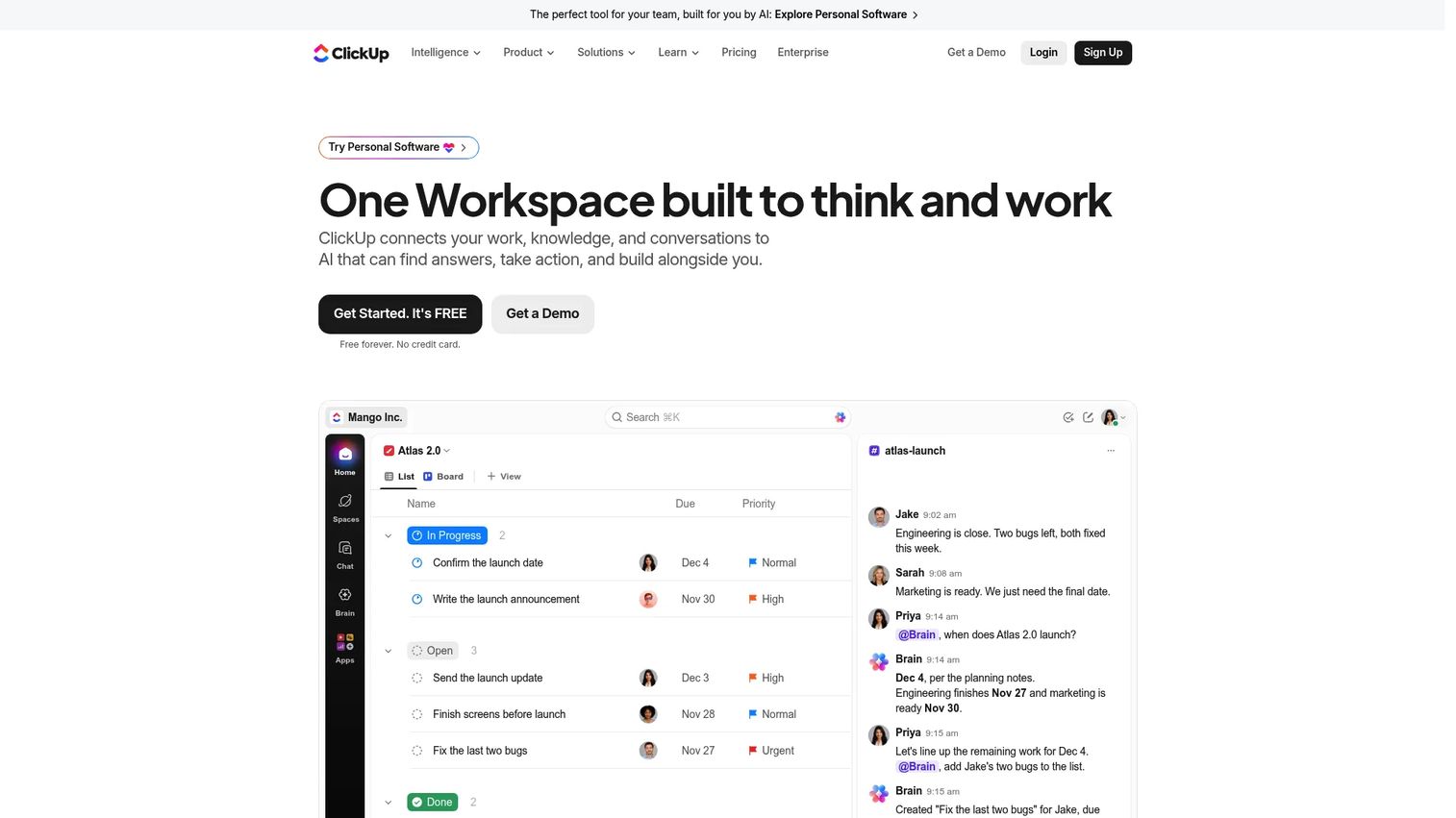
ClickUp is a broad work management platform for companies consolidating execution and shared context. Its configurable tasks support different departmental workflows, while connected documentation keeps supporting information close to the work. For a founder, the appeal is reviewing commitments without asking every leader to assemble a separate update.
Treat the rollout as an operating-design exercise. Agree on what a project represents, which statuses managers use, and when a blocked item requires escalation.
A useful pilot is a cross-functional launch. Have Product and Marketing maintain their commitments, then ask leadership to identify the next decision from the shared workspace. If a verbal explanation is still necessary, improve the structure before expanding access.
Best for: Growing SaaS companies that want a common work hub across departments while retaining configurable team-level views.
Key features
- Custom fields, statuses, priorities, and dependencies
- List, Board, Calendar, and Workload views
- Collaborative Docs and Forms
- Dashboards and workflow automations
- Time tracking and timesheets
Why choose ClickUp: Its breadth makes it a strong consolidation candidate when separate tools duplicate work records. Define workspace ownership before encouraging teams to build independent structures.
ClickUp pricing: Free Forever is available. Core costs $9/user/month and Business costs $17/user/month, both billed annually.
G2 rating: 4.6/5
2. Asana
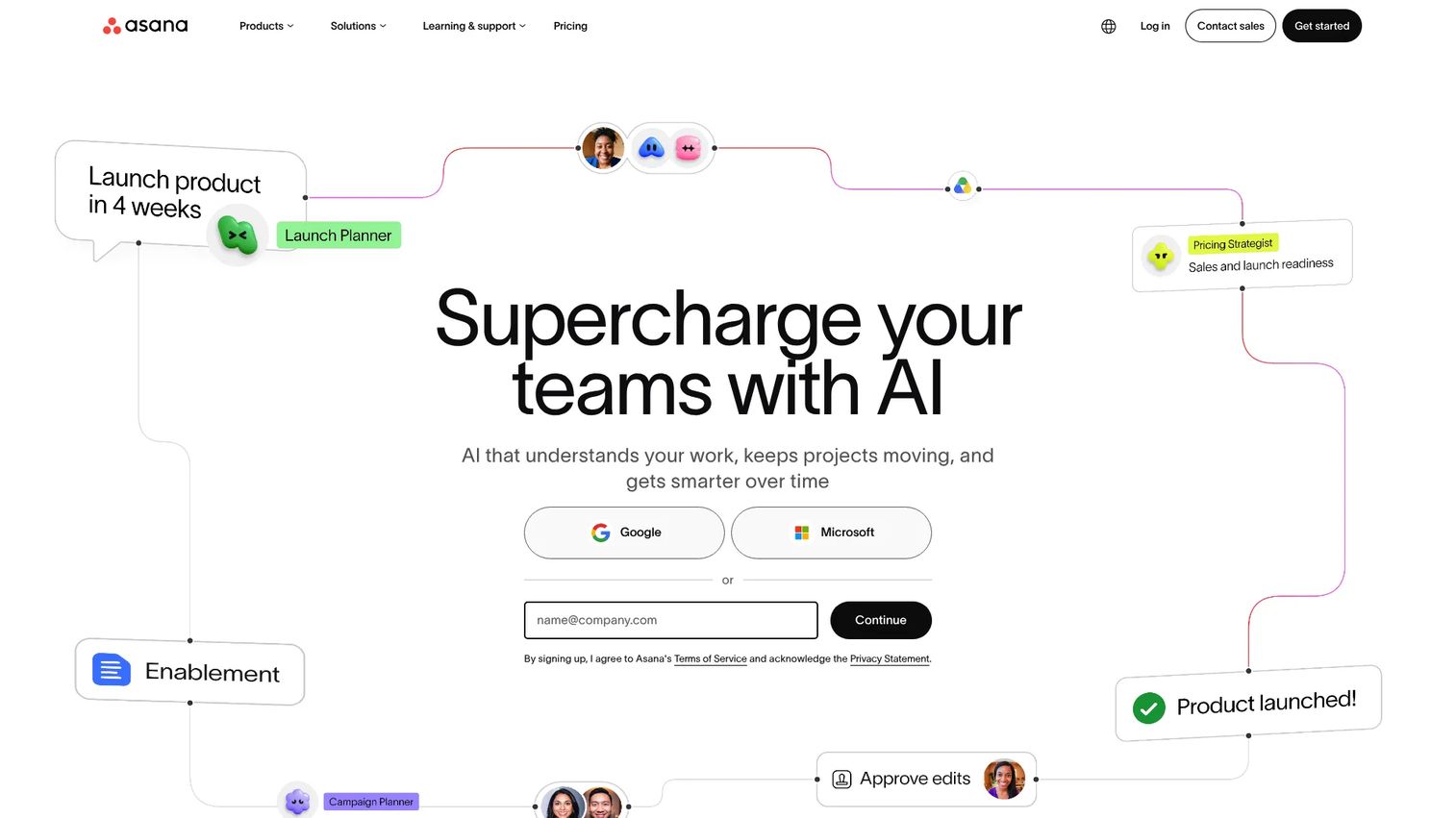
Asana connects project execution with organizational goals. It suits founders who need to understand whether departmental commitments support company priorities. Portfolios provide a useful perspective when individual project updates no longer explain the overall delivery picture.
The management question is straightforward. Can a functional leader explain which initiative needs intervention without walking you through every task?
During evaluation, model an initiative with work spanning Customer Success and Product. Give each commitment an owner, then establish how progress reaches the leadership review. Ask whether managers can distinguish a delayed task from a threatened business outcome.
This is also a chance to retire the parallel status spreadsheet. Keeping both systems indefinitely creates another reconciliation job for the same leaders you want to free up.
Best for: Founders and functional heads who want consistent project ownership with a clear connection to company-level priorities.
Key features
- Project and task ownership
- Timeline, Gantt, Calendar, and Kanban views
- Goals and portfolios
- Reporting dashboards
- Forms, rules, and templates
Why choose Asana: Choose it when leadership visibility matters more than designing an elaborate custom operating system. Test the reporting and resource-management capabilities in your intended plan.
Asana pricing: Personal is free for one or two people. Starter costs $10.99/user/month annually or $13.49 monthly.
G2 rating: 4.4/5
3. monday.com
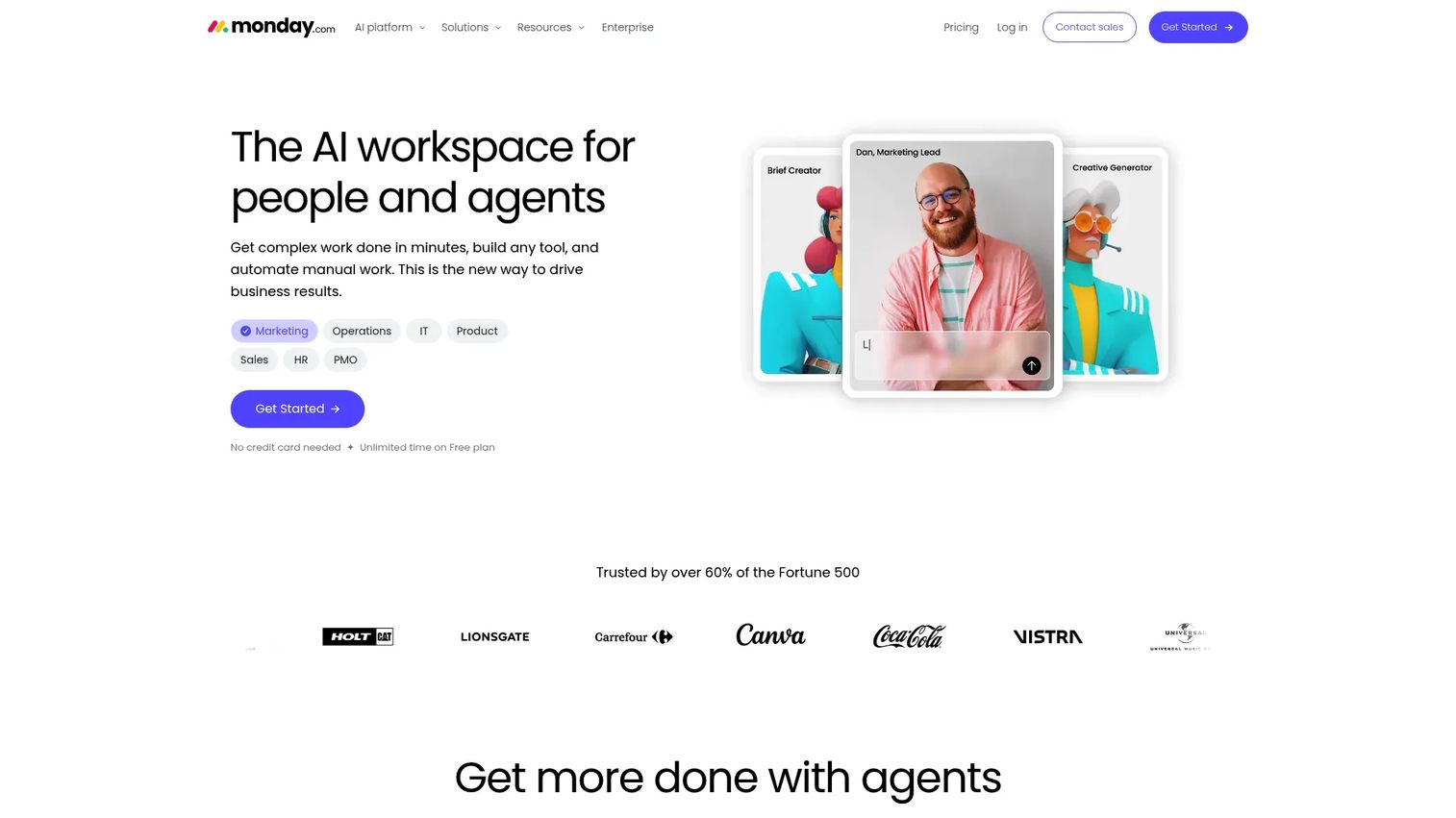
monday.com supports configurable workflows for cross-functional operations. Its combination of dashboards and structured inputs suits teams that need different processes feeding a shared management view. An operations lead can use that flexibility to reflect how departments work.
The purchase makes sense when your company has recognizable processes that spreadsheets no longer represent clearly. Think of an intake queue for launch requests or customer implementation changes.
Start by defining the data leadership needs. Standardize status meanings and ownership fields before departments customize their boards. Otherwise, a dashboard can collect information that looks comparable but represents different things.
Ask the pilot owner to show how an incoming request becomes an accepted commitment. The decision to decline or defer work matters as much as moving it forward.
Best for: Companies with an operations owner who can standardize configurable workflows across teams.
Key features
- Management dashboards
- Collaborative Docs and Forms
- Workflow automations
- Application integrations
- AI agents and workflows
Why choose monday.com: Its configurability fits operational processes that need more structure than a generic task list. Keep shared reporting conventions consistent across department-specific setups.
monday.com pricing: A free plan is available. Basic costs AUD $14/seat/month, billed annually, with the researched price displayed for 10 seats.
G2 rating: 4.7/5
4. Teamwork.com
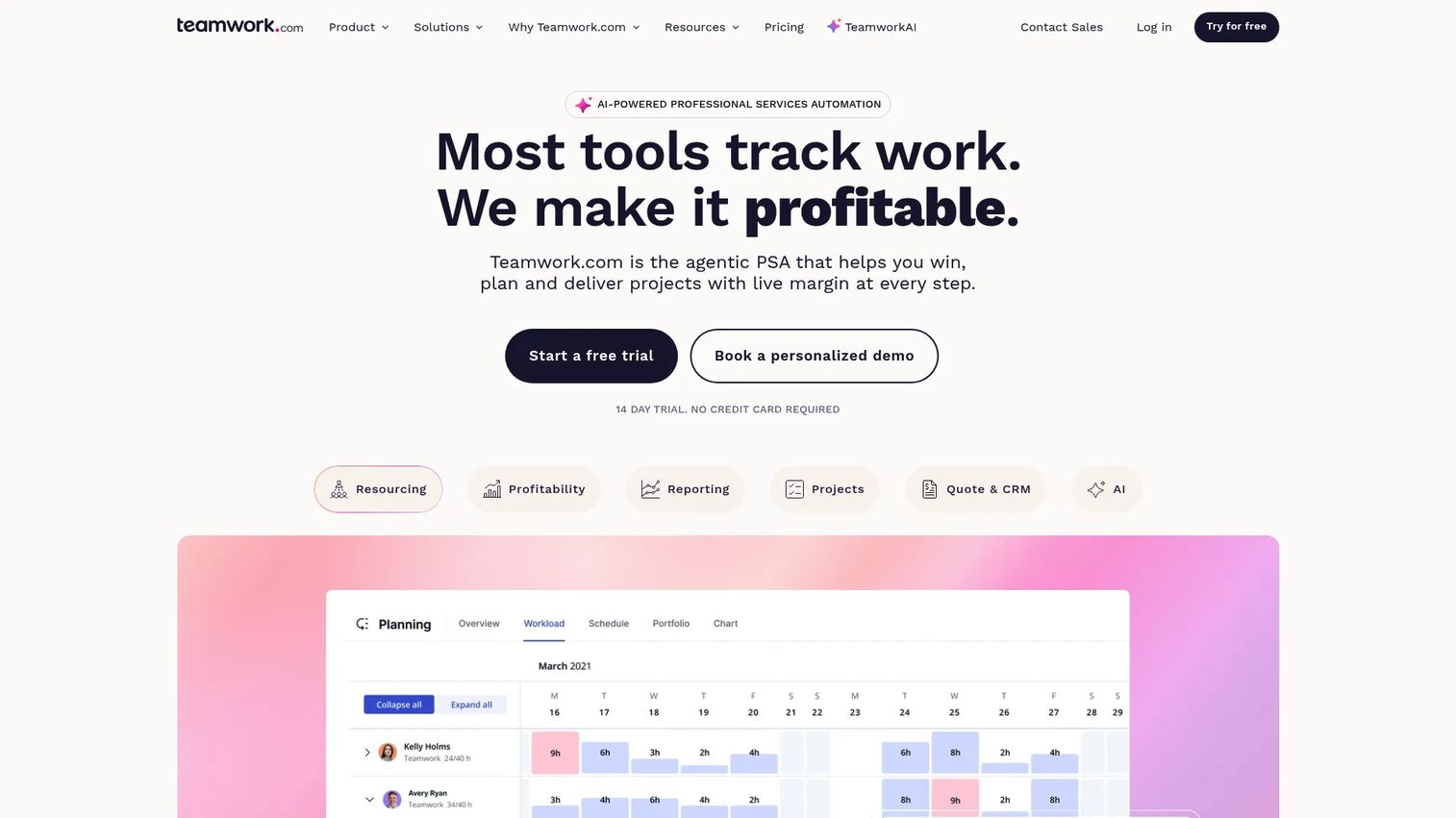
Teamwork.com connects client project delivery with financial and resource management. It deserves particular attention when your SaaS business has an implementation or professional-services function. Those teams need to understand delivery economics alongside task completion.
For a founder, the relevant question is whether new customer commitments fit available delivery capacity. A project finishing on schedule tells only part of that story.
Evaluate the platform using an implementation with a defined budget. Ask the delivery lead to compare planned effort with recorded time, then explain what that means for upcoming work.
Keep the adoption test grounded in how staff record activity. If managers need reliable profitability reporting, the supporting time entries need an agreed process. Establish that discipline before treating a dashboard as a financial decision tool.
Best for: Service-heavy SaaS businesses managing customer implementations, client projects, or billable delivery teams.
Key features
- List, Board, Table, and Gantt views
- Workload and capacity planning
- Time tracking and project budgeting
- Utilization management
- Invoicing and profitability reporting
Why choose Teamwork.com: Choose it when delivery capacity and margins affect operating decisions. Its client-service focus is more relevant than generic task breadth for those teams.
Teamwork.com pricing: Free supports five users and five projects. Basics costs $9.99/user/month and Accelerate $24.99/user/month, billed annually.
G2 rating: 4.4/5
5. Wrike
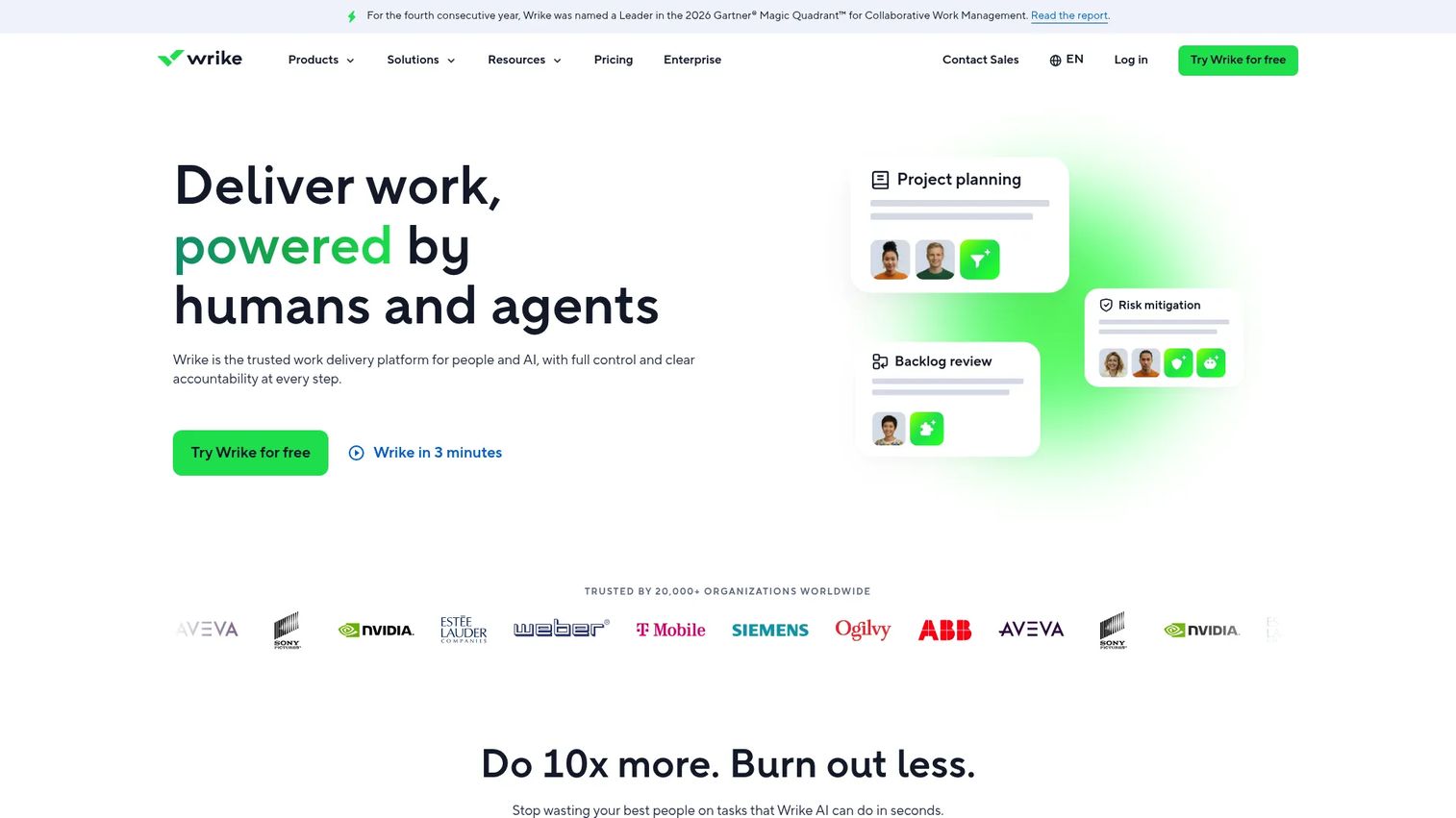
Wrike organizes complex work that needs defined intake and approval processes. Its reporting and workload capabilities suit companies where launches or operational requests pass through several teams. Managers can structure how work enters the queue before it becomes a delivery commitment.
This is a useful distinction for founders dealing with constant exceptions. A request arriving through a private message often bypasses the person responsible for prioritization.
Test a recurring process with a clear approval point, such as reviewing campaign assets. Ask the owner to demonstrate what happens when the request is incomplete or the approver is unavailable.
The pilot should establish which controls protect delivery and which merely add administration. Avoid reproducing every historical approval habit without asking whether it still serves a purpose.
Best for: Cross-functional teams that need consistent intake, approval controls, and reporting across complex workflows.
Key features
- Custom request forms and workflows
- Gantt charts and workload charts
- Dashboards and reporting
- Proofing and approvals
- Time tracking and budgeting
Why choose Wrike: Its process depth fits teams managing recurring handoffs and formal review requirements. Assign an operational owner who can maintain those workflows as the company changes.
Wrike pricing: A free plan is available. Team costs $10/user/month and Business $25/user/month.
G2 rating: 4.2/5
6. Microsoft Teams
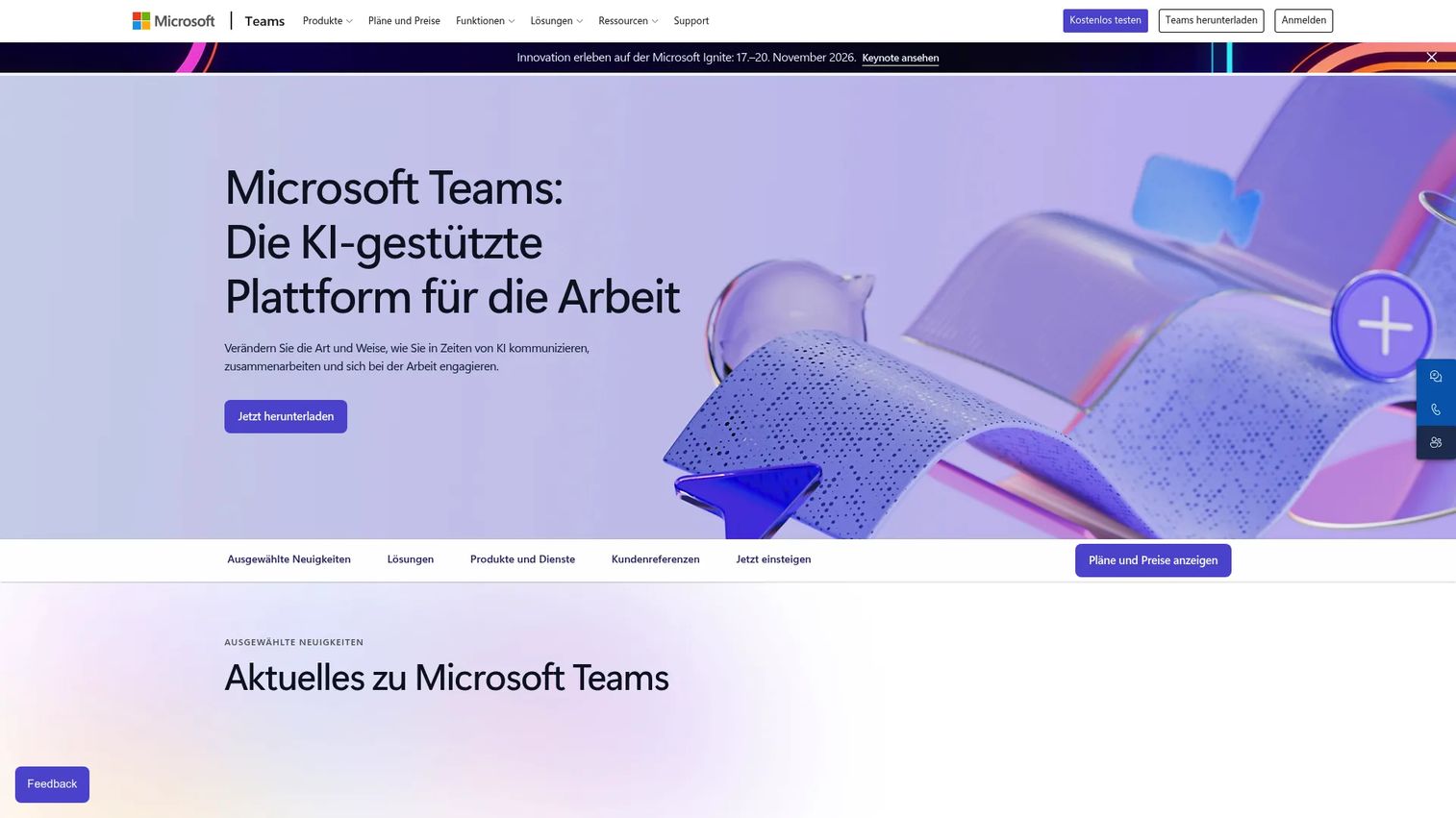
Microsoft Teams provides workplace communication through chat and meetings, with shared files and collaboration features. It is particularly relevant when your company already operates in Microsoft 365. The buying question is often whether existing subscriptions can cover more of the communication layer.
For leadership, the benefit comes from establishing where different conversations belong. Project decisions should remain discoverable after a meeting ends.
Evaluate a recurring management meeting from preparation through follow-up. Check whether participants can find the agenda and supporting files without asking the organizer for another link. Then decide where resulting commitments will live.
Teams can anchor communication, but your management design should still specify the authoritative record for project responsibility. Keeping that boundary explicit prevents meeting discussion from becoming the only evidence of a decision.
Best for: Microsoft-centered companies seeking a shared communication environment for managers and their teams.
Key features
- Chat and audio/video meetings
- File sharing and collaborative tasks
- Meeting recordings and transcripts
- Live captions and polling
- Encryption for communications and files
Why choose Microsoft Teams: Evaluate it first when Microsoft 365 already shapes your working environment. Review existing entitlements before purchasing overlapping collaboration tools for teams.
Microsoft Teams pricing: A free option is available. Essentials costs $4/user/month, paid yearly; Microsoft 365 Business Basic costs $7/user/month, paid yearly.
G2 rating: 4.4/5
7. Slack
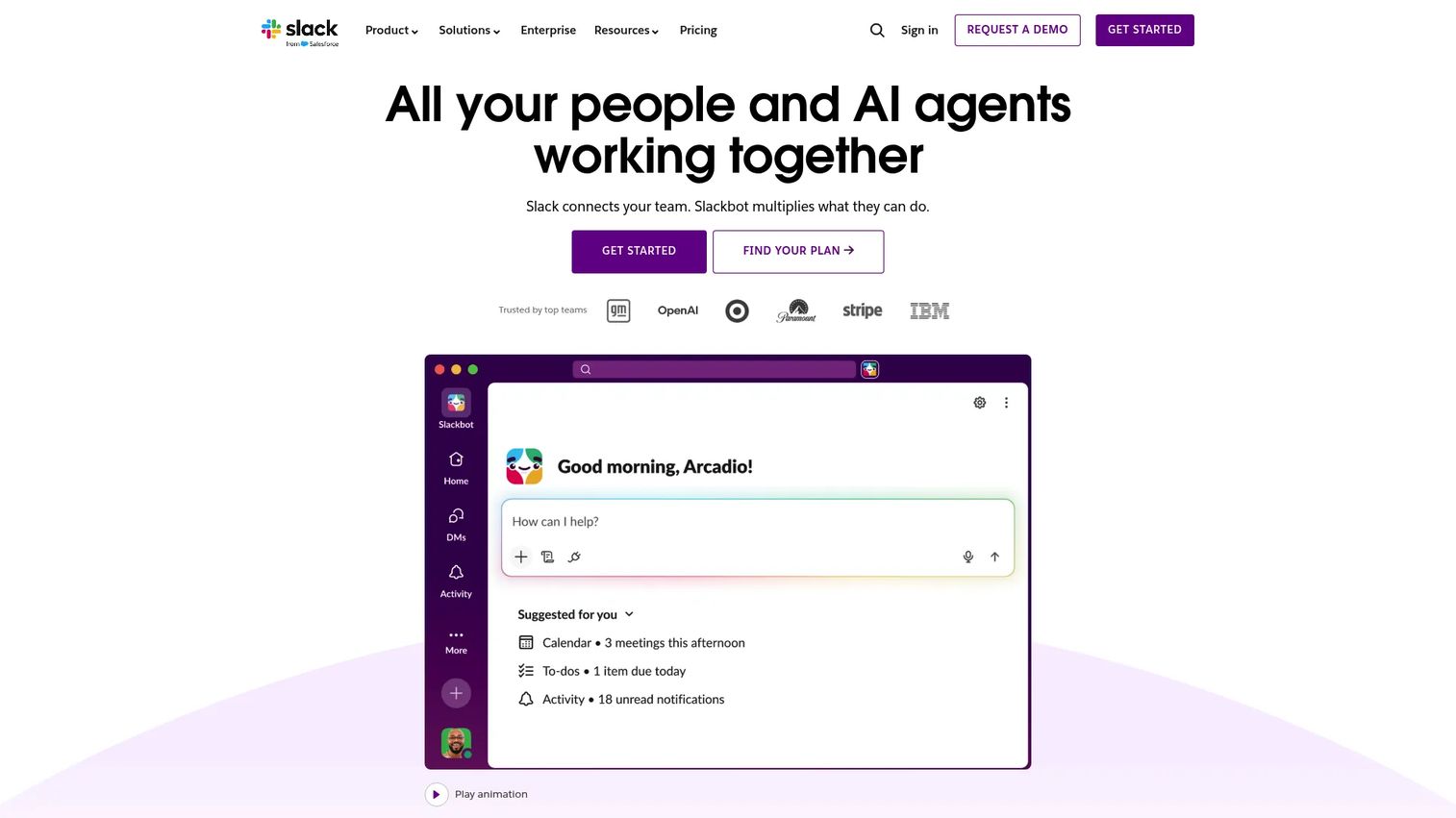
Slack organizes workplace communication around channels and connected applications. It supports asynchronous updates as well as live discussion. For a growing SaaS company, the management value depends on whether those conversations reach the people responsible for acting on them.
Use channel conventions to separate durable project discussion from announcements. Decide which notifications help someone make a decision and which simply repeat activity.
A practical evaluation starts with a cross-functional escalation. Ask whether the right owner can find the context and record the next action without reconstructing a long conversation.
Slack also includes Lists and Canvas, so evaluate its coordination capabilities directly rather than treating it as messaging alone. For company-wide capacity planning, identify whether your dedicated work system should remain the source of truth.
Best for: Teams that coordinate through channels and need application workflows connected to everyday communication.
Key features
- Channels and direct messaging
- Slack Connect
- Huddles with screen sharing
- Canvas and Lists
- Workflow Builder and app integrations
Why choose Slack: Choose it for conversation-centered coordination across a connected software stack. Establish notification rules so important exceptions remain visible.
Slack pricing: A free plan is available. Pro costs $7.25/active user/month annually or $8.75 monthly.
G2 rating: 4.5/5
8. Google Workspace
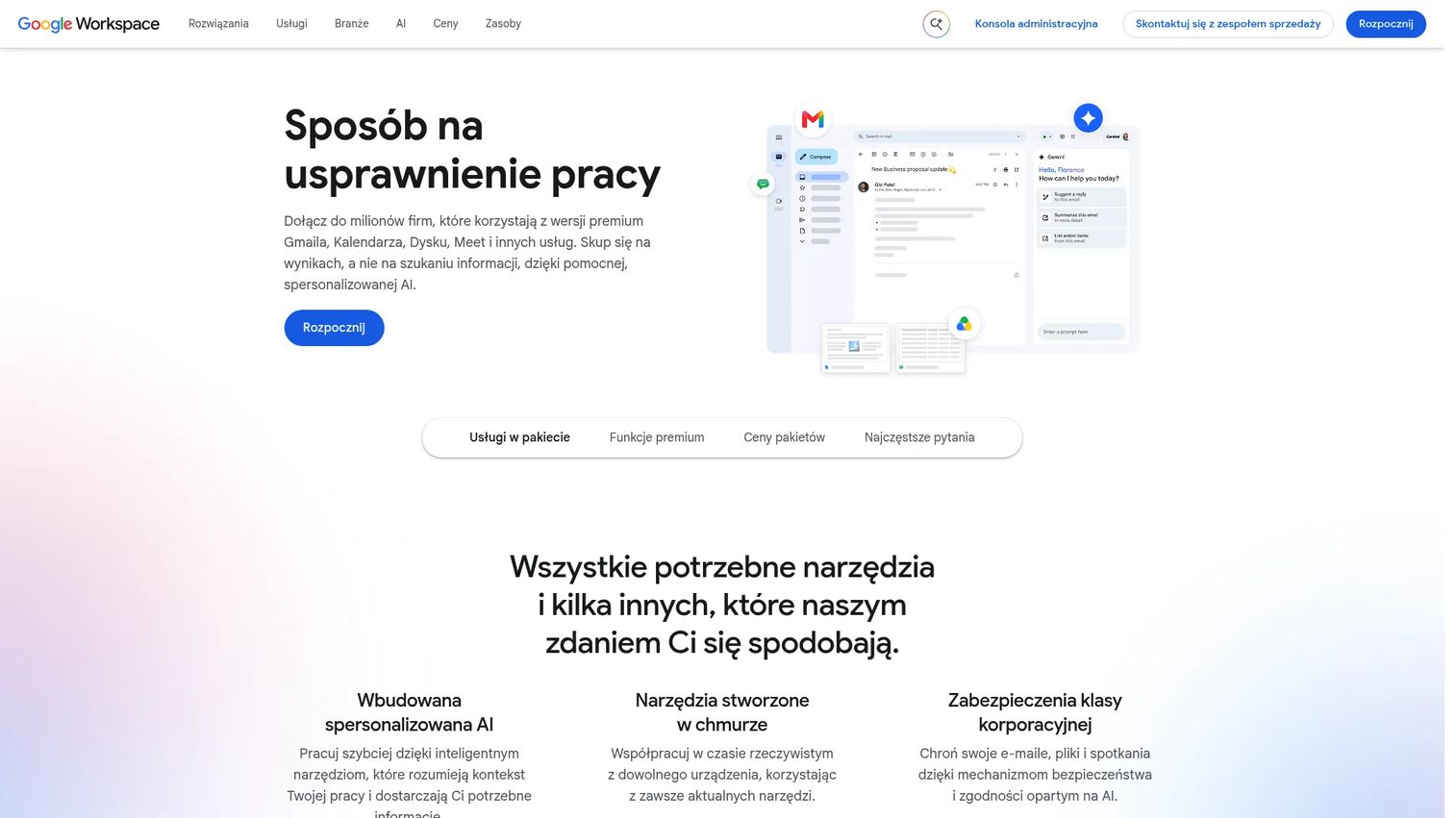
Google Workspace provides the productivity foundation for business email and collaborative work. Shared documents and cloud files support planning, while communication tools keep discussion connected. It belongs in this comparison as infrastructure rather than a complete execution-management system.
For founders, the relevant issue is whether information remains accessible when ownership changes. A document created by an individual can become an operational dependency for an entire department.
Evaluate how a new functional leader would find the current operating plan. Review file organization and administrative controls, then establish who maintains the authoritative version.
You can run a lightweight management cadence with shared documents. Once dependencies require dedicated tracking, connect that working context to a project system rather than expanding a status spreadsheet indefinitely.
Best for: Companies that need a common productivity suite supporting shared knowledge and everyday collaboration.
Key features
- Collaborative documents and spreadsheets
- Business email and communication
- Google Drive storage and sharing
- Centralized administration
- Security and retention controls
Why choose Google Workspace: Choose it as the collaboration foundation when shared files underpin your management rhythm. Evaluate execution tracking separately from document creation.
Google Workspace pricing: A 14-day trial is available. Starter costs $7/user/month, Standard $14, and Plus $22, billed monthly.
G2 rating: 4.6/5
9. Notion
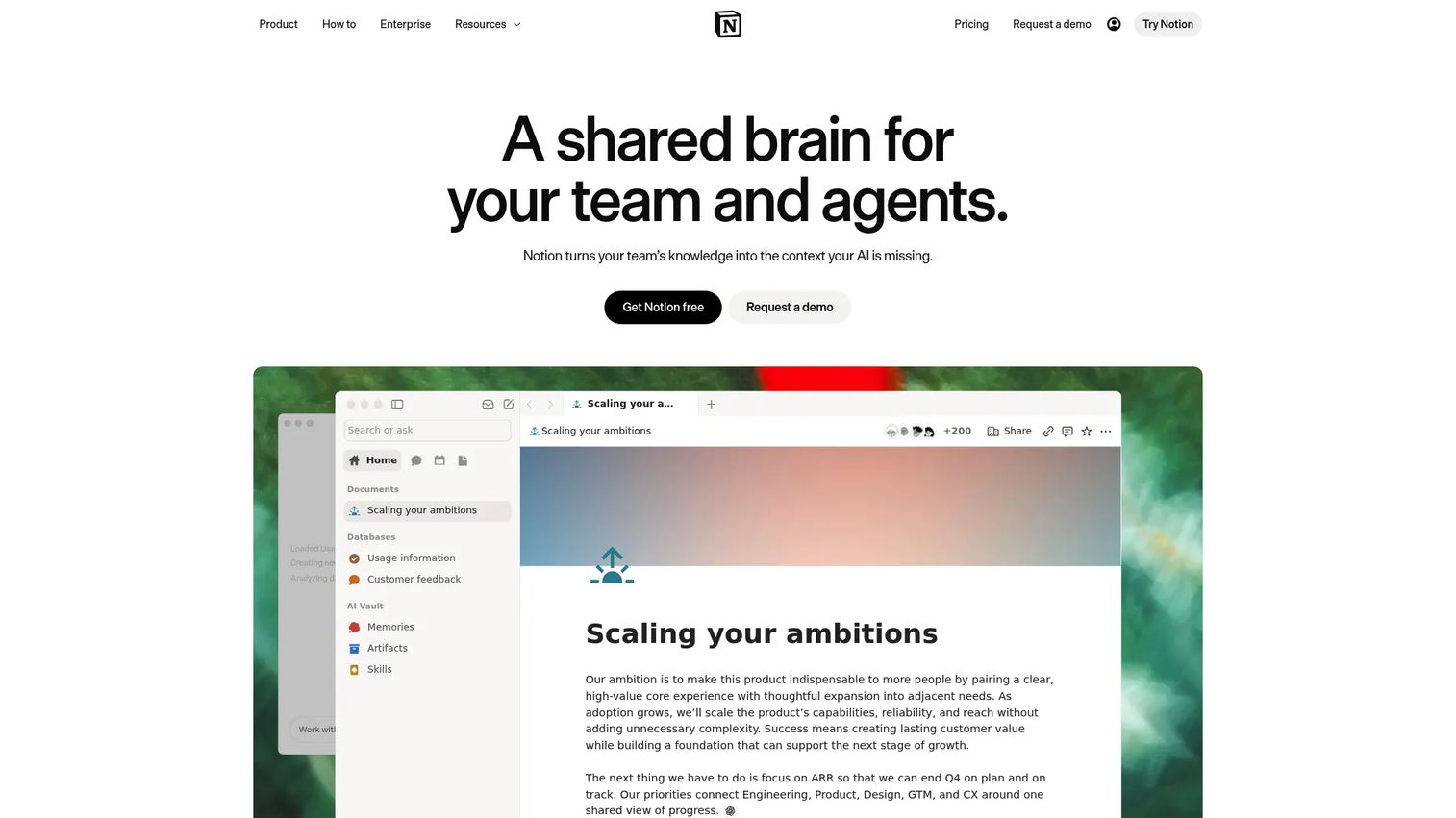
Notion combines documentation with flexible team workflows. It fits companies where managers need context around decisions as much as visibility into assigned work. Internal knowledge can sit close to planning rather than remaining in an unrelated document collection.
A founder handing responsibility to a new VP should evaluate how easily that person can understand earlier decisions. The workspace needs to explain why a priority exists, not merely display its current status.
Build a pilot around a department operating page. Include its objectives and decision record, then ask someone outside the team to find the next milestone.
Flexibility needs conventions. Assign page ownership and review dates, and decide which information belongs in a project system instead. Treat search as a retrieval tool rather than a substitute for keeping knowledge current.
Best for: Teams whose management workflows rely heavily on shared knowledge and documented decisions.
Key features
- Knowledge capture and documentation
- Flexible team workspaces
- Enterprise search
- AI-supported answers
- Agent-based task and workflow automation
Why choose Notion: It is worth evaluating when missing context creates repeated management questions. Set clear publishing conventions before the workspace grows across departments.
Notion pricing: A free plan is available. Plus costs $10/member/month and Business $20/member/month, billed monthly.
G2 rating: 4.6/5
10. Trello
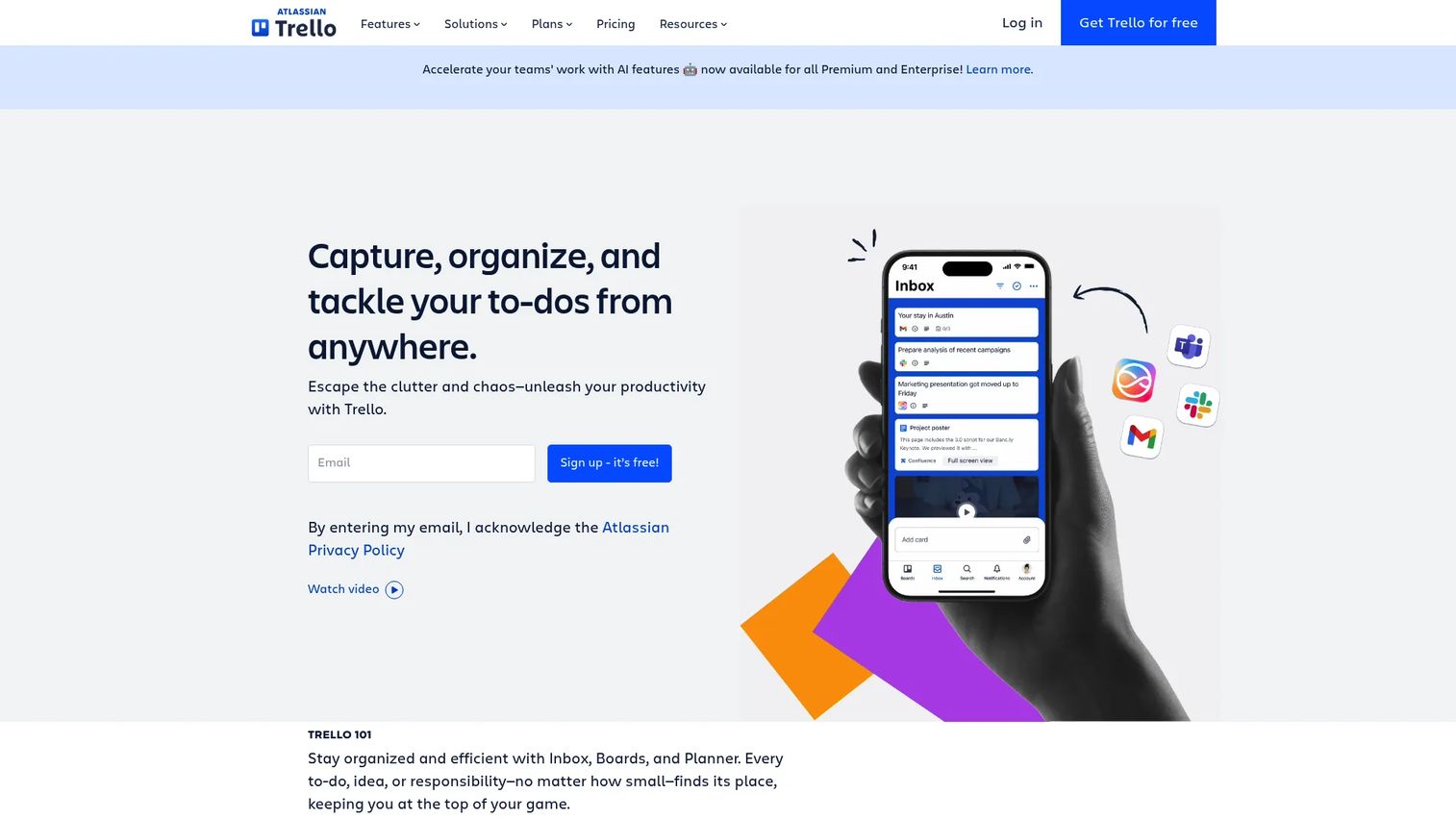
Trello organizes work visually through boards and cards. Its structure suits a team that wants an understandable queue without designing a detailed work-management architecture. It is particularly useful to evaluate at the functional-team level.
The management test is whether moving a card communicates a meaningful change. Define the conditions for entering each list and what completion means.
Use a recurring workflow for the pilot, such as a content production queue. Ask the manager to identify blocked work and the next available item without discussing every card.
Keep the evaluation proportional to the problem. A clear board can support a bounded process, while a company-wide rollout requires decisions about cross-board reporting and ownership. Review additional views and administration requirements before assuming the entry plan covers that broader scope.
Best for: Small teams or defined workflows that need visual task coordination with a straightforward board structure.
Key features
- Boards, lists, and cards
- Built-in no-code automation
- Power-Ups and integrations
- Calendar and Timeline views
- Dashboard and Table views
Why choose Trello: Choose it when a visible work queue would solve the immediate coordination problem. Test the reporting needed by managers before extending it across departments.
Trello pricing: Free supports 10 collaborators per Workspace. Standard costs $5/user/month annually or $6 monthly.
G2 rating: 4.4/5
11. Jira
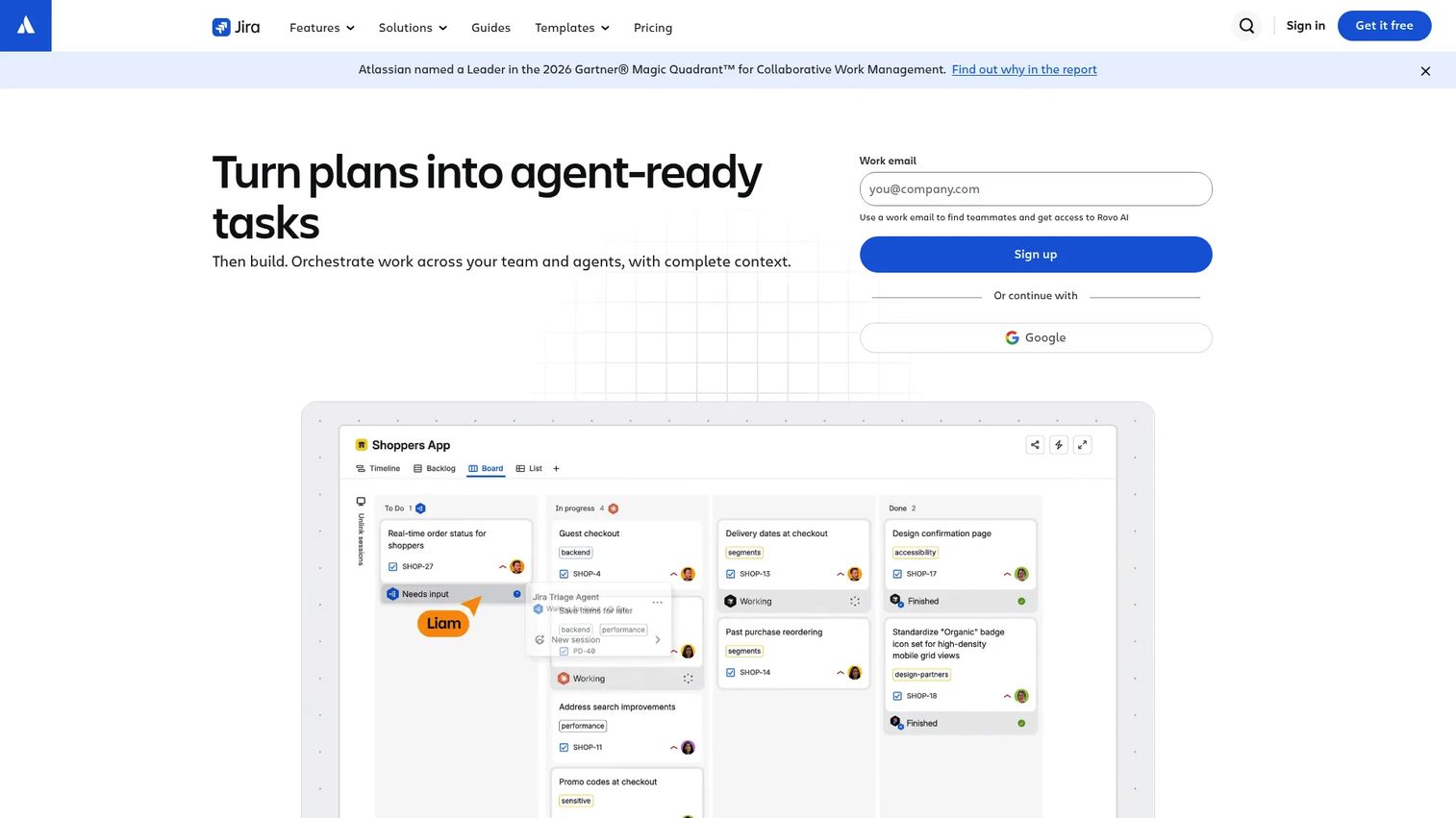
Jira supports project planning and work tracking, with particular relevance to software delivery. For SaaS founders, it is worth evaluating when engineering commitments are the main visibility gap. The platform also supports cross-functional coordination rather than serving engineering alone.
Keep the leadership view focused on delivery decisions. A backlog contains useful implementation detail, but executives need to understand commitments and unresolved dependencies.
Ask Product and Engineering to demonstrate how a customer-facing release moves from planning to completion. Then test how a nontechnical stakeholder learns that a dependency has changed.
Avoid requiring duplicate updates solely to make reporting easier. Agree which delivery signals should reach leadership and who interprets them. The objective is a useful escalation path, not direct founder supervision of every issue.
Best for: Product and engineering organizations that need delivery tracking connected to broader company commitments.
Key features
- Issue and project tracking
- Backlogs and sprint planning
- Scrum and Kanban boards
- Connected application search
- Rovo support for research and drafting
Why choose Jira: Its software-delivery context makes it a relevant choice when engineering execution drives the purchasing decision. Evaluate how other departments will consume updates.
Jira pricing: Free supports up to 10 users. Standard costs $7.91/user/month and Premium $14.54/user/month, billed monthly; amounts vary with team configuration.
G2 rating: 4.3/5
12. Zoho Projects
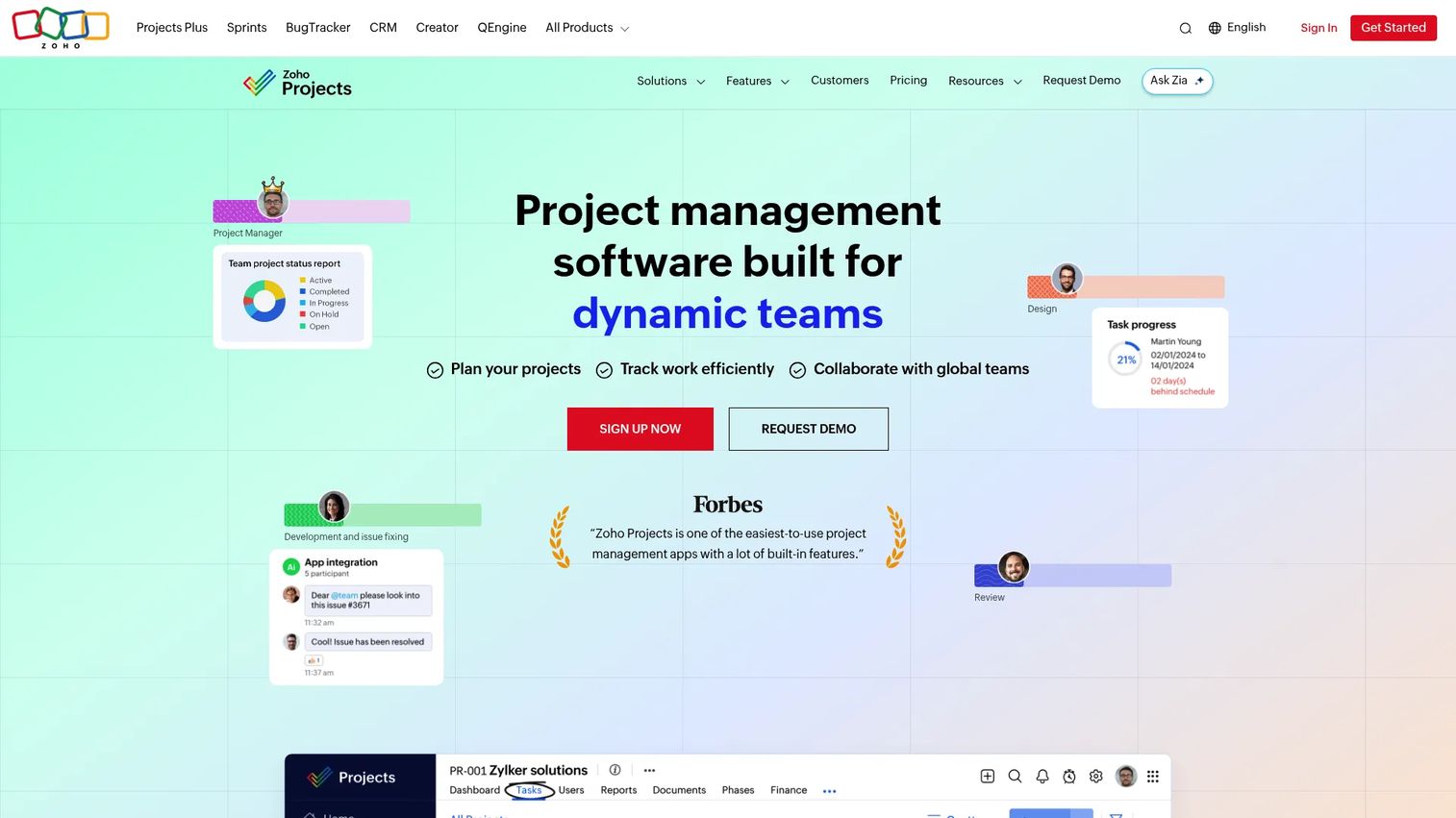
Zoho Projects provides project planning with time tracking and configurable workflows. It is a relevant option for cost-conscious companies, particularly those evaluating a broader Zoho stack. The lower entry price gives founders a concrete alternative to higher-cost work-management subscriptions.
Price should begin the evaluation, not finish it. Ask the operational owner to reproduce a project that involves both scheduled milestones and ongoing issue resolution.
Review whether the team can maintain the required records during normal delivery. Timesheets and customized fields only help management when people understand why they are required.
For project management for teams, test the handoff between work assignment and reporting. Your manager should explain a delay using the project record rather than collecting updates from each contributor. Include administration time when comparing the overall cost.
Best for: Budget-conscious project teams seeking structured planning and time tracking, especially within a Zoho-oriented stack.
Key features
- Gantt charts and project timelines
- Tasks, subtasks, milestones, and issues
- Time logs and timesheets
- Workflow automation and blueprints
- Custom fields and statuses
Why choose Zoho Projects: Its entry pricing makes it worth evaluating before assuming a larger subscription is necessary. Test the reporting and customization your operating rhythm requires.
Zoho Projects pricing: Free supports five users and three projects. Premium costs $4/user/month, billed annually.
G2 rating: 4.4/5
13. Microsoft Project
Microsoft Project focuses on structured scheduling and resource planning. It suits initiatives where dependency logic has a material effect on delivery commitments. Think of a formal implementation program rather than a general discussion space.
For founders, the value lies in understanding what changes when a critical activity moves. That requires a planning discipline and someone accountable for maintaining the schedule.
Evaluate it with a project where the sequence matters. Ask the project owner to move a milestone and explain the effect on resource allocation.
Be precise about the product being purchased. The pricing below covers Microsoft’s desktop Project products, not a generic per-user collaboration subscription. Assess how contributors will provide updates and how leadership will access the resulting plan before buying.
Best for: Organizations with formal project-management ownership and a need for detailed scheduling controls.
Key features
- Project scheduling and cost management
- Gantt and Network Diagram views
- Baselines and milestones
- Critical path analysis
- Resource leveling
Why choose Microsoft Project: Choose it when schedule logic and resource constraints justify formal planning. Match the license to the project owner’s workflow and reporting requirements.
Microsoft Project pricing: Project Standard 2024 costs $679.99; Project Professional 2024 costs $1,129.99. Both are one-time purchases.
G2 rating: 4.0/5
14. Basecamp
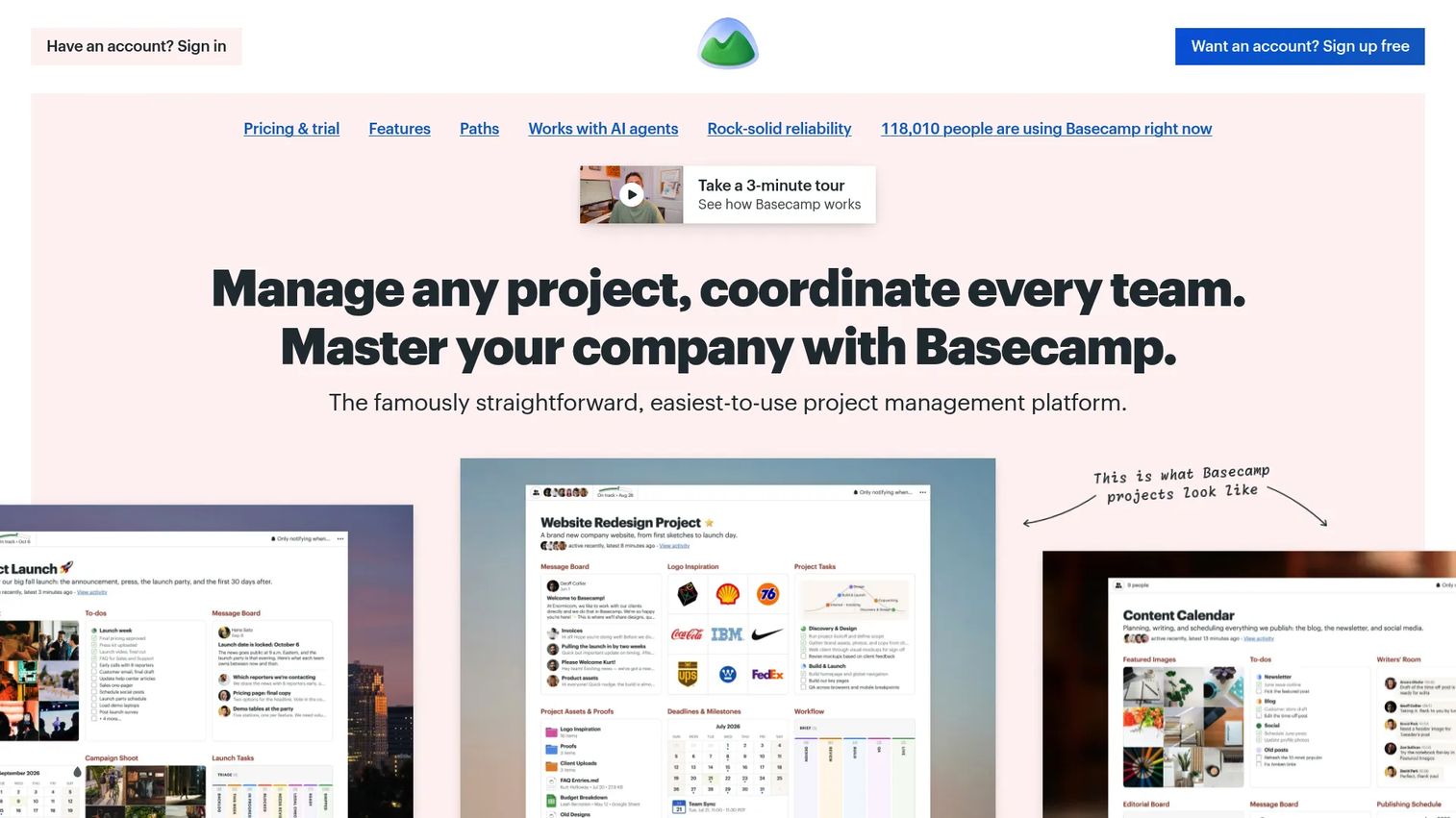
Basecamp combines project coordination with team communication. It brings discussions and delivery context into a shared workspace, which suits teams seeking a consistent place to work. The management appeal is reducing scattered project conversations.
Consider it when people understand their responsibilities but lose context across separate channels. A project space should help someone return after an absence and understand what changed.
Run the pilot around an initiative with both internal discussion and scheduled commitments. Ask a stakeholder who missed the last meeting to identify the next action independently.
The pricing model also warrants attention. Compare the project and user limits in each package against your expected usage. A flat subscription can change the purchasing calculation, but the selected plan still needs to support the way your team coordinates.
Best for: Teams that want project communication and delivery coordination together without designing a heavily customized operating system.
Key features
- To-do lists and subtasks
- Message boards and chat rooms
- Schedules and project templates
- Docs and file storage
- Card tables and Hill Charts
Why choose Basecamp: Evaluate it when scattered conversations create more overhead than complex dependency planning. Ask managers to test their reporting requirements before committing.
Basecamp pricing: Free includes one personal project. Freelancer costs $29/month; Pro Unlimited costs $199/month, billed annually.
G2 rating: 4.1/5
15. Lattice
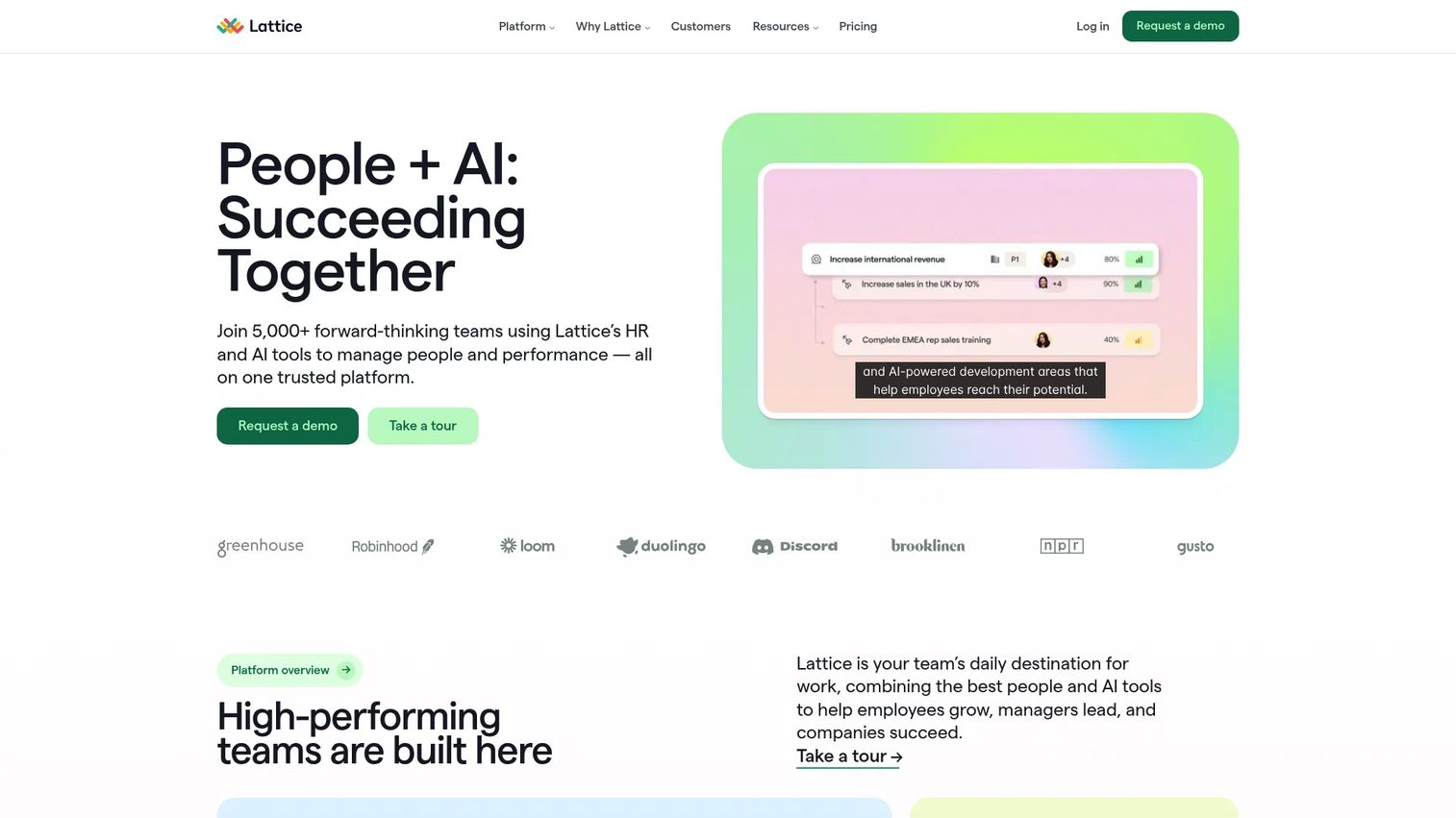
Lattice supports people management through goals and performance conversations. It addresses a different problem from a project board. Managers can establish a consistent rhythm around expectations and development while execution remains in the work-management system.
This matters when a founder delegates leadership but finds that management quality varies by department. A regular conversation needs more substance than reviewing completed tasks.
Pilot Lattice with managers who already have clear responsibilities. Ask them to connect an employee’s objectives to recurring discussions, then assess whether the process produces useful follow-through.
Keep sensitive people information separate from broadly shared delivery reporting. Goal tracking software can support accountability without making every performance conversation part of the project record. Evaluate permissions and participation expectations before expanding the rollout.
Best for: Leadership teams that need consistent goals, one-to-ones, feedback, and performance-management routines.
Key features
- Goals and cascading OKRs
- One-to-ones and weekly updates
- Feedback and Q&A boards
- Performance reviews and calibration
- Engagement and pulse surveys
Why choose Lattice: Choose it when manager consistency is the missing operating layer. Pair people-management routines with a clear system for task execution.
Lattice pricing: Foundations costs $13/seat/month and Goals & OKRs $8/seat/month, billed annually. The minimum annual agreement is $4,000.
G2 rating: 4.6/5
Considerations when choosing team management software
Start with the operating rhythm
Map the leadership review and departmental planning cycle before evaluating interfaces. Include one-to-ones and goal reviews so the purchase supports management beyond project status.
Ask each leader which decision the system should help them make. That answer becomes the acceptance test.
Separate communication from ownership
Decide where a request becomes an accepted commitment. Conversation tools can supply context, while the work record establishes who owns delivery.
Evaluate task management for teams against that handoff. Avoid keeping competing records that managers must reconcile.
Check workload and availability visibility
Test team workload management with planned absence and recurring responsibilities included. A useful capacity view should inform decisions about what to defer.
Compare workload planning software against your team’s estimation habits. Don’t require detailed effort data unless managers will maintain and use it.
Decide what the tool should replace
Name the spreadsheet or duplicate board you will retire after the pilot. Include the time leaders spend assembling updates in your evaluation.
Treat consolidation as a concrete migration decision. Buying a broad platform does not automatically remove existing subscriptions.
Verify adoption and administrative ownership
Assign an owner in Operations, RevOps, or a functional leadership team. That person needs authority to maintain shared conventions.
Pilot a live workflow before migrating historical work. Measure update effort and whether managers can identify blockers without founder intervention.
Choose the system your leaders will maintain
The right team management software makes execution visible without making you the router for every decision. Choose around the operating problem your leadership team needs to solve.
ClickUp is a strong starting point for consolidation. Asana suits leadership-level project visibility, while monday.com supports configurable operational workflows.
Teamwork.com deserves attention when customer delivery consumes meaningful capacity. Communication-led teams should evaluate Slack or Microsoft Teams against their existing subscriptions. Lattice addresses manager conversations and goal accountability.
Shortlist two or three options, then give a functional leader responsibility for the pilot. Use an active initiative rather than a polished sample workspace.
Before buying, ask whether managers can explain a threatened commitment from the system itself. Confirm which existing tool will be retired and who will maintain the structure.
Separately, product education needs assets that teams can reuse. Interactive demos support employee onboarding, customer education, partner enablement, and sales follow-ups.
Start your journey with Guideflow today!
FAQs
Team management software provides a shared operating layer for coordinating work and managerial responsibilities. It can combine task tracking with capacity visibility, communication, goals, and progress reporting. The category includes different types of tools, so assess which management decision you need to improve before comparing individual products. A company-wide system should make responsibility understandable without requiring the founder to interpret every update.
ClickUp is worth evaluating for broad consolidation, while Asana suits project visibility and monday.com supports configurable operations. Teamwork.com fits customer-delivery workflows where capacity and project economics matter. Lattice addresses goals and recurring manager conversations rather than replacing execution tracking. Choose the product that resolves your current operating bottleneck and can be maintained by the leader responsible for that workflow.
Prioritize named task owners and clear deadlines, supported by visibility into workload and unresolved dependencies. Shared context should explain decisions, while permissions protect information that doesn’t belong in a company-wide view. Evaluate reporting against the questions your leadership meeting asks, then test integrations using a representative handoff. Avoid paying for features that require data your team has no agreed process to maintain.
Project management software focuses on delivering defined initiatives through schedules and coordinated tasks. Team management also covers recurring responsibilities, communication, availability, goals, and manager conversations. The categories overlap, but a strong project planner doesn’t automatically cover every people-management workflow. Identify whether your immediate problem concerns a delivery plan or the way managers run their teams between projects.
The best free option depends on the scope of your pilot and its collaborators. Trello or Jira can suit a small functional-team evaluation, while ClickUp offers a broader work-management starting point. Review free-plan restrictions against the workflow you intend to test, including reporting and administrative requirements. A successful free pilot should demonstrate management value before you model the cost of company-wide adoption.
Remote team management software should preserve context across working hours and make responsibility visible without a meeting. Slack or Microsoft Teams can support communication, while Google Workspace and Notion support shared knowledge. Asana and ClickUp are relevant when the main requirement is explicit work ownership and progress visibility. Evaluate the full handoff from asynchronous discussion to an accepted commitment rather than choosing solely on messaging features.
Start with a recurring decision that currently reaches you because the responsible leader lacks information or authority. Ask that leader to test the decision inside a short pilot using ongoing work. Compare update effort and the clarity of escalation, then identify the existing system the purchase will replace. Approve the rollout only when someone besides the founder owns its structure and maintenance.
Keep distinct responsibilities for each tool instead of chasing an arbitrary application count. A practical design separates work ownership from communication, with shared productivity infrastructure and a specialist people-management layer where needed. Consolidate duplicate records first, because repeated updates create ambiguity about which version leaders should trust. Retain a specialist application when it serves a clear purpose and its handoff to the wider operating rhythm is defined.